Google Gemini Now Lets You View and Edit PDFs and Docs in Chat
Google has updated Gemini so files created in a conversation can be opened and edited right in the chat, including PDFs, Docs, Sheets, slides and code.
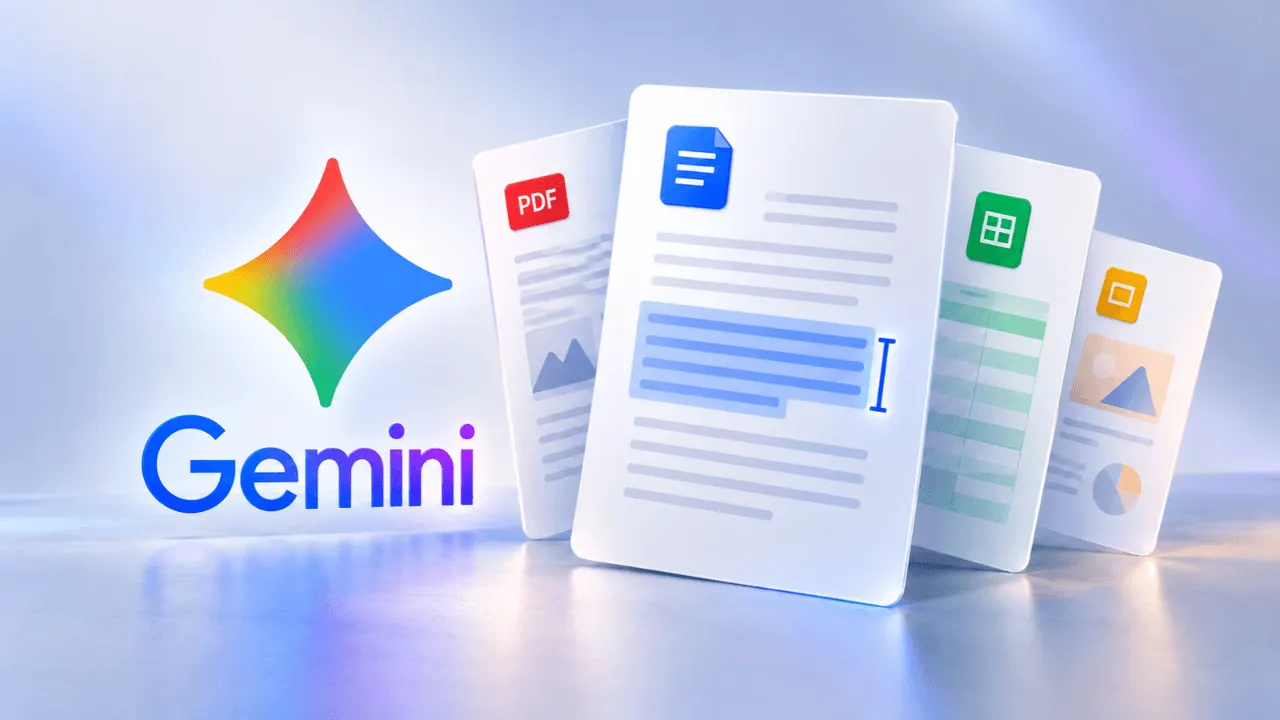
Google has expanded what its Gemini assistant can do with files. Users can now view documents created in a conversation and edit them directly in the chat, without moving to another app.
Supported content includes PDFs, Google Docs and Google Sheets documents, presentations, Markdown and TXT files, and code. In April, Google added support for creating and downloading files in Gemini, so prompts could produce content in different formats. The latest update brings the next step, working on the generated file, into the same interface.
Manual edits and targeted prompts
Documents can be opened in full screen and edited by hand. Users can also select specific parts of the text and either ask Gemini a question about them or request a change. One example Google gives is selecting a table and asking Gemini to turn it into a chart.
In another example from the company, handwritten class notes are uploaded to Gemini and converted into a PDF study guide. The user can then fix details manually, mark sections and ask Gemini to rewrite text or swap images, and put follow-up questions about the content.
Availability
The scope differs by platform. Previewing and editing PDFs works on both web and mobile, while for other file types these functions are currently available only on the web version of Gemini.
According to Google, the new capabilities are rolling out to all users and in all languages where the Gemini app is available. For people who draft reports, study materials or spreadsheets with an AI assistant, the change removes the need to export a file just to make small corrections.
More from this day
See all →
Russia's Finance Ministry rules out tax breaks for Yandex

Avito Launches Auctions With Bidding for Items Up to 150,000 Rubles
GitHub Adds 4 Million CPU Cores as AI Agents Strain Platform