Gigabyte RTX stutter traced to RGB software, team reportedly cut
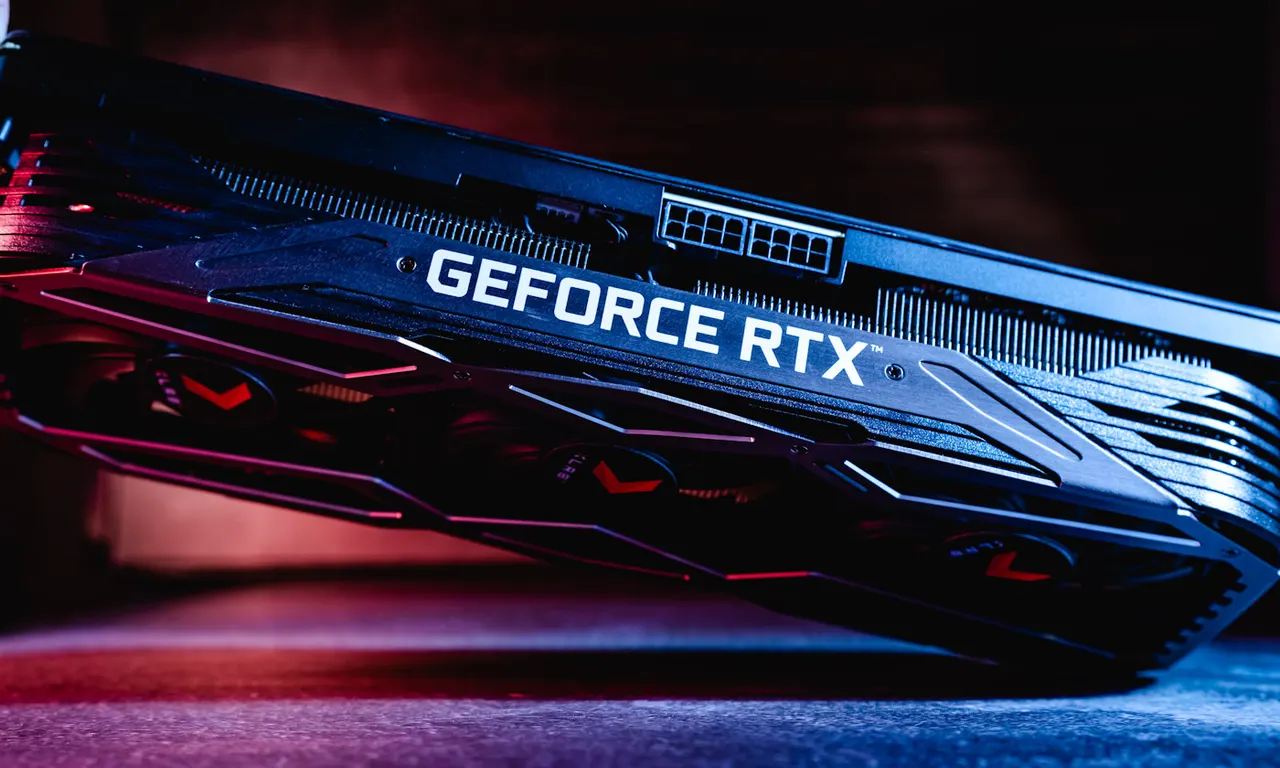
A Chinese creator traced game stutter on Gigabyte RTX cards to the RGB lighting software. Gigabyte reportedly laid off the team behind it, but says nothing.
 SUMO· the number puzzle
 Dialo· learn languages by speaking
 ediviewer· read EDI files like documents
 giftdetect· the right gift in minutes
Your graphics card's rainbow lighting may be what's making your games stutter. That is what a popular Chinese video creator found on Gigabyte RTX cards, and the story has taken an odd turn since.
Users of Gigabyte RTX cards had been reporting more and more stuttering in games. A creator who goes by 51972 on bilibili, a platform often described as China's YouTube, decided to dig into one specific case.
He first suspected the AMD chip in the processor of the affected PC. That was a false lead. He then found that the culprit was the driver for the card's RGB lighting, which clashes with Nvidia's own driver. In other words, Gigabyte shipped lighting drivers that fight the drivers for the card itself.
Did Gigabyte really lay off its RGB team?
This is where it gets murky. Taiwanese tech site UNIKO Hardware claims Gigabyte told 51972 that it had dismissed the entire team of developers behind the control centre for RGB lighting on its graphics cards.
Gigabyte has not commented. The claim is neither confirmed nor denied, so it should be treated with a lot of caution.
What does it mean for Gigabyte RTX owners?
The source material offers no official fix or statement. What it does say is that the stutter in the examined case came from the RGB driver conflicting with Nvidia's driver, not from the processor. If you own a Gigabyte RTX card and see unexplained stutter, the lighting software is a sensible suspect, though the material does not describe a tested workaround.
Apps worth a look
SUMO: the number puzzleTap the right tiles, add them up, hit the target. Easy to learn, hard to master. Free, for all ages.
Dialo: learn languages by speakingTalk to an AI conversation partner; every sentence comes back corrected and explained in your language. 9 languages, A1 to C2.
ediviewer: read EDI files like documentsOpen EDIFACT and X12 messages, see every segment explained, convert to JSON/XML, export PDF and Excel. Runs locally, no upload.
giftdetect: the right gift in minutesPick who it is for, the occasion and their personality. The search engine reads product descriptions from local shops and ranks what fits. Free, no sign-up.
More from this day
See all →
Jason's house from GTA 6 has a real twin in Florida for $739,000

ANYmal D robot dog hikes 10 km of Swiss Alps with AI navigation

Polly Pet is a Tamagotchi that clips onto your phone with MagSafe