Galaxy Watch workout stats only show the last activity
Galaxy Watch users say multi-activity workouts now show only the final activity's time and calories on the watch. A custom routine gets the totals back.
 SUMO· the number puzzle
 Dialo· learn languages by speaking
 ediviewer· read EDI files like documents
 giftdetect· the right gift in minutes
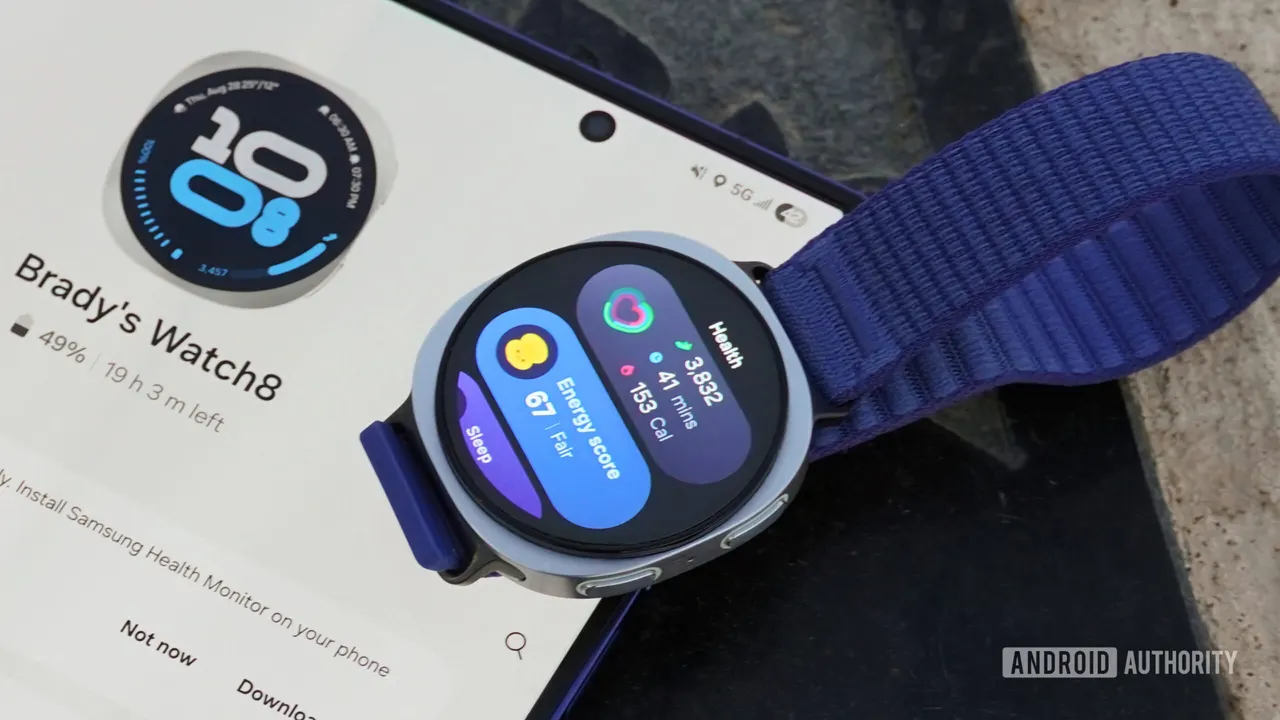
If you finish a gym session on your Galaxy Watch and the summary looks oddly short, you may not be imagining it. Users report that the watch now shows stats for only the last activity of a multi-activity workout.
The Galaxy Watch lets you record several activities in a row, or build a custom routine. Until recently, the end-of-workout screen added everything up: total duration and calories burned for the whole session. Now, according to a report that surfaced on the Samsung Community in Korea, it shows duration and calories for the final leg only. The poster shared images comparing how the same activities are displayed before and after the change.
Samsung hasn't explained the change, and it's not clear whether it's deliberate. Regular users are unhappy about it, though.
Is the workout data lost?
No. Although the watch only displays details of the last activity, every activity is still logged. You can browse all of them in the Samsung Health app. So this looks like a display problem on the watch rather than missing data, though it's still a nuisance if you want your totals at a glance.
How to get combined Galaxy Watch workout stats back
The workaround is to create a custom workout routine, either on the Galaxy Watch itself or in the Samsung Health app on Android. Routines work on any Galaxy Watch running One UI 6 Watch or newer. That covers every Wear OS-based Galaxy Watch, including the oldest non-Tizen models, the Galaxy Watch 4 and Watch 4 Classic.
A second, smaller complaint concerns Samsung Health. One user shared a screenshot of the home screen sleep widget for a Galaxy wearable, which appears to crop part of the text. The reporter couldn't reproduce it on a Fold 8, possibly because English sleep descriptions are short, one-word labels such as "Fair" or "Good."
Apps worth a look
SUMO: the number puzzleTap the right tiles, add them up, hit the target. Easy to learn, hard to master. Free, for all ages.
Dialo: learn languages by speakingTalk to an AI conversation partner; every sentence comes back corrected and explained in your language. 9 languages, A1 to C2.
ediviewer: read EDI files like documentsOpen EDIFACT and X12 messages, see every segment explained, convert to JSON/XML, export PDF and Excel. Runs locally, no upload.
giftdetect: the right gift in minutesPick who it is for, the occasion and their personality. The search engine reads product descriptions from local shops and ranks what fits. Free, no sign-up.
More from this day
See all →
WhatsApp audio stickers: tap a sticker and it plays a sound

Gatwick AutoPay breach: drop-off customers' data exposed

X wins default judgment in $271,000 bitcoin content-farm case