WhatsApp audio stickers: tap a sticker and it plays a sound
WhatsApp is testing stickers that play a sound when you tap them, and you can make your own by turning a video from your gallery into one.
 SUMO· the number puzzle
 Dialo· learn languages by speaking
 ediviewer· read EDI files like documents
 giftdetect· the right gift in minutes
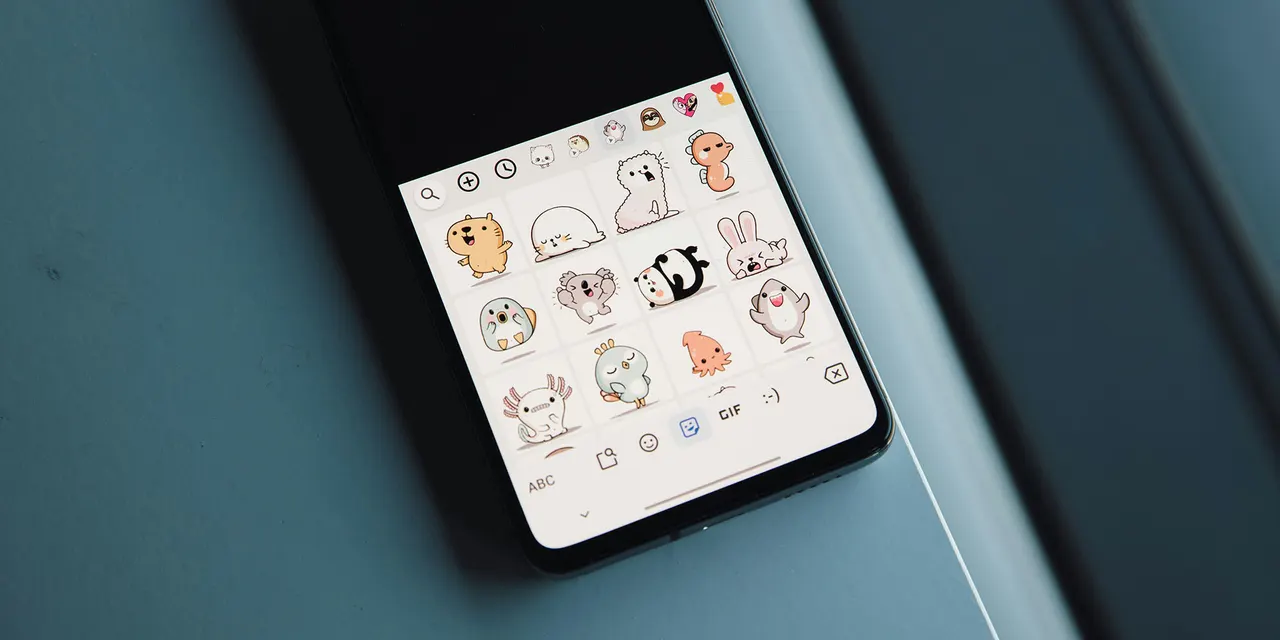
Stickers in WhatsApp have always been silent. That may change soon: the app is testing WhatsApp audio stickers, which play a sound when the person on the other end taps them.
The feature turned up in the Android beta, where it was spotted by WABetaInfo. WhatsApp is building a new format that attaches an audio track to a sticker. You can pick from a range of standard stickers, or make your own.
How do you make a WhatsApp audio sticker?
You start with a video from your gallery. WhatsApp converts it into an animated sticker automatically. In the editor there is a new audio button at the top. Tap it and an "Add sound" screen opens, where you choose which audio track goes with the sticker.
Do audio stickers play automatically?
No. Nothing blares out when a chat opens. The recipient sees a small audio icon attached to the sticker, and the sound only plays once they tap it. That is a sensible choice for anyone who reads messages on a bus or in a meeting.
When will it reach the iPhone?
As usual, the Android beta gets it first. An iPhone version is likely to follow, though no date has been given. Going by past features, the wait can run from a few weeks to a few months, depending on how well the beta test goes.
For now it is a test, so it may change before a wider release, or not arrive at all.
Apps worth a look
SUMO: the number puzzleTap the right tiles, add them up, hit the target. Easy to learn, hard to master. Free, for all ages.
Dialo: learn languages by speakingTalk to an AI conversation partner; every sentence comes back corrected and explained in your language. 9 languages, A1 to C2.
ediviewer: read EDI files like documentsOpen EDIFACT and X12 messages, see every segment explained, convert to JSON/XML, export PDF and Excel. Runs locally, no upload.
giftdetect: the right gift in minutesPick who it is for, the occasion and their personality. The search engine reads product descriptions from local shops and ranks what fits. Free, no sign-up.
More from this day
See all →
Fitbit Edge battery replacement: Google's guide is free, the job isn't easy

Gatwick AutoPay breach: drop-off customers' data exposed

X wins default judgment in $271,000 bitcoin content-farm case