Find a lost Apple TV remote with your iPhone: how to do it
Your iPhone can hunt down a missing Apple TV remote with a Hot and Cold style screen. The newest Siri Remote can even chime from inside the couch.

 SUMO· the number puzzle
 Dialo· learn languages by speaking
 ediviewer· read EDI files like documents
 giftdetect· the right gift in minutes
Lost the Apple TV remote again? Before you tear the sofa apart a third time, your iPhone can help. The Apple TV Remote tool in Control Center has a search mode that works a bit like a game of Hot and Cold, and it can save you from buying a replacement.
How to find your Apple TV remote with an iPhone
You need an iPhone with iOS 17 or later, and an Apple TV running tvOS 17 or later.
- Open Control Center on your iPhone.
- Tap the Apple TV Remote.
- Tap the device list.
- Tap Find.
- Follow the prompts on your iPhone.
An onscreen circle grows as you get closer, and the text moves from far to near to here.
The new Siri Remote that arrived with the refreshed Apple TV 4K in October 2026 has Precision Finding hardware. That means directional arrows and live distance guidance on the phone, plus a built-in speaker that plays a chime, handy when the remote is under a blanket. Older remotes only get proximity searching, so you will be relying on the circle and the wording alone.
What if you still can't find it?
You can use the phone as the remote in the meantime. Open Control Center, tap the Apple TV Remote button, then pick your Apple TV or an AirPlay-compatible smart TV from the list. You may be asked for a four-digit passcode to confirm the connection.
From there you can change the volume, control playback, switch streaming apps and do the rest of what the physical remote does. That at least lets you turn the sound down so you can think while you search.
Android has no official Apple remote app. Third-party apps such as Remote for Apple TV are on Google Play and copy the core remote functions. Download one, make sure the phone is on the same Wi-Fi network as the Apple TV, and type in the code shown on the TV to pair.
Apps worth a look
SUMO: the number puzzleTap the right tiles, add them up, hit the target. Easy to learn, hard to master. Free, for all ages.
Dialo: learn languages by speakingTalk to an AI conversation partner; every sentence comes back corrected and explained in your language. 9 languages, A1 to C2.
ediviewer: read EDI files like documentsOpen EDIFACT and X12 messages, see every segment explained, convert to JSON/XML, export PDF and Excel. Runs locally, no upload.
giftdetect: the right gift in minutesPick who it is for, the occasion and their personality. The search engine reads product descriptions from local shops and ranks what fits. Free, no sign-up.
More from this day
See all →
Comet 220P/McNaught suddenly got 1,000 times brighter. Here's why

Coral Hart used AI to write 370 books in 20 months
WhatsApp Zaps: self-deleting photos and videos for any chat

Green SM taxis: Karnataka halts new registrations, eyes mandatory meters
More in: Mobile
See all →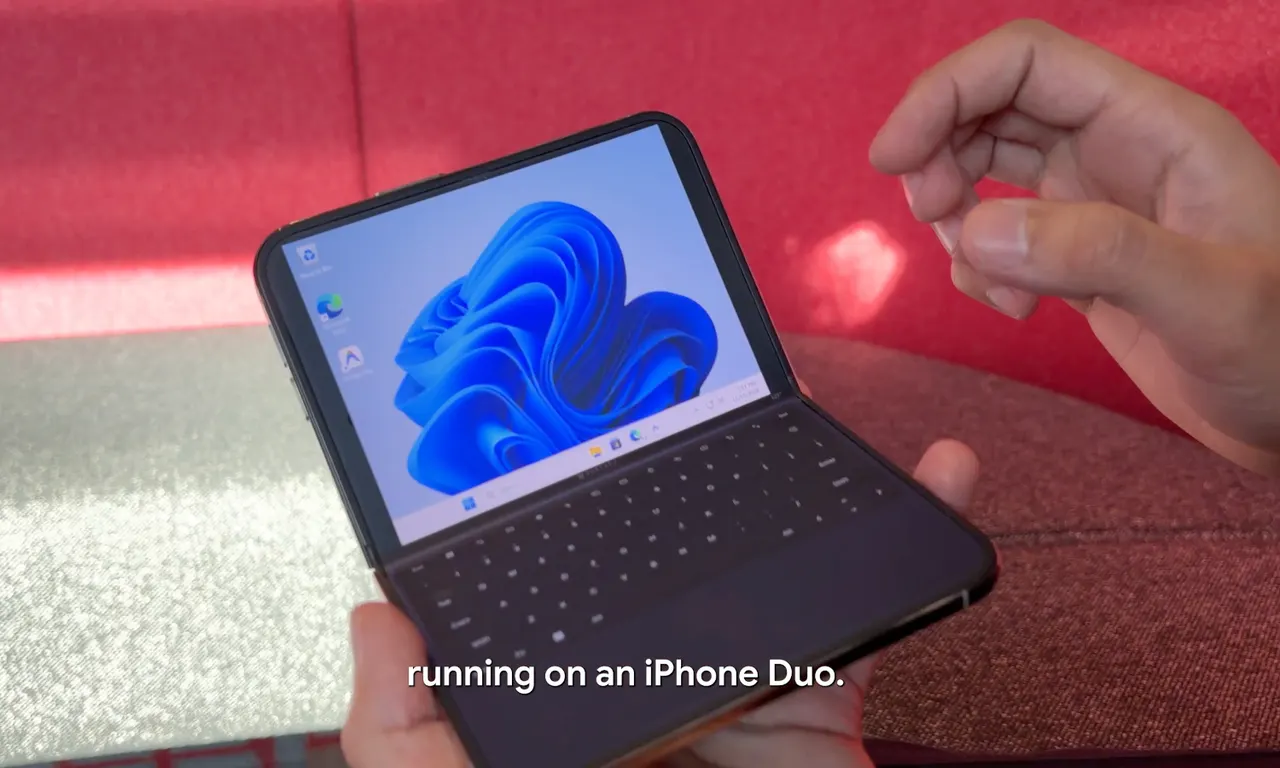
Google's Ammaar Reshi put Windows 11 on an iPhone Duo to work
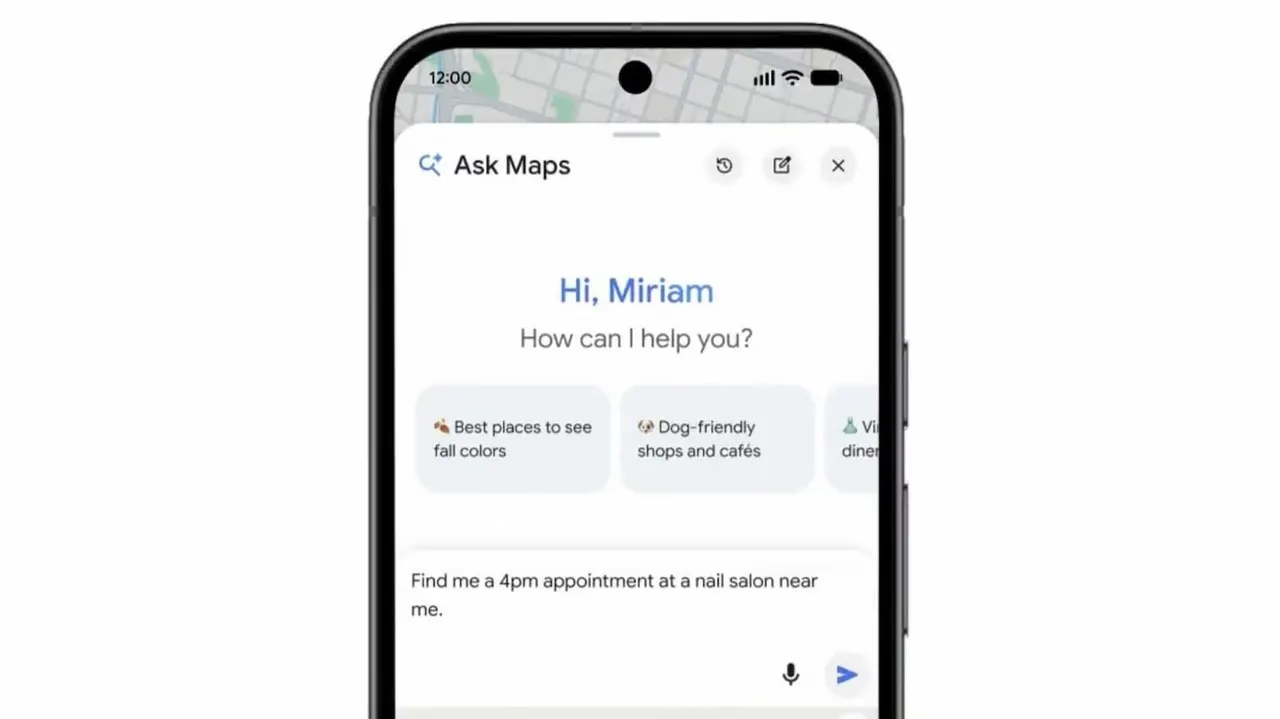
Ask Maps can now call local businesses to book appointments