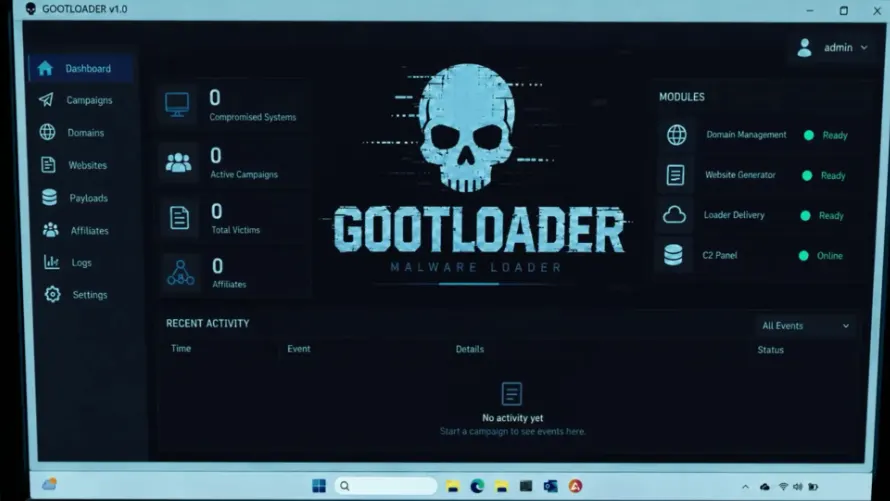
Edge Lockdown Mode switches off WebGL and WebGPU to stop attacks
Microsoft is testing Lockdown Mode in Edge Canary. It blocks websites from using your GPU, which Microsoft says could stop up to 60% of privilege escalation attacks.
 SUMO· the number puzzle
 Dialo· learn languages by speaking
 ediviewer· read EDI files like documents
 giftdetect· the right gift in minutes
Microsoft Edge is getting a Lockdown Mode, and its main trick is simple: stop websites from touching your graphics card. The feature is being tested in Edge Canary, the experimental build of the browser, and it is not meant for everyone.
Microsoft is aiming it at people considered high risk: company executives, security researchers, journalists, and machines running on highly locked-down networks. If that is not you, you will probably find the trade-off annoying. Switching off browser features can cause compatibility problems and make some sites display badly.
What does Edge Lockdown Mode actually block?
Edge already had a stricter security mode, but until now it only turned off just-in-time compilation, a speed trick that lets the browser compile code on the fly. Lockdown Mode builds on that and goes after the GPU. Websites lose access to WebGL, WebGL2 and WebGPU, the technologies that let pages use your graphics hardware.
The reasoning is about attack chains. Hackers often string several exploits together, and Microsoft notes they are now using AI to find vulnerabilities in bulk. Break one link and the whole chain fails. By cutting off the GPU process and the route into the operating system kernel, Microsoft says this restriction alone could stop up to 60% of the privilege escalation attacks it has observed since February 2022.
How to try Lockdown Mode in Edge Canary
You have to turn it on yourself. Go to edge://flags/#edge-sdsm-plus, set the option to Enabled and restart the browser. Then open Edge Settings, go to Privacy, search and services, and enter the Security menu.
Turn on the option to enhance your security on the web and choose Strict mode. The options to block WebGL graphics and WebGPU graphics should switch on automatically. A "Lockdown enabled" label should then appear in the address bar when you visit a site.
Microsoft has not said when the mode will leave Canary and reach the regular version of Edge.
Apps worth a look
SUMO: the number puzzleTap the right tiles, add them up, hit the target. Easy to learn, hard to master. Free, for all ages.
Dialo: learn languages by speakingTalk to an AI conversation partner; every sentence comes back corrected and explained in your language. 9 languages, A1 to C2.
ediviewer: read EDI files like documentsOpen EDIFACT and X12 messages, see every segment explained, convert to JSON/XML, export PDF and Excel. Runs locally, no upload.
giftdetect: the right gift in minutesPick who it is for, the occasion and their personality. The search engine reads product descriptions from local shops and ranks what fits. Free, no sign-up.
More from this day
See all →
One UI 9.5 brings a new Samsung feature aimed at fraudsters

Mailchimp sold to Bending Spoons for $3.68bn, down from $12bn

Aptera solar car: first customer vehicle built, in matte black
Moon dust 3D-printed into Lego-style blocks, no glue needed
More in: Security
See all →
Japan's Digital Agency GSS file sharing breach: stranger access since July
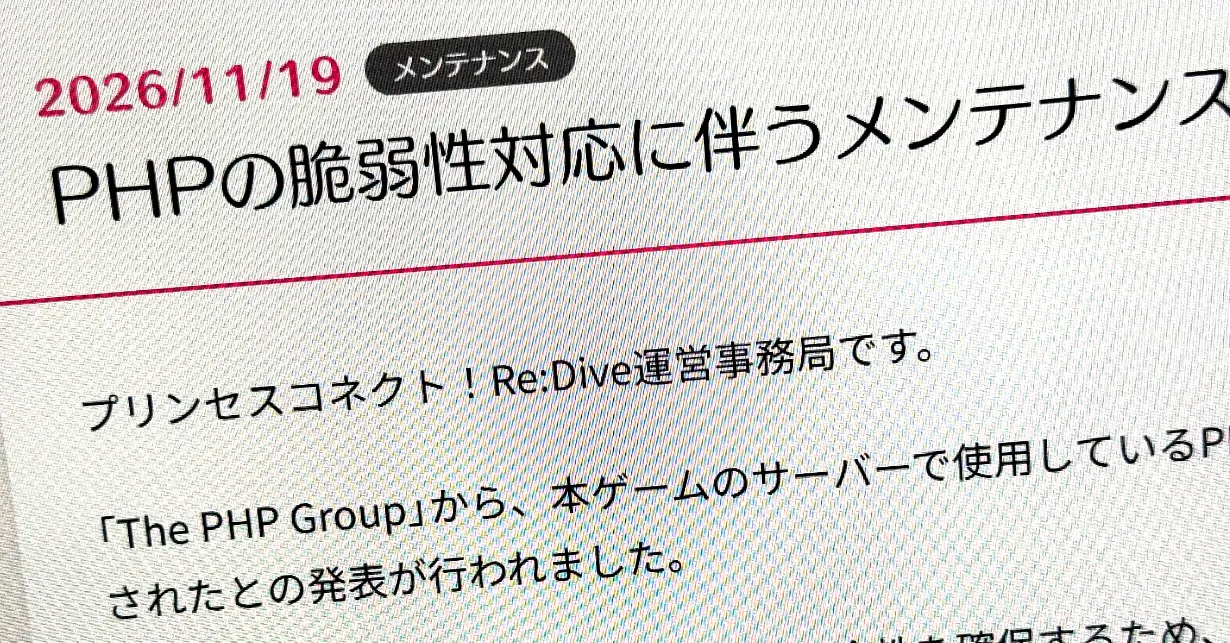
PHP security update forces Uma Musume and e+ offline again
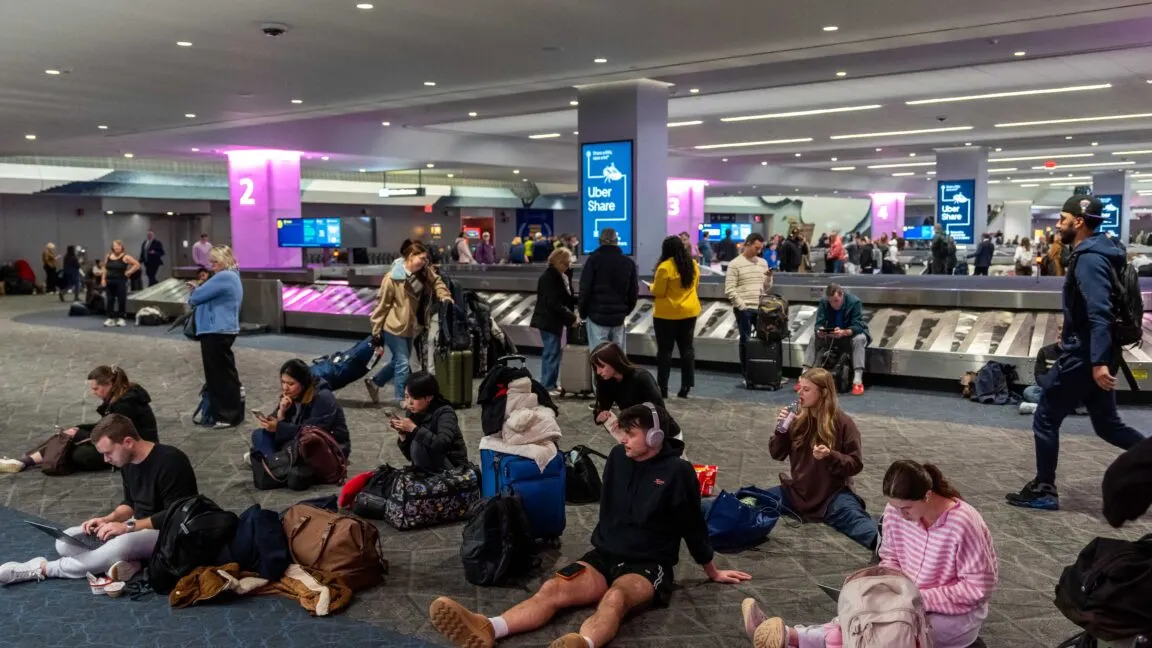
FAA ground stop: a router swap at a remote Arkansas site