Docomo 5G SA outage hits a third time in November, lasts 6 hours
Docomo's 5G SA network failed again on 16 November, the third outage this month. Calls, data and SMS were hit, and a switch to 4G was the workaround.
 SUMO· the number puzzle
 Dialo· learn languages by speaking
 ediviewer· read EDI files like documents
 giftdetect· the right gift in minutes
If you are a Docomo customer on 5G SA and your phone stopped working on Monday, you were not imagining it. It was the third 5G SA outage this month.
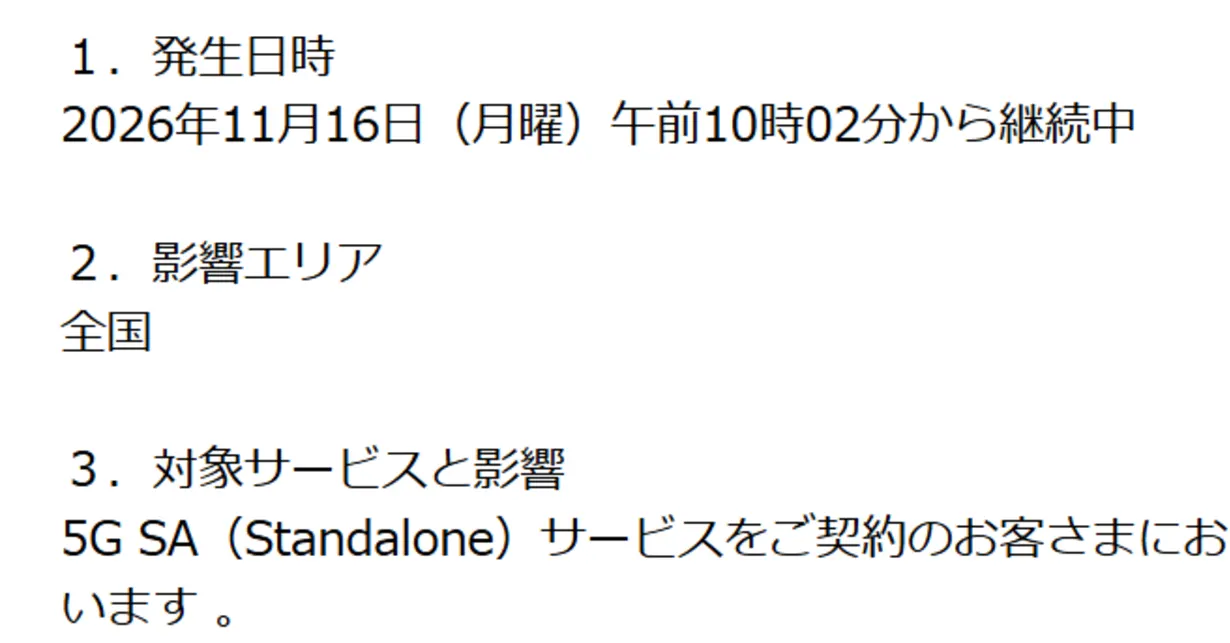
NTT Docomo said that from 10:02 a.m. on 16 November, subscribers to 5G SA (Standalone) had trouble with voice calls, data and SMS. The headline of the company's follow-up report put the recovery time at about six hours. The cause, according to that report, was the same as before: traffic piling up on switching equipment.
What is Docomo 5G SA?
5G SA is an option that runs on 5G-only equipment. Older 5G service leans on 4G infrastructure for part of the job, while SA does not. That is why the problem is limited to people who use it.
How do you get connected during a Docomo 5G SA outage?
Docomo's advice during the outage was to choose 4G in the network settings, then restart the phone or toggle airplane mode on and off. The company said this may let you use the service again, though it did not promise it would work for everyone.
The earlier outages
The first two failures came on 5 and 11 November. Both were blamed on congestion in a switch, which is what happens when more traffic arrives than the equipment can handle. The first took about 14 hours to fix and the second about 9. Docomo's investigation of the 5 November outage found no sign of unauthorized access.
So the recovery times are getting shorter, from 14 hours to 9 to about 6. The cause has not changed, though, and three failures in under two weeks is hard to wave away. Until the underlying problem is fixed, 5G SA users who rely on their phone for calls may want to know where the 4G setting is.
Apps worth a look
SUMO: the number puzzleTap the right tiles, add them up, hit the target. Easy to learn, hard to master. Free, for all ages.
Dialo: learn languages by speakingTalk to an AI conversation partner; every sentence comes back corrected and explained in your language. 9 languages, A1 to C2.
ediviewer: read EDI files like documentsOpen EDIFACT and X12 messages, see every segment explained, convert to JSON/XML, export PDF and Excel. Runs locally, no upload.
giftdetect: the right gift in minutesPick who it is for, the occasion and their personality. The search engine reads product descriptions from local shops and ranks what fits. Free, no sign-up.
More from this day
See all →
Comet 220P/McNaught suddenly got 1,000 times brighter. Here's why

Coral Hart used AI to write 370 books in 20 months
WhatsApp Zaps: self-deleting photos and videos for any chat

Green SM taxis: Karnataka halts new registrations, eyes mandatory meters
More in: Mobile
See all →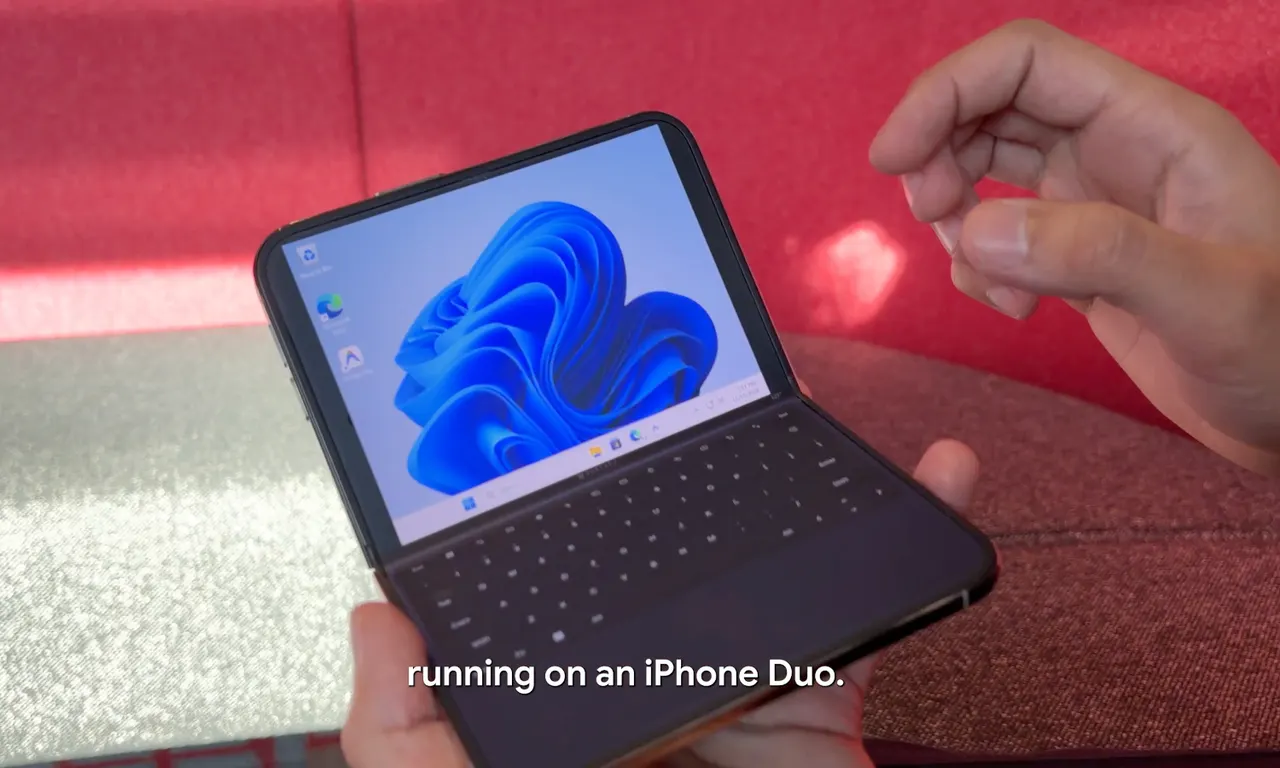
Google's Ammaar Reshi put Windows 11 on an iPhone Duo to work
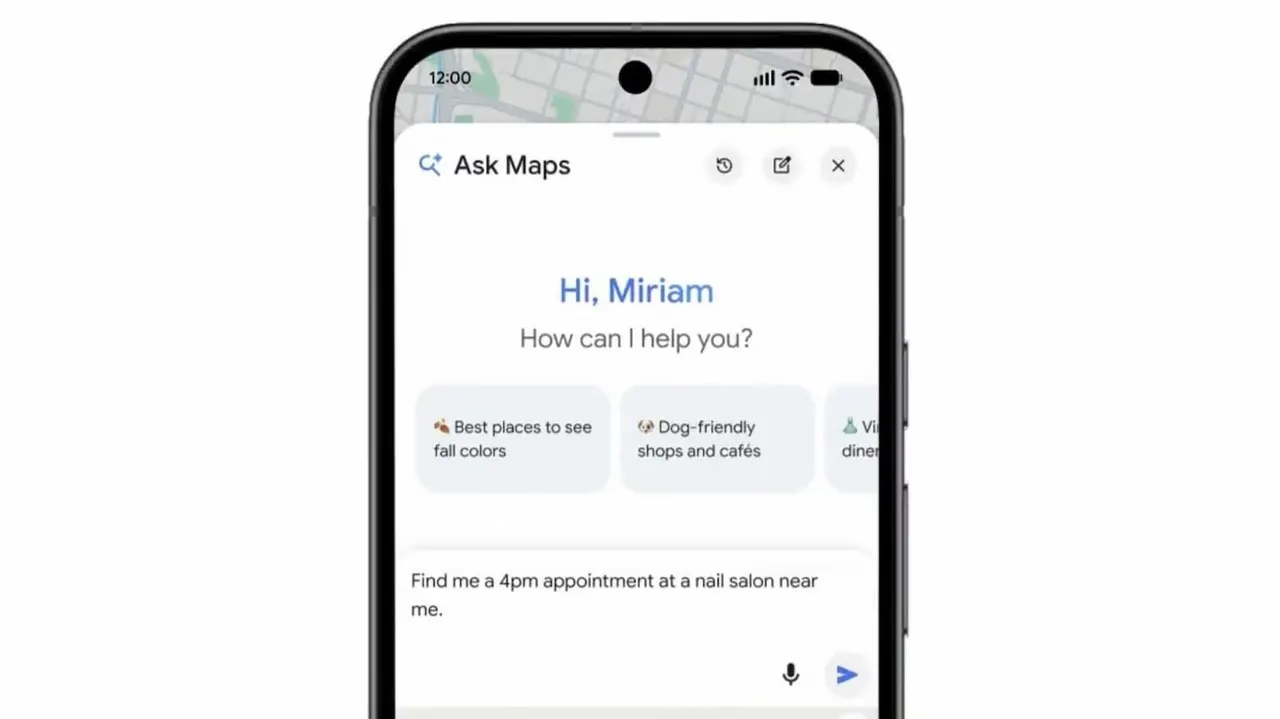
Ask Maps can now call local businesses to book appointments