Claude artifacts as desktop apps: how to install on Mac and Windows
Anthropic's new Install as app option gives Claude artifacts their own icon and window on Mac and Windows, but they still need internet and a Claude login.
 SUMO· the number puzzle
 Dialo· learn languages by speaking
 ediviewer· read EDI files like documents
 giftdetect· the right gift in minutes
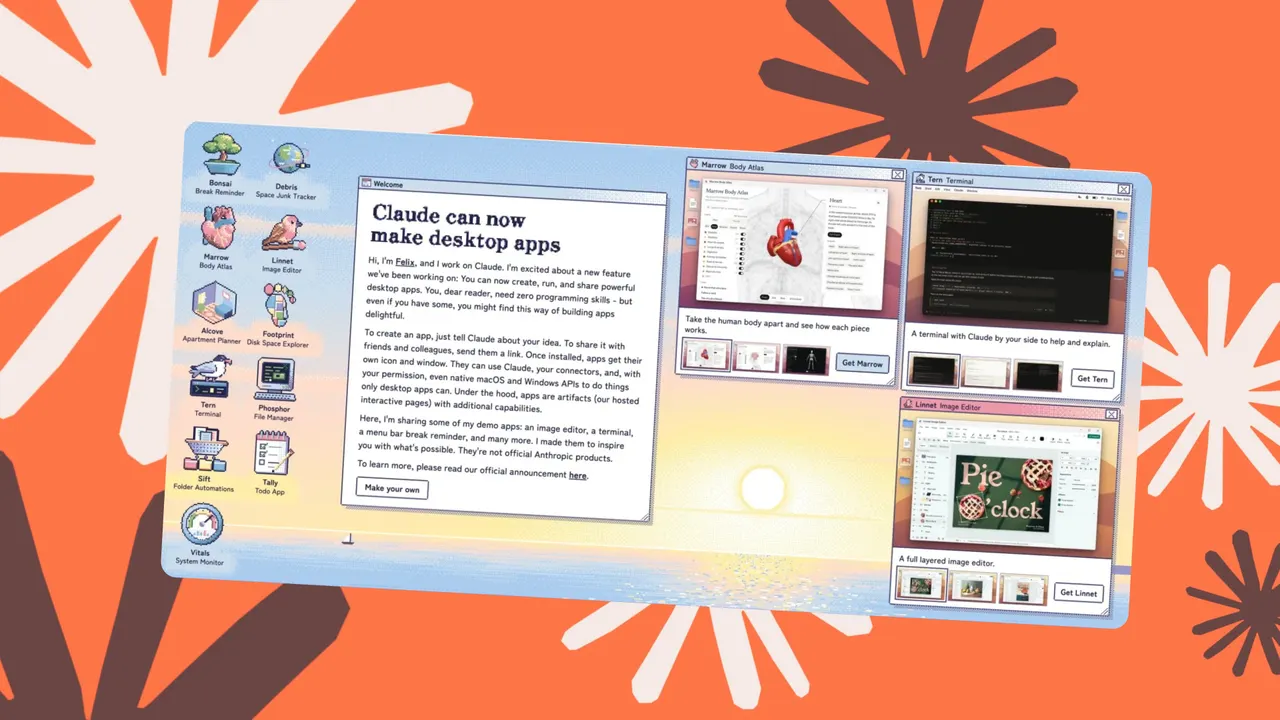
Your Claude artifacts can now live on your desktop. Anthropic has added an "Install as app" feature that gives an artifact its own icon and its own window, so you no longer have to open Claude to use it. It is in beta on all free and paid plans, on Mac and Windows. Linux is not supported.
Artifacts arrived in 2024 and have turned into a way to repeat the same task again and again, mostly at work. Until now they ran inside the Claude window or in a browser. As apps, you can share them with others and keep one open while you run other Claude queries.
How to install Claude artifacts as desktop apps
- Make sure Claude for Mac or Windows is up to date.
- Open the artifact you want to install in Claude.
- Open the Share menu and select Install as app. The artifact is downloaded to your desktop.
- Set permissions as needed.
What are the limits of Claude artifact apps?
These are not the same as apps built with Claude Code. You still have to be signed in to Claude and online, so this is not an offline option. Anything an app asks of Claude counts toward your usage limits, which are lowest on the free plan. The apps update automatically when you edit the artifact in Claude.
Some artifacts can't be installed: legacy artifacts, live artifacts from Claude Cowork, and those made from templates such as Docs, Slides and Sheets.
Permissions: be careful with full computer access
Permissions run from the browser default to app-specific ones like notifications, up to full computer access. That last one lets the app run programs and read, change or delete your files without asking each time. Anthropic only allows it for apps you made yourself, or, on Team and Enterprise plans, apps made by coworkers.
Claude asks you to confirm permissions again every time you edit the artifact. Anthropic doesn't review apps before you install them, so give full access only to apps you trust. On Enterprise plans the feature stays off until an admin enables it in Organization settings.
Apps worth a look
SUMO: the number puzzleTap the right tiles, add them up, hit the target. Easy to learn, hard to master. Free, for all ages.
Dialo: learn languages by speakingTalk to an AI conversation partner; every sentence comes back corrected and explained in your language. 9 languages, A1 to C2.
ediviewer: read EDI files like documentsOpen EDIFACT and X12 messages, see every segment explained, convert to JSON/XML, export PDF and Excel. Runs locally, no upload.
giftdetect: the right gift in minutesPick who it is for, the occasion and their personality. The search engine reads product descriptions from local shops and ranks what fits. Free, no sign-up.
More from this day
See all →
Czech central bank's bitcoin: down 40% in a year, value unstated

Tether reportedly asked for a 20% fee to return stolen USDT

Hera spacecraft finds Dimorphos tumbling after NASA's DART hit