Apple TV 4K movies look off? Turn on Match Content
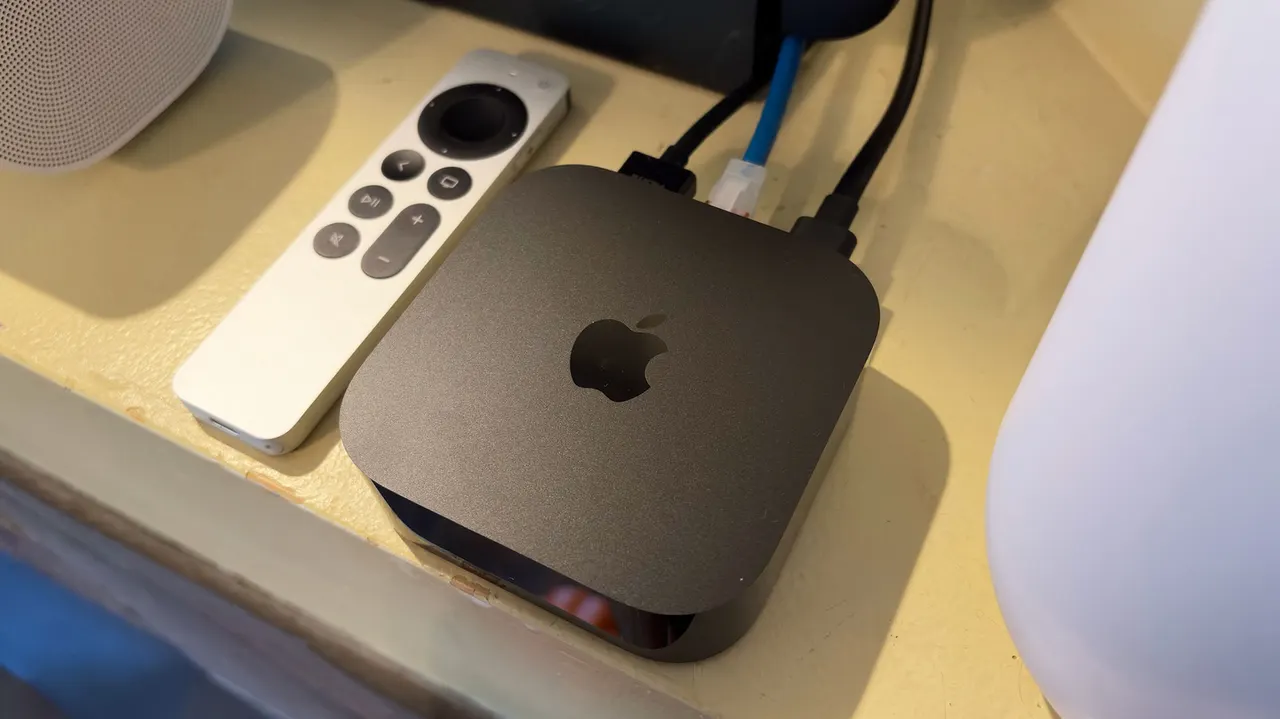
If films look washed out or jittery on your Apple TV 4K, you're not imagining it. Two factory settings convert everything to one format, and you can switch them off.
 SUMO· the number puzzle
 Dialo· learn languages by speaking
 ediviewer· read EDI files like documents
 giftdetect· the right gift in minutes
If movies on your Apple TV 4K look washed out, overprocessed or oddly jittery, it isn't your eyes. Two default settings are quietly bending everything you watch into the same format.
Out of the box, the Apple TV converts all content to a single dynamic range and frame rate, usually HDR and 50 or 60 fps depending on your display. Apple does it because switching formats slows processing and can cause pauses or skips. The catch is that films are mostly shot at 24 fps, and a lot of content isn't HDR at all.
Why does dynamic range matter on Apple TV 4K?
Dynamic range is the span of light and dark in an image. Standard dynamic range (SDR) is the old format behind most cable broadcasts, with 8-bit color and a peak of 100 nits of brightness. HDR is an umbrella for formats such as HDR10, HDR10+, HLG and Dolby Vision, reaching up to 12-bit color and 10,000 nits.
Stretching SDR into HDR sounds like a free upgrade, but it can give you washed-out colors and noisy pictures. Forcing everything into SDR does the opposite and throws away the deep color range films are graded for.
To fix it, open Settings, choose Video and Audio, then Match Content, and turn on Dynamic Range. The box will now switch between SDR and HDR to fit what you're watching.
How to stop jittery motion
Frame rate is how many still images a video shows per second. Movies are mostly 24 fps, live TV is typically 30 fps, and live sports and other fast content often use 60 fps. This is separate from your TV's refresh rate, which is how often the screen redraws its pixels. Raising a 24 fps film to a higher rate can cause jitter and motion problems.
The steps are the same: Settings, Video and Audio, Match Content, then enable Match Frame Rate.
There is a trade-off. Your screen will go briefly black each time the Apple TV changes frame rate or dynamic range. For anyone who cares how a film looks, that is a small price. It matters most if you've just paid the extra $100 for the 4th-generation Apple TV 4K.
Apps worth a look
SUMO: the number puzzleTap the right tiles, add them up, hit the target. Easy to learn, hard to master. Free, for all ages.
Dialo: learn languages by speakingTalk to an AI conversation partner; every sentence comes back corrected and explained in your language. 9 languages, A1 to C2.
ediviewer: read EDI files like documentsOpen EDIFACT and X12 messages, see every segment explained, convert to JSON/XML, export PDF and Excel. Runs locally, no upload.
giftdetect: the right gift in minutesPick who it is for, the occasion and their personality. The search engine reads product descriptions from local shops and ranks what fits. Free, no sign-up.
More from this day
See all →
SpaceX denies Iran used Starlink in drone operations against U.S.

Snapchat Memories backup: how to download them for free

RuneScape breach: Jagex says change your password now