Android Auto black screen: Google Maps fails to load for drivers
Some drivers start Android Auto and find a black void where Google Maps should be. Most reports come from Ford owners, and a few workarounds exist.
 SUMO· the number puzzle
 Dialo· learn languages by speaking
 ediviewer· read EDI files like documents
 giftdetect· the right gift in minutes
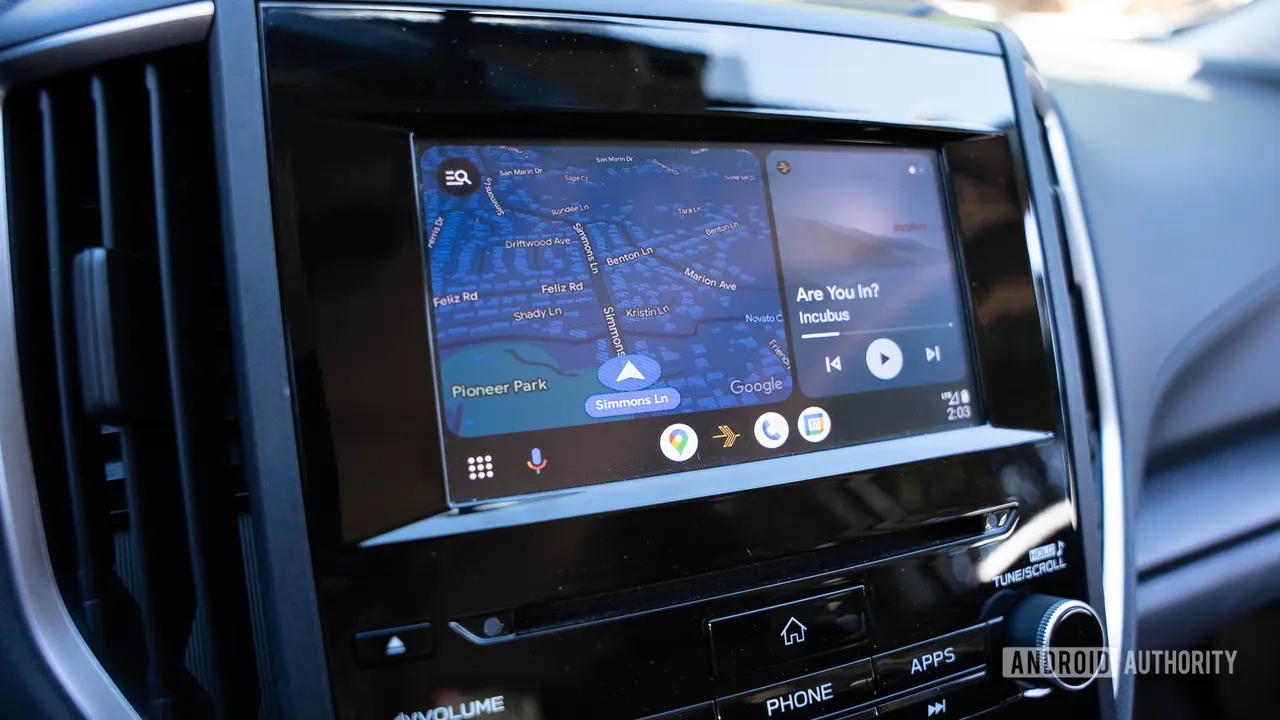
You are somewhere unfamiliar, ready to head home, and you open Google Maps on the car display. Nothing. Just black. That is what a growing number of drivers are describing with an Android Auto black screen bug.
According to user reports, Google Maps fails to load when Android Auto starts up. Instead of the map, the display stays black. One driver says a black bar sometimes covers part of the screen, and at other times the whole map area vanishes. The problem seems to appear at random.
Most of the reports come from Ford owners. It is unclear whether the bug is limited to Ford vehicles or whether drivers of other cars are hit as well. Google has not commented yet. Android Authority says it has reached out to the company.
How to fix the Android Auto Google Maps black screen
There is no official fix, but drivers have found a few workarounds that help for a while.
- One driver got Maps back by waking the phone with a tap on its screen.
- Another says tapping into zone lighting on the car's display and then back to Android Auto brings the map back temporarily.
- A third reports that clearing the cache of both Google Maps and Android Auto, then restarting the phone, works for a time.
All of these are temporary. Drivers say the black screen can return, so none of them is a permanent cure. Until Google says something, they are the best options on offer, and the phone-tap trick is the cheapest one to try first.
Apps worth a look
SUMO: the number puzzleTap the right tiles, add them up, hit the target. Easy to learn, hard to master. Free, for all ages.
Dialo: learn languages by speakingTalk to an AI conversation partner; every sentence comes back corrected and explained in your language. 9 languages, A1 to C2.
ediviewer: read EDI files like documentsOpen EDIFACT and X12 messages, see every segment explained, convert to JSON/XML, export PDF and Excel. Runs locally, no upload.
giftdetect: the right gift in minutesPick who it is for, the occasion and their personality. The search engine reads product descriptions from local shops and ranks what fits. Free, no sign-up.
More from this day
See all →
NASA Perseverance and Odyssey Mars missions paused by faults
Roku TV refresh rate setting: how to watch films at 24fps

Tesla SpaceX merger talks: five directors pick a $3.5 trillion deal