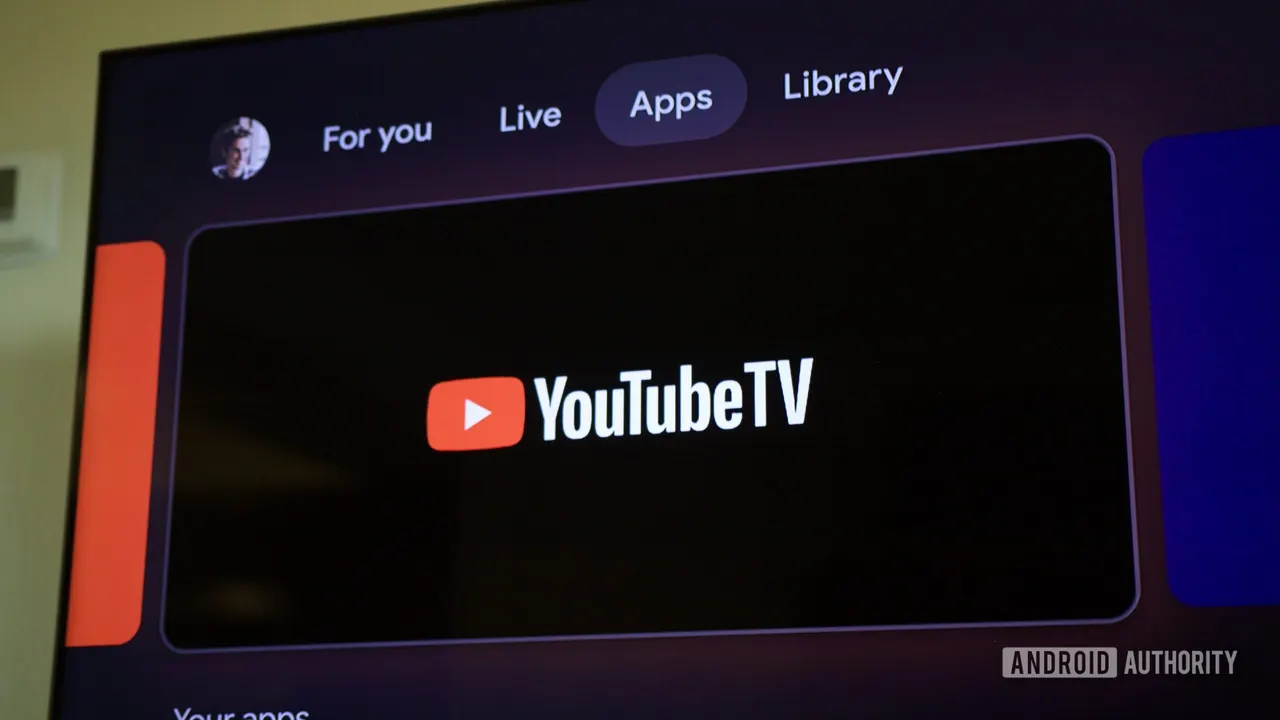
YouTube TV channels missing from Google TV Live tab, now fixed
YouTube TV channels vanished from the Google TV Live tab on Sony TVs, Chromecasts and Onn 4K Pro boxes. Google says the glitch is already fixed.
 SUMO· the number puzzle
 Dialo· learn languages by speaking
 ediviewer· read EDI files like documents
 giftdetect· the right gift in minutes
If your YouTube TV channels disappeared from the Live tab on Google TV this week, it wasn't your TV. Google says it was a bug on its end, and that it has now been fixed.
The problem showed up on 11 November. Users on the YouTube TV subreddit reported that the Live tab in the Google TV Live Guide no longer listed their YouTube TV channels. In their place sat free channels from Google and free third-party services.
One person figured out it wasn't a single-device problem when it hit all four TVs in their home. They had planned a factory reset if only one screen misbehaved, but decided it looked like a Google back end issue instead. Others saw the same on Sony Google TVs, Chromecasts and the Onn 4K Pro. Updating software, clearing cached data, unplugging the device and even a factory reset didn't help.
Google later told Android Authority, "we are aware of the issue, and it has now been fixed."
What is the Google TV Live tab?
It shows channels you watch often, plus a cable-style guide you can scroll through. When the bug hit, that spot filled up with free ad-supported channels instead of your YouTube TV lineup.
How to get YouTube TV channels back
There was a workaround while the bug lasted. Opening the YouTube TV app directly, or searching for a channel, still gave access to the full guide, all live channels and recordings.
This isn't new. Several users said it had happened before and was usually cleared by a Google update. The number of complaints stayed fairly small, and nothing turned up on Google's support forums, so it didn't look platform-wide.
If channels are still missing for you, you can tell Google by going to Settings > System > About > Send feedback.
Apps worth a look
SUMO: the number puzzleTap the right tiles, add them up, hit the target. Easy to learn, hard to master. Free, for all ages.
Dialo: learn languages by speakingTalk to an AI conversation partner; every sentence comes back corrected and explained in your language. 9 languages, A1 to C2.
ediviewer: read EDI files like documentsOpen EDIFACT and X12 messages, see every segment explained, convert to JSON/XML, export PDF and Excel. Runs locally, no upload.
giftdetect: the right gift in minutesPick who it is for, the occasion and their personality. The search engine reads product descriptions from local shops and ranks what fits. Free, no sign-up.
More from this day
See all →
iPhone Duo delivery dates move up from January to December

12,000 mAh phones are coming, and Xiaomi is already building them

Poland's smartphone tax is now in force: 1% on phones from 32 GB