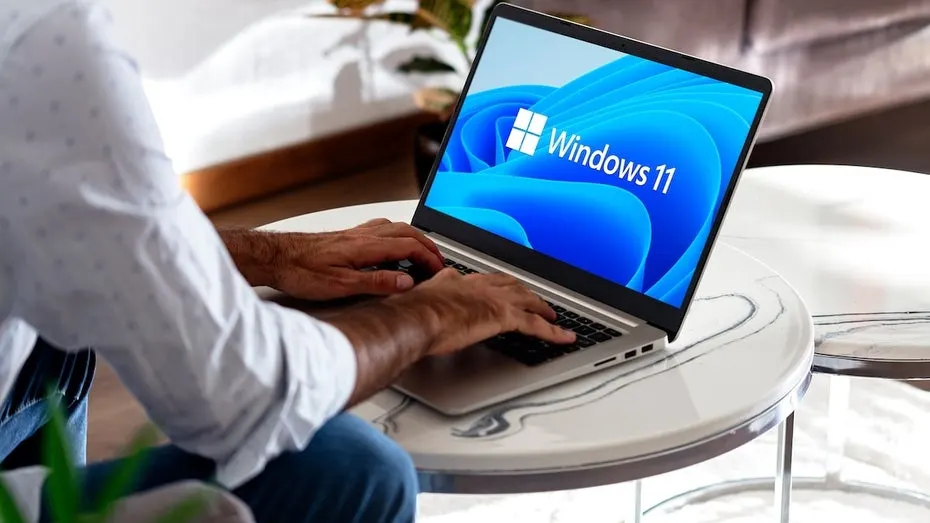
Windows 11 opens a hidden second browser when you click links
Click a link in an email and Windows 11 may quietly start a second copy of your browser, then close it again. Microsoft's fix cuts the delay from 70 to 3 milliseconds.
 SUMO· the number puzzle
 Dialo· learn languages by speaking
 ediviewer· read EDI files like documents
 giftdetect· the right gift in minutes
Click a link in an email on Windows 11 and your browser may not simply receive it. Windows often starts a second instance of the browser first, even if Chrome is already running, and then quietly closes it again.
The reason is a check. Windows launches the browser to find out whether it is already active. If it is, the extra copy disappears and the link is handed to the instance you were using. It happens whenever a browser has already been started since the last restart, or whenever a link is clicked outside the browser. If the browser has not run yet in the session, the link takes longer anyway, because the whole program has to start.
What is Accelerated Warm Launches?
Microsoft calls the fix "Accelerated Warm Launches" in its developer documentation. Once a browser has started, it is registered as the program responsible for opening links and further instances, so the detour is skipped. In first tests, Windows 11 needed about 70 milliseconds to pass a link to the browser before the update. Afterwards it needed only three.
So far, only Microsoft's own browser, Edge, has had the feature. That may change. Mozilla is now testing it for Firefox.
Can Chrome and Firefox use it too?
Not freely. The feature sits behind an unlock code that developers have to request from Microsoft. According to the reporting, Mozilla was able to use an older code that had been meant for pinning apps to the taskbar.
It is still unclear whether and when Firefox will get it without problems. One open question is which Firefox instance should receive the link when several profiles are open. It is also not settled whether Microsoft has to approve the feature before release. The same hurdle would likely apply to Chrome if its developers tried something similar.
For you, the difference is small, a few dozen milliseconds. But if Windows 11 sometimes feels sluggish when you open links, this is one of the places Microsoft is working on.
Apps worth a look
SUMO: the number puzzleTap the right tiles, add them up, hit the target. Easy to learn, hard to master. Free, for all ages.
Dialo: learn languages by speakingTalk to an AI conversation partner; every sentence comes back corrected and explained in your language. 9 languages, A1 to C2.
ediviewer: read EDI files like documentsOpen EDIFACT and X12 messages, see every segment explained, convert to JSON/XML, export PDF and Excel. Runs locally, no upload.
giftdetect: the right gift in minutesPick who it is for, the occasion and their personality. The search engine reads product descriptions from local shops and ranks what fits. Free, no sign-up.
More from this day
See all →
Nāpōwawāʻenakaulua: Webb Finds Earliest Quasar Pair Ever

United Airlines AI agent ban: bots can't tick the check-in box
Jensen Huang resigns as Nvidia CEO; Colette Kress steps in as interim

Windows WinSxS folder: the DISM command that frees up to 10 GB
More in: Software
See all →
GPU Taskman shows which process is eating your VRAM

KORA OS: a Linux-based system built around AI, due in 2027
Windows 11 End Task button on the taskbar is off by default