Why Task Manager freezes when Windows hangs, per Raymond Chen
Windows locks up, you open Task Manager, and it locks up too. A veteran Microsoft engineer explains why giving it higher priority wouldn't fix that.
 SUMO· the number puzzle
 Dialo· learn languages by speaking
 ediviewer· read EDI files like documents
 giftdetect· the right gift in minutes
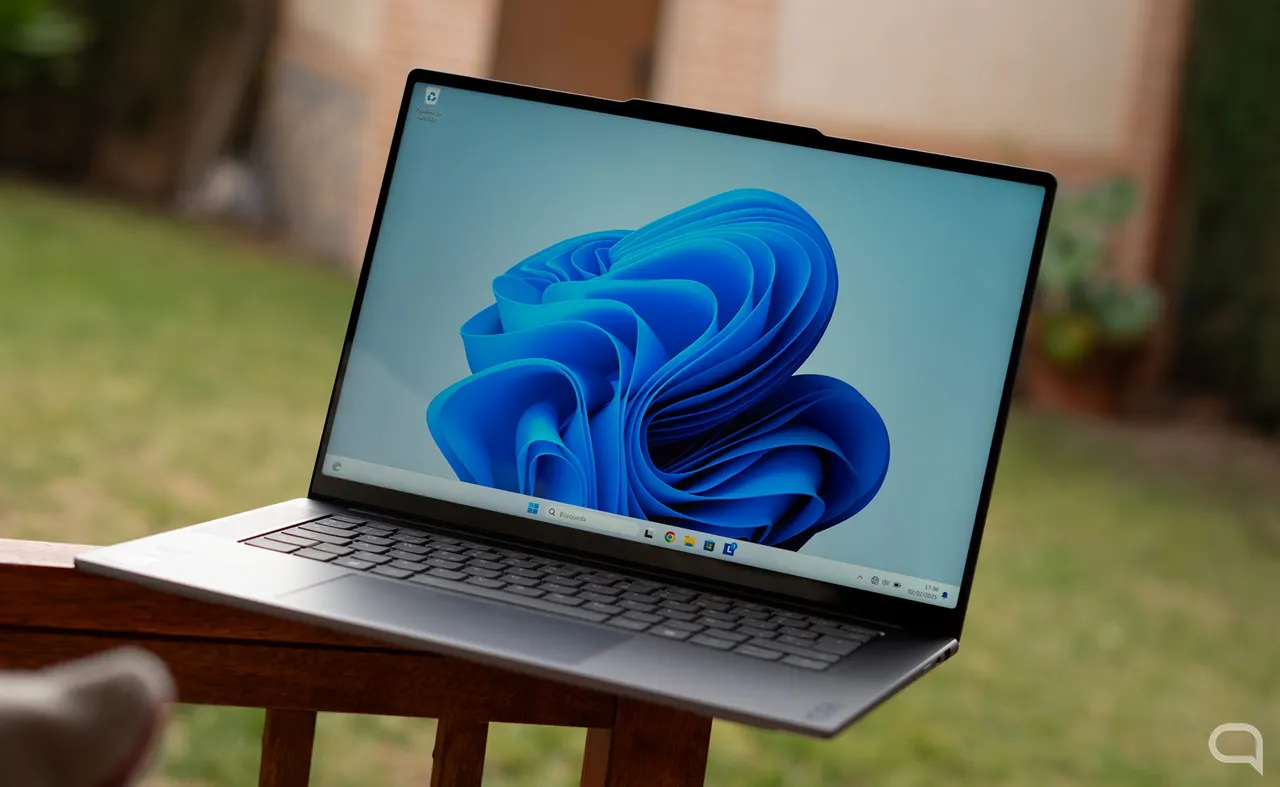
You know the routine. Windows slows to a crawl, you hit Ctrl+Shift+Esc to find the culprit, and Task Manager freezes right along with everything else. Microsoft has now explained why Task Manager freezes when Windows hangs, and why the obvious fix wouldn't work.
The obvious fix is priority. If Task Manager and the taskbar ran with more privileges, they would keep working even when the processor is swamped. Raymond Chen, a veteran Microsoft engineer who worked on Windows 95 and its user interface, says it isn't that simple.
Higher priority means a process gets CPU time before less important ones. But the trouble starts when some app hogs a shared resource. Chen compares it to a priority pass at the supermarket checkout. You get to the front faster, but if the customer being served has a overflowing cart, you still wait.
It gets worse when the process holding that resource is doing something slow. Windows has ways to soften priority problems, but none of them can shorten the wait for the resource to be freed.
Why does the Windows interface make it worse?
Task Manager and the taskbar both depend on Windows' user interface system. Sooner or later they compete for resources with other interface processes that are running. "The problem is that it's hard to fix a runaway system from within that same system," Chen said. The tools you would use to repair it may already be compromised, and they are hard to rely on if they share critical resources with whatever is out of control.
Windows already favours the app in the foreground. If you manage to bring Task Manager or the taskbar into focus, the system gives it priority, as long as nothing is hoarding the shared resources.
What should you do when Windows stops responding?
Task Manager isn't always the best move. The practical advice is to wait a few minutes for things to settle. If Windows stays stuck, restart the machine manually.
Apps worth a look
SUMO: the number puzzleTap the right tiles, add them up, hit the target. Easy to learn, hard to master. Free, for all ages.
Dialo: learn languages by speakingTalk to an AI conversation partner; every sentence comes back corrected and explained in your language. 9 languages, A1 to C2.
ediviewer: read EDI files like documentsOpen EDIFACT and X12 messages, see every segment explained, convert to JSON/XML, export PDF and Excel. Runs locally, no upload.
giftdetect: the right gift in minutesPick who it is for, the occasion and their personality. The search engine reads product descriptions from local shops and ranks what fits. Free, no sign-up.
More from this day
See all →
Jensen Huang reportedly wants his NVIDIA CEO job back days after quitting
Voyager 1 reaches one light-day from Earth on 18 November

GTA 6 boxes without codes: pre-order buyers left empty-handed

Jordan blocks Telegram nationwide after deadly Islamist attack
More in: Software
See all →
Satya Nadella: Claude Code caught Microsoft off guard, IDE faded

Siri AI daily limits: Apple tests caps tied to iCloud Plus
Toque for Lidl Monsieur Cuisine Connect makes the slow robot fast