WhatsApp backup without Google storage: Meta's own cloud is in beta
WhatsApp is testing its own cloud for chat backups on Android, so you no longer need Google Drive space. Two gigabytes are free, and the backup is always encrypted.
 SUMO· the number puzzle
 Dialo· learn languages by speaking
 ediviewer· read EDI files like documents
 giftdetect· the right gift in minutes
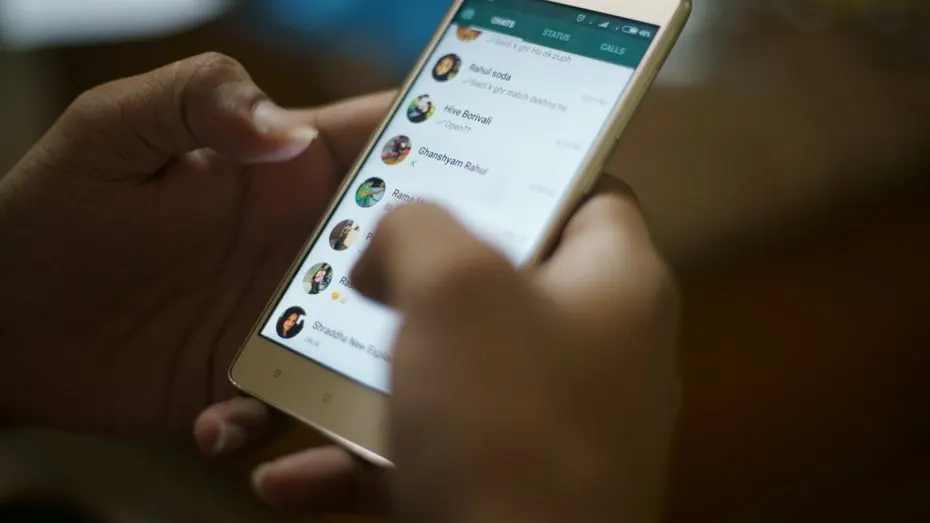
Backing up WhatsApp on Android has always meant squeezing your chats into your Google account's storage. That may be about to change: WhatsApp is testing its own cloud for WhatsApp backup, and the first beta testers can already see it.
The feature turned up in the Android beta, version 2.26.46.4, which is available through the Google Play Store. Users can pick their backup provider, either WhatsApp's own cloud or Google's, and switch between the two whenever they like. The rollout is gradual, so not every tester will see the option yet. If it is missing under the backup provider settings, it should reach more accounts in the coming weeks.
How does the WhatsApp cloud backup work?
Backups on WhatsApp's servers are end-to-end encrypted by default, and you can't turn that off if you use this option. You have to set up the encryption before the first backup is created. The default method is a passkey. Alternatively, you can protect the backup with a 64-character encryption key. Because the app encrypts the backup itself, neither WhatsApp nor Meta can access it, according to WABetaInfo, which spotted the feature.
How much storage do you get, and what does it cost?
Choose WhatsApp as your provider and you get 2 GB for free. Subscribers to "WhatsApp Plus" get 100 GB for backups. If that isn't enough, the "Meta One" subscription offers plans with up to 4 TB.
What happens when a subscription lapses? The backup isn't deleted right away. WhatsApp keeps the most recent one on its servers for four months after the subscription ends. If you haven't renewed by then, it is deleted permanently.
WhatsApp hasn't said when the feature will be available to everyone.
Apps worth a look
SUMO: the number puzzleTap the right tiles, add them up, hit the target. Easy to learn, hard to master. Free, for all ages.
Dialo: learn languages by speakingTalk to an AI conversation partner; every sentence comes back corrected and explained in your language. 9 languages, A1 to C2.
ediviewer: read EDI files like documentsOpen EDIFACT and X12 messages, see every segment explained, convert to JSON/XML, export PDF and Excel. Runs locally, no upload.
giftdetect: the right gift in minutesPick who it is for, the occasion and their personality. The search engine reads product descriptions from local shops and ranks what fits. Free, no sign-up.
More from this day
See all →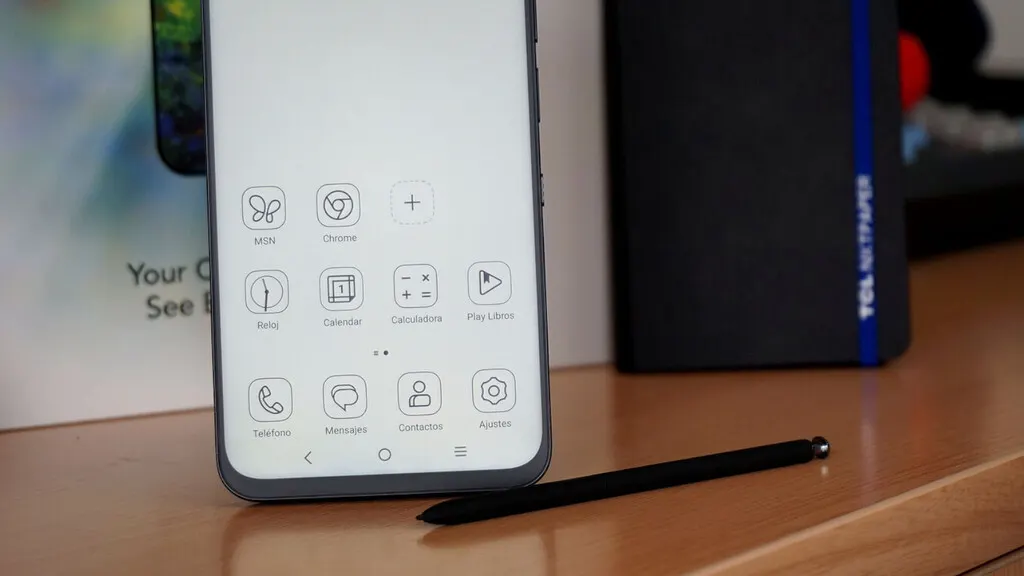
TCL NXTPAPER 60 Ultra: a 7.2-inch phone that mimics e-ink

Pink noise for Alzheimer's: Spanish trial boosts memory overnight

Fate of the Galaxy: free Star Wars space game from fans is out