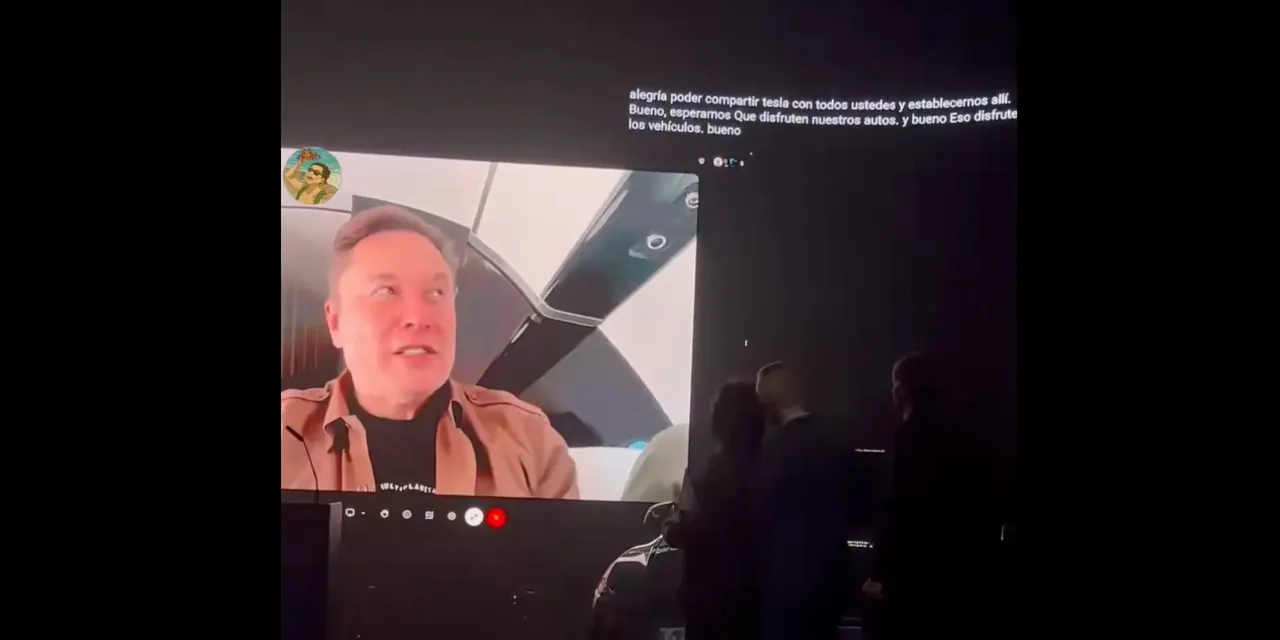
Tesla blue snowflake icon: what it means for your battery
The blue snowflake next to your Tesla's battery meter isn't a weather alert. It means some energy is locked away by the cold, and braking and charging may change.
 SUMO· the number puzzle
 Dialo· learn languages by speaking
 ediviewer· read EDI files like documents
 giftdetect· the right gift in minutes
That little blue snowflake next to your Tesla's battery indicator is not a holiday Easter egg, and it is not warning you about icy roads. It is telling you the battery itself is cold. When it gets cold enough to trigger the icon, some of the stored energy becomes temporarily unavailable.
Tesla paints that unavailable part of the battery meter in blue, so you can see what is out of reach. The energy comes back once the battery warms up as you drive. It is not charge you lost overnight in the garage. Even with a warm battery, though, cold weather still eats into range, because heating the cabin and driving in winter conditions take more power.
Why does regenerative braking feel weaker with the snowflake on?
Regenerative braking sends energy back into the battery when you lift off the accelerator. A cold battery can't absorb that energy as well, so expect much weaker slowing down as you approach a red light. Charging speed and acceleration may also feel different.
On a Model 3, check Controls > Dynamics for the option Apply Brakes When Regenerative Braking Is Limited. Switched on, the car uses its regular mechanical brakes to mimic full regen. Whether you get it depends on your model and software version. Some Teslas also show a separate icon, a broken green brake disc with an electricity symbol, when regen is limited. Keep your foot ready for the brake pedal either way.
How do you get rid of the Tesla snowflake?
You can't turn it off manually. It disappears when the battery warms up, and driving or charging helps. Better, set up preconditioning (warming the battery before you leave) under Controls > Schedule, on the touchscreen or in the Tesla app. Tesla recommends starting climate settings at least 30 to 45 minutes before departure.
If you can, leave the car plugged in while it preconditions, otherwise the warm-up spends charge you wanted for the drive. Heading to a Supercharger? Set it as your destination first, and the car warms the battery for faster charging.
Tesla doesn't say what temperature triggers the snowflake or how long it takes to go away.
Apps worth a look
SUMO: the number puzzleTap the right tiles, add them up, hit the target. Easy to learn, hard to master. Free, for all ages.
Dialo: learn languages by speakingTalk to an AI conversation partner; every sentence comes back corrected and explained in your language. 9 languages, A1 to C2.
ediviewer: read EDI files like documentsOpen EDIFACT and X12 messages, see every segment explained, convert to JSON/XML, export PDF and Excel. Runs locally, no upload.
giftdetect: the right gift in minutesPick who it is for, the occasion and their personality. The search engine reads product descriptions from local shops and ranks what fits. Free, no sign-up.
More from this day
See all →
Google's new 3D emoji need 6GB RAM and 10GB storage, now explained
GrapheneOS builds its own RCS messaging app, no Google Messages

MoldyRoost ad campaign can hack iPhones with one tap, Confiant says

VMware vCenter bug CVE-2026-123890 was exploited in September
More in: Automotive
See all →
Xiaomi SU7 Ultra goes on sale in the UAE, its first market abroad
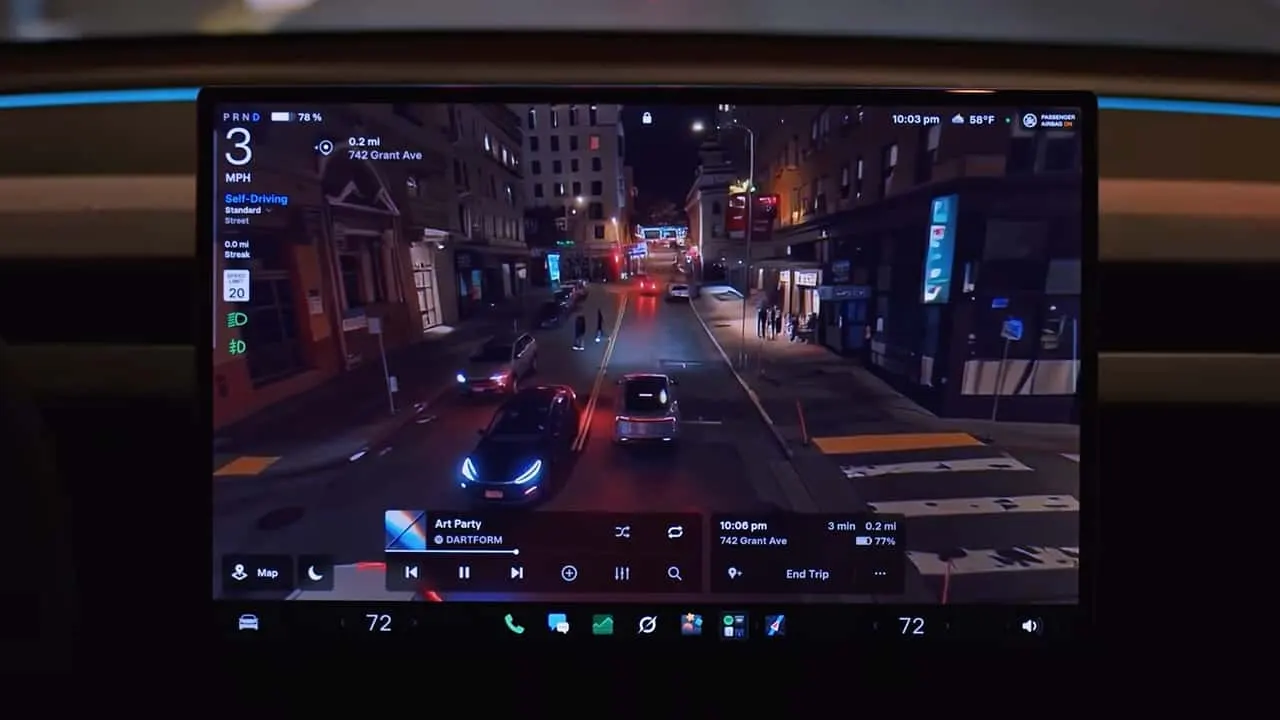
Tesla FSD V15 Adds a GTA-Style Camera and a 25x Safety Claim
Car repair software fees cost US drivers $12 billion a year