SurfSense: a free NotebookLM alternative that runs offline on your PC
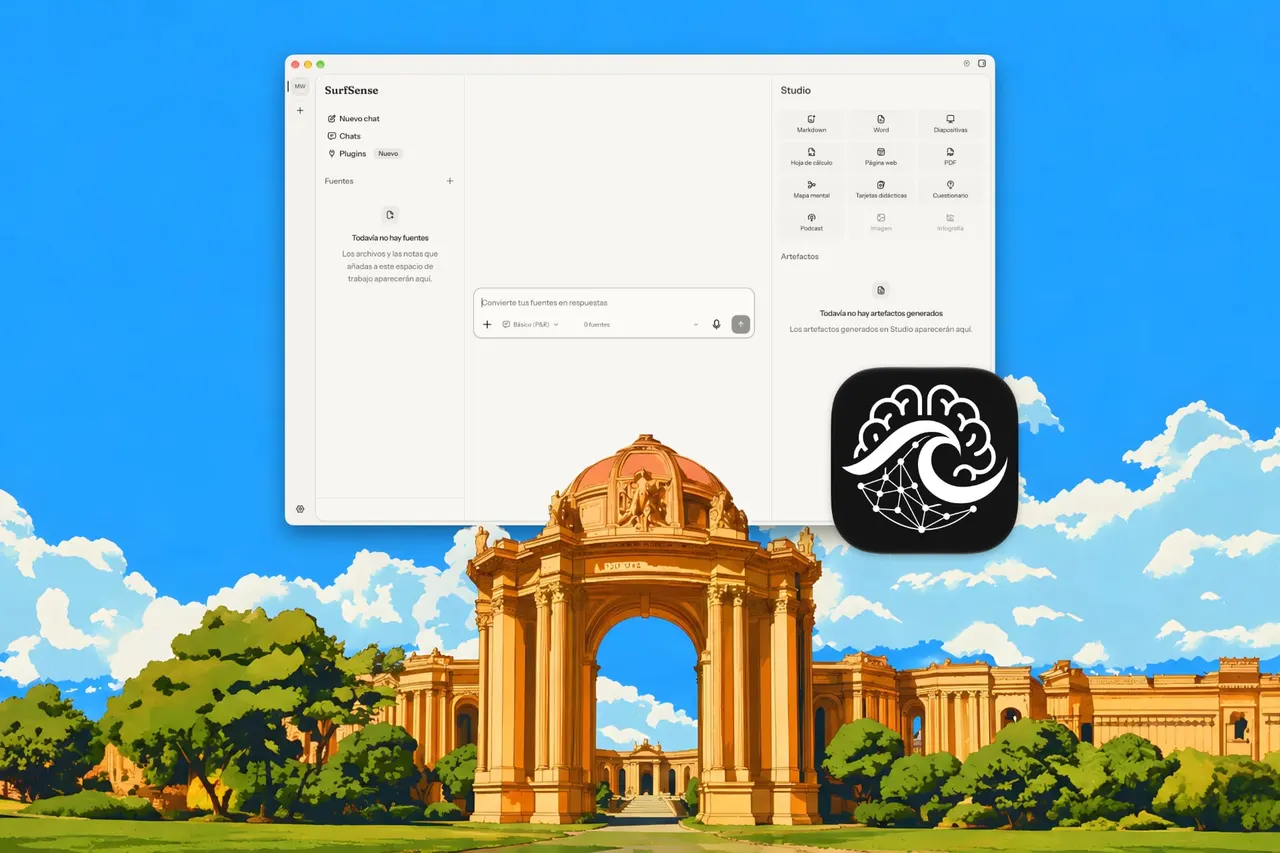
SurfSense is an open-source desktop app that does what NotebookLM does, but your documents stay on your computer and you pick which AI model answers.
 SUMO· the number puzzle
 Dialo· learn languages by speaking
 ediviewer· read EDI files like documents
 giftdetect· the right gift in minutes
If you like NotebookLM, now renamed Gemini Notebook, but don't love uploading your documents to Google's servers, SurfSense is built for you. It is a free, open-source app that runs on your own PC and lets you choose the AI behind it.
SurfSense started as a web app you installed yourself through Docker. Since September it has changed course and is now mainly a desktop app for Windows, macOS (Apple Silicon only) and Linux. You can also still run it as a Docker container. There is no account and no sign-up. The app and its updates are free, it comes in several languages including Spanish, and the code is open for anyone to read.
The idea is the same as Google's tool: you feed it your own sources and ask questions, and the answers cite those sources instead of outside material. It reads PDF, Word, Excel, PowerPoint, CSV, images, HTML, Markdown, ePub books and audio files such as MP3 and WAV. From them it can produce summaries, presentations, mind maps, flashcards, quizzes, podcasts, images and infographics, plus DOCX, PPTX and XLSX files you can edit elsewhere.
How is SurfSense different from NotebookLM?
NotebookLM only uses Gemini and runs in the browser. SurfSense works with many models: local ones, API-based ones, and local servers such as LM Studio and Ollama. The app tells you whether your hardware can handle the model you pick. It can work fully offline, even for generating audio and images. It only goes online if you ask it to search the web or you choose a model that is only available through an API.
Is SurfSense really free?
Yes, the core app is. The project makes money from two paid tiers, which add paid plugins for platforms such as Google, Amazon, YouTube or TikTok, and priority support.
Getting started takes three steps: install the app, choose and set up an AI model, then add your documents. After that you chat with it much as you would in Gemini Notebook, adding sources whenever you like.
Apps worth a look
SUMO: the number puzzleTap the right tiles, add them up, hit the target. Easy to learn, hard to master. Free, for all ages.
Dialo: learn languages by speakingTalk to an AI conversation partner; every sentence comes back corrected and explained in your language. 9 languages, A1 to C2.
ediviewer: read EDI files like documentsOpen EDIFACT and X12 messages, see every segment explained, convert to JSON/XML, export PDF and Excel. Runs locally, no upload.
giftdetect: the right gift in minutesPick who it is for, the occasion and their personality. The search engine reads product descriptions from local shops and ranks what fits. Free, no sign-up.
More from this day
See all →
The Temple of Elemental Evil remaster gets 4K and new languages
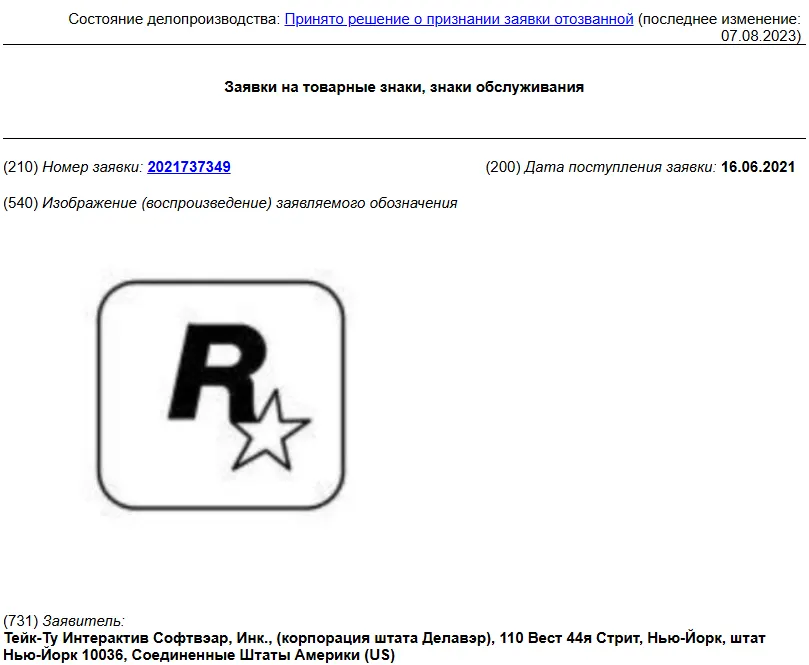
Take-Two lets a GTA trademark lapse in Russia after 18 months

Leap A10 trunk breaks under beer crates, which spilled on the road
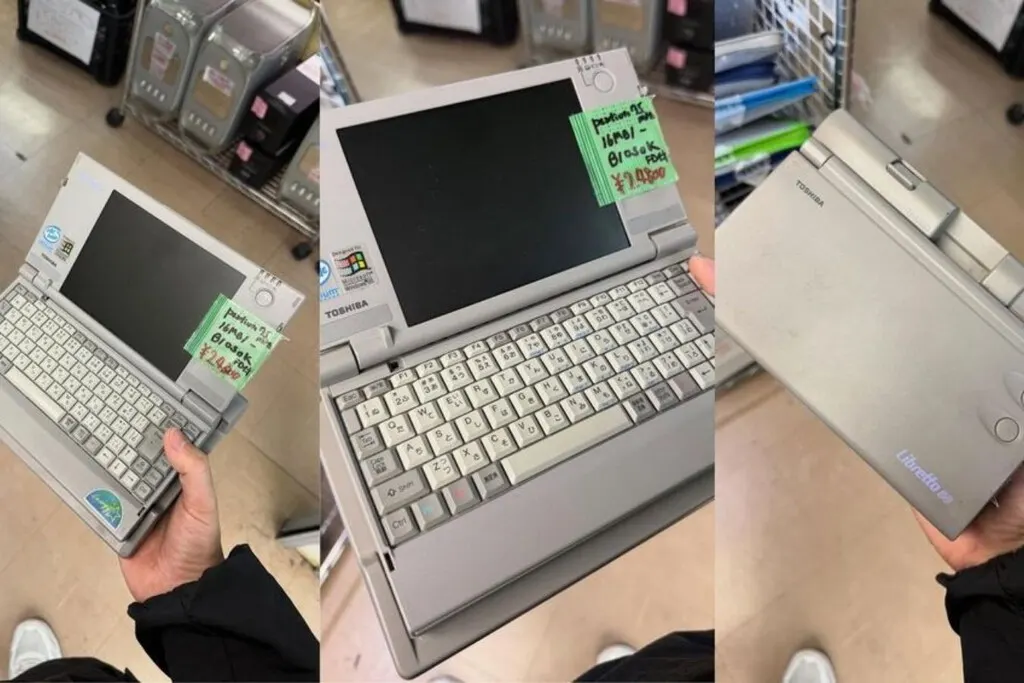
Toshiba Libretto 50 with Windows 95 found in Akihabara for €140
More in: AI
See all →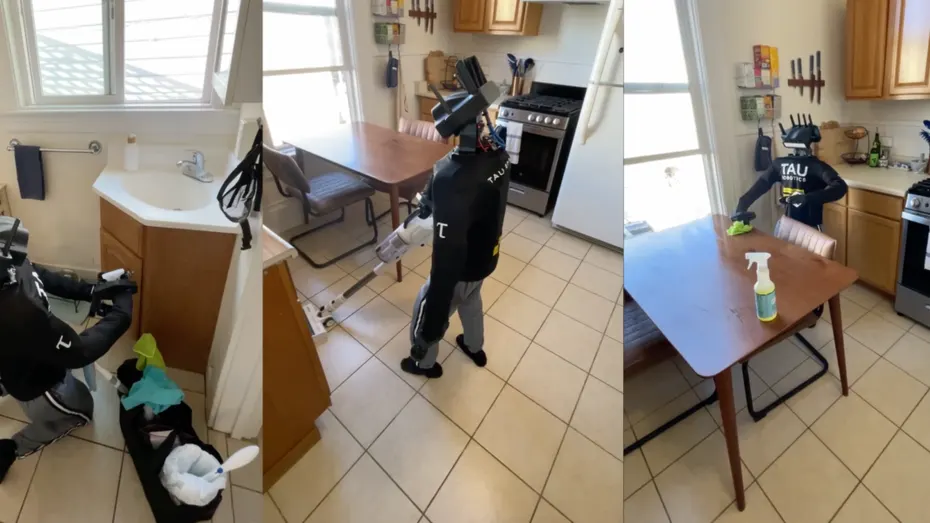
Tau Robotics cleaning robot: $30 for a humanoid, and a human at the controls

Anthropic is hiring a CBRN-E threat investigator for up to $290,000
Meta Muse Charm price: the AI gadget is reportedly $300