Samsung TV Bixby in Polish: the AI assistant finally speaks it
Samsung's TV assistant now understands Polish, slang like «włącz jutuba» included. The catch: it only works on 2025 and 2026 models.
 SUMO· the number puzzle
 Dialo· learn languages by speaking
 ediviewer· read EDI files like documents
 giftdetect· the right gift in minutes
Polish Samsung TV owners can now talk to their sets in their own language. Samsung's AI assistant, Vision AI Companion, which runs on Bixby, has gained Polish support, and it even copes with casual speech such as «włącz jutuba» (roughly, "put on YouTube") or «podgłoś na maksa» ("crank it up").
New Bixby settings in Polish have appeared in the TV menu. You can control the set by voice, search for content, ask questions and operate compatible SmartThings devices. The assistant handles several commands in one sentence. Ask it to switch to a given channel, ask what is on now, or tell it to turn itself off in 30 minutes. It can also suggest a comedy or a thriller for the evening, tell football fans where a match is being broadcast, and show the schedule of a motorsport race weekend. Movie fans can ask for a quiz built on film quotes and scenes. Less TV-related questions work too, such as a recipe for mielone cutlets.
The Polish version was built by the Samsung R&D Institute Poland team in Warsaw. According to the company, teaching an assistant Polish is more than translating commands: there are many ways to phrase the same request, and Polish inflection is hard even for people. When you ask for travel ideas, the assistant remembers what you asked earlier and can quote prices when needed.
Which Samsung TVs support Polish Bixby?
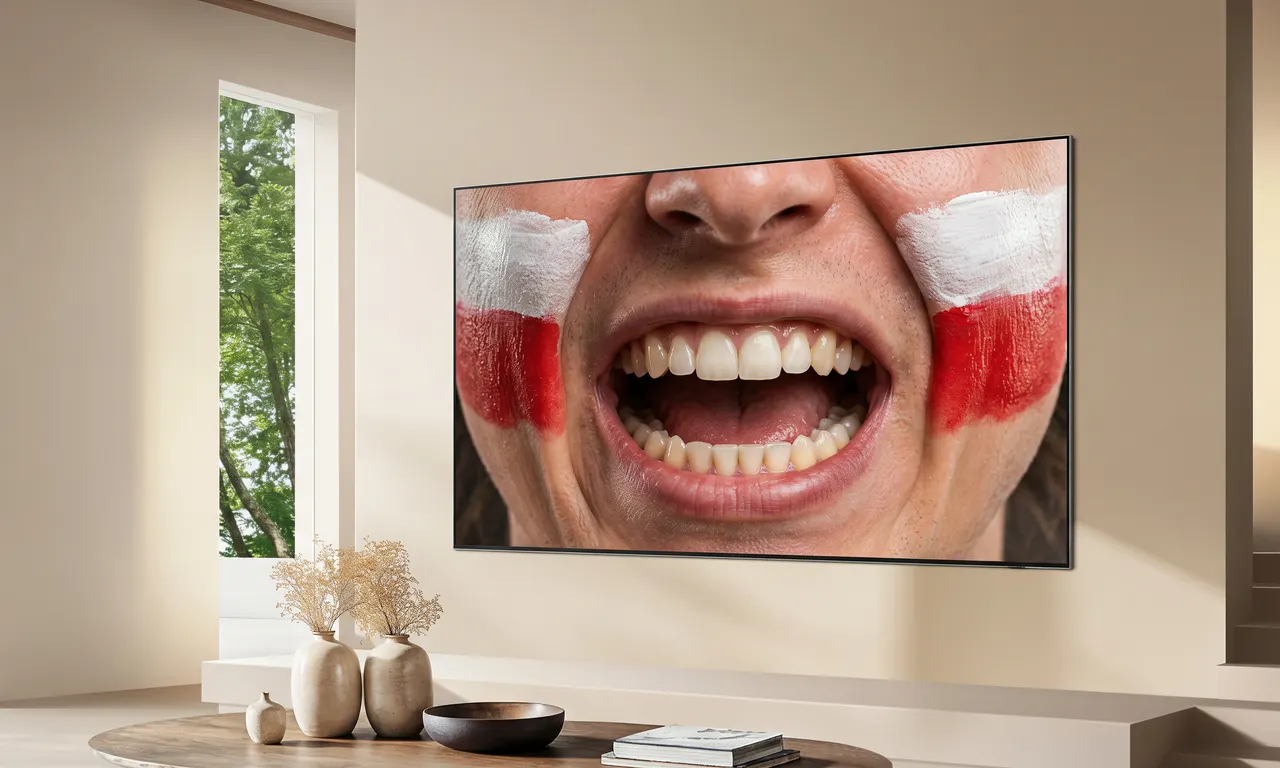
Here is the catch. The Polish assistant is available only on Samsung TVs from 2025 and 2026. That covers Micro RGB, OLED, Neo QLED, Mini LED, QLED, Crystal UHD and The Frame models, plus the portable The Movingstyle screen. Some sets have a built-in microphone you can speak to directly. Others use the microphone in the remote.
How to start using it
Before the first use, install the latest software, sign in to your Samsung account and check whether the feature is available for your specific model. If you own an older Samsung TV, chances are it will not work.
Apps worth a look
SUMO: the number puzzleTap the right tiles, add them up, hit the target. Easy to learn, hard to master. Free, for all ages.
Dialo: learn languages by speakingTalk to an AI conversation partner; every sentence comes back corrected and explained in your language. 9 languages, A1 to C2.
ediviewer: read EDI files like documentsOpen EDIFACT and X12 messages, see every segment explained, convert to JSON/XML, export PDF and Excel. Runs locally, no upload.
giftdetect: the right gift in minutesPick who it is for, the occasion and their personality. The search engine reads product descriptions from local shops and ranks what fits. Free, no sign-up.
More from this day
See all →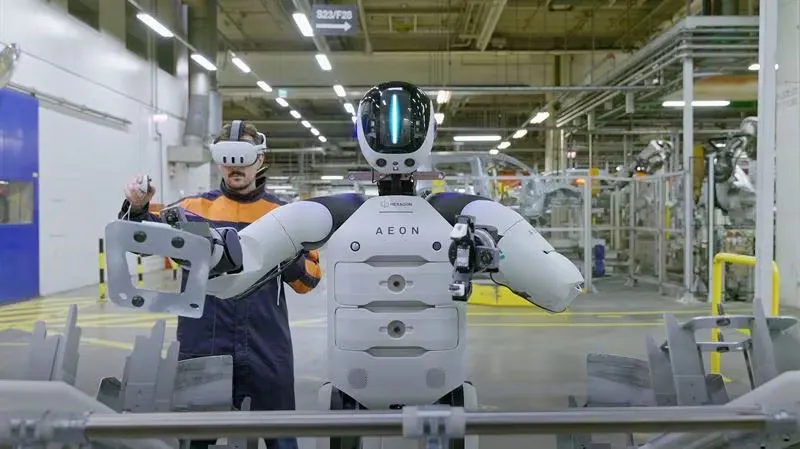
Volvo AEON humanoid robot starts training at its Ghent car plant
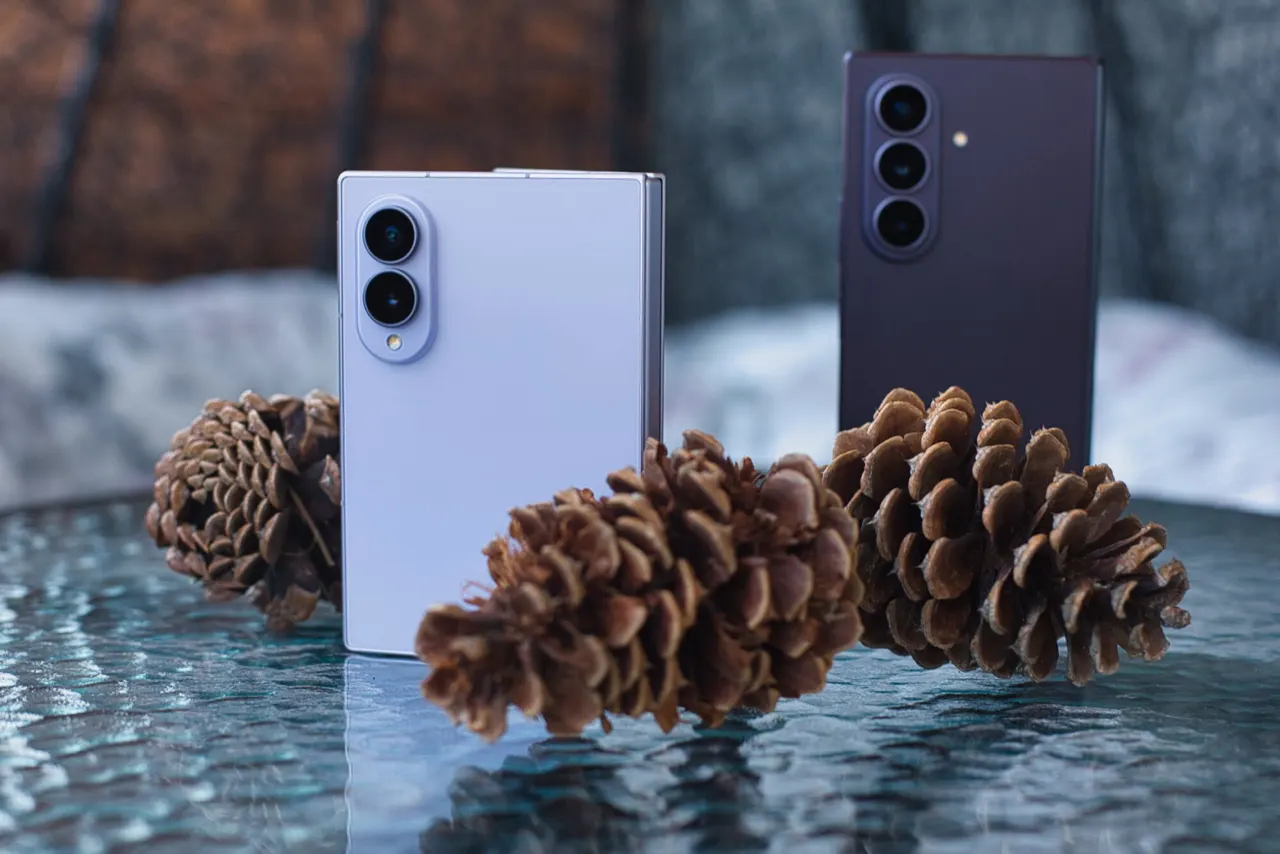
One UI 9.0 battery problem: Samsung promises a fix

drEryk data breach: Polish patients' PESEL numbers leaked