Samsung One UI 9.5 adds native app lock for Galaxy phones
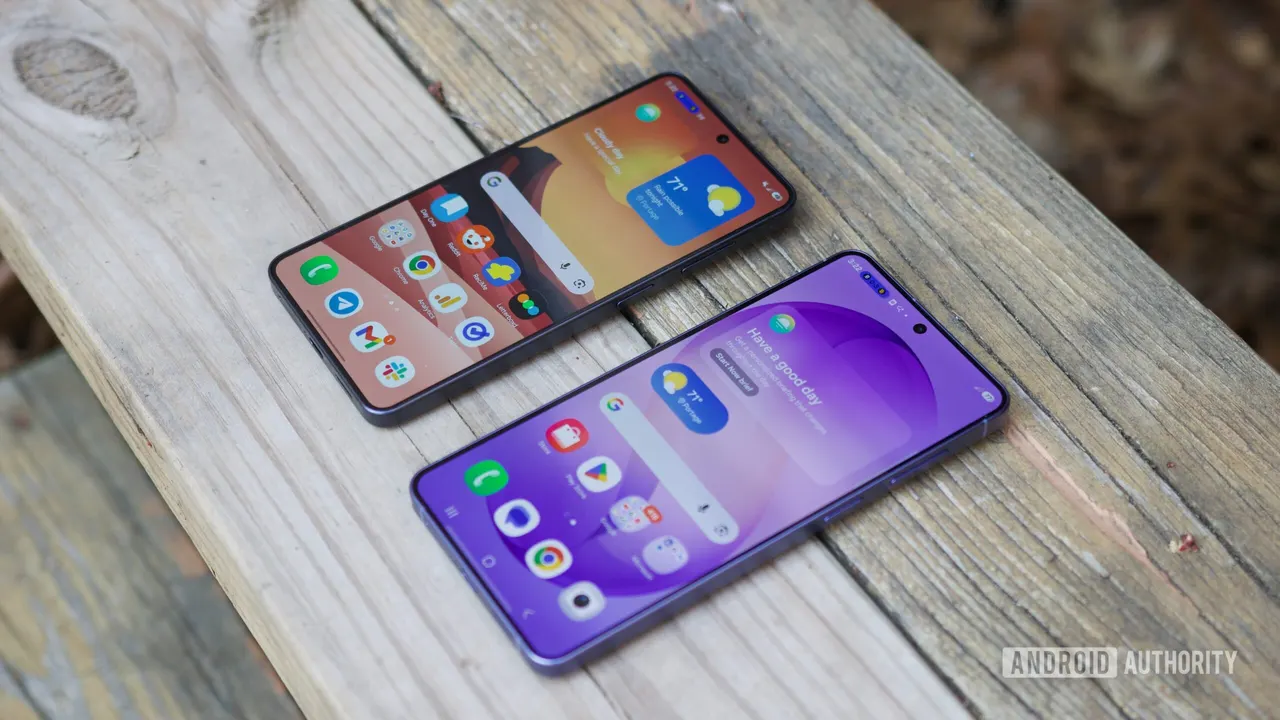
Galaxy phones are finally getting a built-in app lock in the One UI 9.5 beta, so you can hand over your phone without exposing WhatsApp or your bank app.
 SUMO· the number puzzle
 Dialo· learn languages by speaking
 ediviewer· read EDI files like documents
 giftdetect· the right gift in minutes
You hand a friend your phone to show them a photo. Now they're one swipe from your WhatsApp chats. Samsung's One UI 9.5 beta fixes that with a native app lock for Galaxy phones, no Secure Folder required.
The feature was spotted by Tarun Vats on X. Once you lock an app, opening it requires biometric authentication, a PIN, a pattern or a password, even when the phone is already unlocked. Notifications from locked apps are hidden, and their widgets disappear from the home screen, so private details don't leak out sideways.
How does Samsung's app lock work?
You protect the apps you already have, where they already are. Until now, Galaxy owners had three options: third-party app lockers, apps with their own sign-in settings, or Secure Folder. Secure Folder keeps data in a separate protected space, which is great for sensitive material but clumsy for everyday use.
Galaxy S26 Ultra owners get an extra trick. App lock works with Privacy Display, which can switch on automatically whenever you open a locked app. That makes it harder for the person sitting next to you on the train to read your screen.
Which Galaxy phones get app lock?
For now, it's in the One UI 9.5 beta on the Galaxy S26 series. Wider availability is expected with the stable update in 2027, but Samsung hasn't confirmed which other Galaxy devices will support it.
Samsung is late to this one. Xiaomi has offered app lock for years, and Apple added it in iOS 18 in 2024. Google is catching up too: it brought native app lock back in Android 17 QPR3 Beta 3 after pulling it from an earlier beta.
Apps worth a look
SUMO: the number puzzleTap the right tiles, add them up, hit the target. Easy to learn, hard to master. Free, for all ages.
Dialo: learn languages by speakingTalk to an AI conversation partner; every sentence comes back corrected and explained in your language. 9 languages, A1 to C2.
ediviewer: read EDI files like documentsOpen EDIFACT and X12 messages, see every segment explained, convert to JSON/XML, export PDF and Excel. Runs locally, no upload.
giftdetect: the right gift in minutesPick who it is for, the occasion and their personality. The search engine reads product descriptions from local shops and ranks what fits. Free, no sign-up.