Samsung One UI 9.5 may show your phone's IMEI on the lock screen
Code in One UI 9.5 suggests Galaxy phones could show their IMEI from the lock screen, so whoever finds a lost phone can hand police a number that matters.
 SUMO· the number puzzle
 Dialo· learn languages by speaking
 ediviewer· read EDI files like documents
 giftdetect· the right gift in minutes
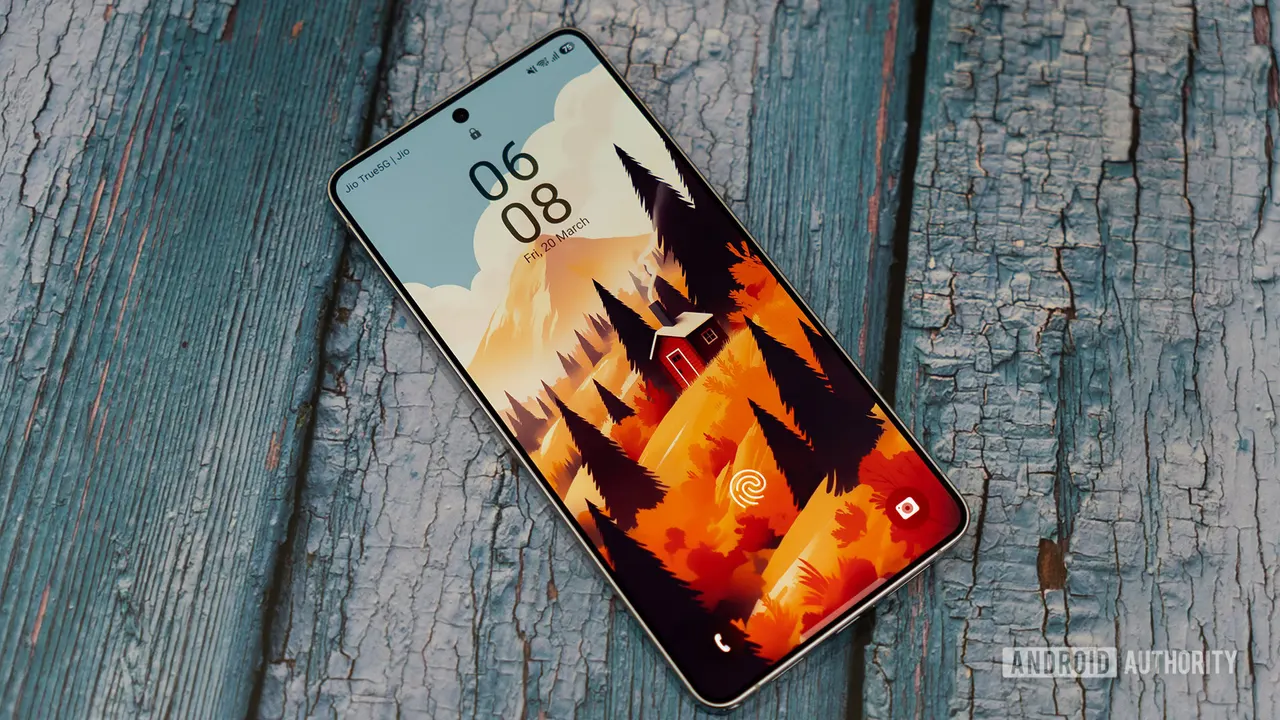
Lose your Galaxy phone and someone honest finds it, and they still face a problem: the screen is locked and nothing says whose it is. Samsung seems to be working on a fix. Code in One UI 9.5 points to a setting that shows the phone's IMEI number on the lock screen.
The feature appears to be copied from Google, which rolled it out on its own devices in September. Strings in the One UI 9.5 code call it Device identifier on Lock screen, the same name Google uses in its theft protection settings. On Samsung phones it would sit under a new category called Lost phone recovery. The description says the IMEI can be shown "in the Emergency call menu on the Lock screen."
This is based on work-in-progress code, so it may never ship. The setting doesn't show up on a Galaxy S25 running One UI 9, and it's unclear whether it will reach the public release of One UI 9.5.
What is an IMEI and how does it help find a lost phone?
Every phone has its own unique IMEI number. You can't use it to track a missing phone, but it can help connect the dots. If someone hands your phone to the police, officers could read the IMEI straight from the lock screen and check it against a record of devices reported lost or stolen. They could also work with the phone's carrier to find the accounts linked to that IMEI.
How is this related to Google's version?
Google's version is part of its theft protection and relies on the Personal Safety app. Samsung doesn't ship that app on Galaxy devices, even though it offers Google's theft protection. The One UI 9.5 strings suggest Samsung is building its own implementation instead.
For now, the practical advice is unchanged: you can still look up your IMEI in your phone's settings or on the box. If this feature does arrive, it would make the number available without needing to unlock anything.
Apps worth a look
SUMO: the number puzzleTap the right tiles, add them up, hit the target. Easy to learn, hard to master. Free, for all ages.
Dialo: learn languages by speakingTalk to an AI conversation partner; every sentence comes back corrected and explained in your language. 9 languages, A1 to C2.
ediviewer: read EDI files like documentsOpen EDIFACT and X12 messages, see every segment explained, convert to JSON/XML, export PDF and Excel. Runs locally, no upload.
giftdetect: the right gift in minutesPick who it is for, the occasion and their personality. The search engine reads product descriptions from local shops and ranks what fits. Free, no sign-up.
More from this day
See all →

More in: Mobile
See all →
WhatsApp backup without Google Drive: 2GB free on its own cloud

Meta Direct: a standalone messaging app that works without Instagram

Instagram Content Protection flags copies of your videos