Remove One UI from a Samsung phone? You can't, but you can shrink it
One UI can't be uninstalled from a Samsung phone, but a new launcher, a few removed apps and hidden icons make it far less noticeable.
 SUMO· the number puzzle
 Dialo· learn languages by speaking
 ediviewer· read EDI files like documents
 giftdetect· the right gift in minutes
You can't remove One UI from a Samsung phone. What you can do is swap out the part most people actually dislike, then trim the rest until the phone feels a lot less like Samsung's.
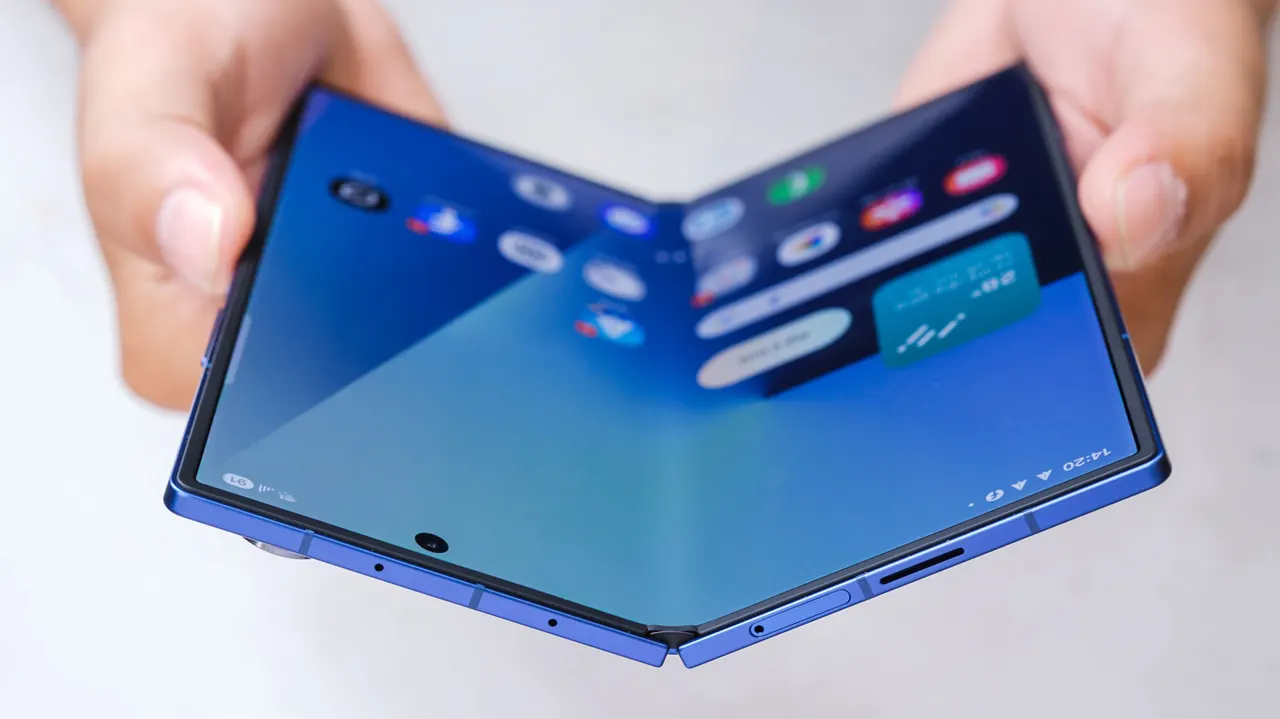
One UI is Samsung's custom software, the layer that gives its phones and tablets a familiar look. When people say they want rid of it, they usually mean the launcher, the app that draws your home screen. But One UI is also a bundle of features and pre-installed apps covering everything from health tracking to a digital wallet. Some of it will always be running.
How to limit One UI on a Samsung phone
Start with the launcher, which makes the biggest visible difference.
- Download a launcher from the Play Store like any other app. Niagara Launcher and Smart Launcher are two popular picks.
- Open Settings, tap Apps, then Choose default apps.
- Under Home app, select the new launcher. It replaces One UI Home as soon as you go back to the home screen.
Next, deal with the built-in apps.
- Go to Settings, then Apps, and type Samsung into the search bar.
- Tap the app you want gone. Some, like Notes, can be uninstalled completely.
- If there's no uninstall button, tap the three dots menu in the top right and choose Uninstall updates. The app stays, but takes up less storage.
- To clear the leftover icons, open Settings, then Home screen, scroll down to Hide apps on Home and Apps screen, and tick the ones you don't want to see.
Is there a gentler option?
If you'd rather keep the One UI home screen, Samsung's own Good Lock app offers a lot of customization settings. It isn't a new launcher, but it can change the home screen enough to fix the same complaints. The source ties it to One UI 9.
What this can't do
Most of these apps are system apps, so they can't be fully deleted, only shrunk and hidden. It's an imperfect fix. But it can make the phone much easier to navigate without switching to a different brand.
Apps worth a look
SUMO: the number puzzleTap the right tiles, add them up, hit the target. Easy to learn, hard to master. Free, for all ages.
Dialo: learn languages by speakingTalk to an AI conversation partner; every sentence comes back corrected and explained in your language. 9 languages, A1 to C2.
ediviewer: read EDI files like documentsOpen EDIFACT and X12 messages, see every segment explained, convert to JSON/XML, export PDF and Excel. Runs locally, no upload.
giftdetect: the right gift in minutesPick who it is for, the occasion and their personality. The search engine reads product descriptions from local shops and ranks what fits. Free, no sign-up.
More from this day
See all →Hugendubel, Tolino Cloud and eBook.de offline after cyberattack
YouTube app icons: 7 new designs, some retro, are in the works

PC repair job interview: the voltage switch trap he suggested