PocketBar Runs Android Apps on Mac From the Menu Bar
PocketBar opens Android apps in their own Mac windows from the menu bar, hiding the emulator behind a simple launcher for Apple Silicon machines.
 SUMO· the number puzzle
 Dialo· learn languages by speaking
 ediviewer· read EDI files like documents
 giftdetect· the right gift in minutes
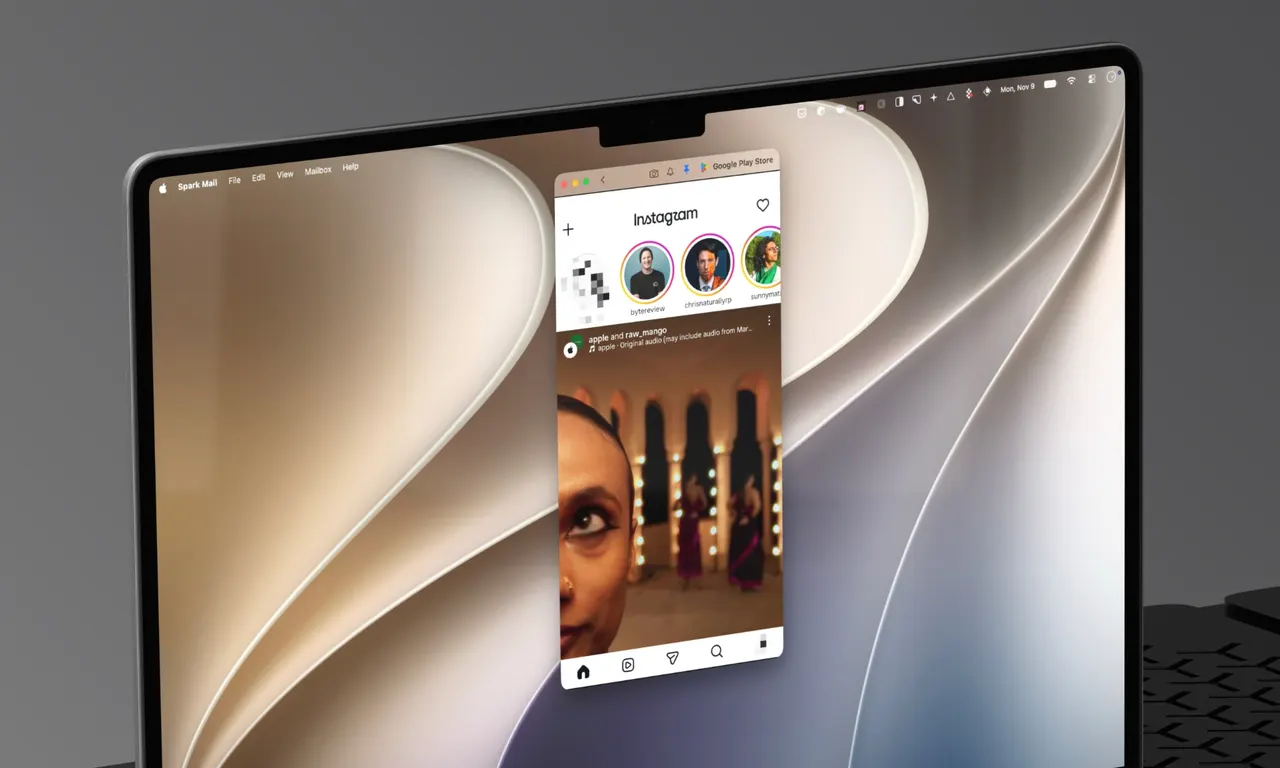
PocketBar, a new Mac app, lets users run Android apps in their own windows straight from the menu bar. It does rely on an emulator, but keeps it out of sight, so each app sits beside native Mac software instead of inside a clunky virtual device.
Launching is simple: click the menu bar icon or press ⌥ Space, pick an app, and it opens. The software supports Android 11 through 16. Apps can come from F-Droid, IzzyOnDroid or Aurora Store, or users can sideload an APK they already own. An optional image adds Google Play, though it takes up roughly 2GB of storage.
Extras and limits
PocketBar adds a few handy features. Private apps can be locked behind Touch ID, a favorite app can get its own menu bar shortcut, and a single switch in Settings blocks ads and trackers inside Android apps.
Compatibility is uneven. According to the developer, YouTube, Instagram, Signal and Telegram run without problems. Signing in to X and WhatsApp currently doesn't work, because both apps don't cooperate with emulators. Banking and payment apps may not work at all, and gamers are advised to look elsewhere.
Price and requirements
PocketBar is free to try on Apple Silicon Macs running macOS 14 or later. A one-time purchase of €9.99 unlocks PocketBar Pro, which adds screen recording, app backups and unlimited menu bar pins. There is no subscription, and buyers receive every update in the 1.x series.
For Android users who own a Mac, it offers something similar in spirit to Apple's iPhone mirroring, though it runs the apps on the Mac itself rather than mirroring a phone.
Apps worth a look
SUMO: the number puzzleTap the right tiles, add them up, hit the target. Easy to learn, hard to master. Free, for all ages.
Dialo: learn languages by speakingTalk to an AI conversation partner; every sentence comes back corrected and explained in your language. 9 languages, A1 to C2.
ediviewer: read EDI files like documentsOpen EDIFACT and X12 messages, see every segment explained, convert to JSON/XML, export PDF and Excel. Runs locally, no upload.
giftdetect: the right gift in minutesPick who it is for, the occasion and their personality. The search engine reads product descriptions from local shops and ranks what fits. Free, no sign-up.
More from this day
See all →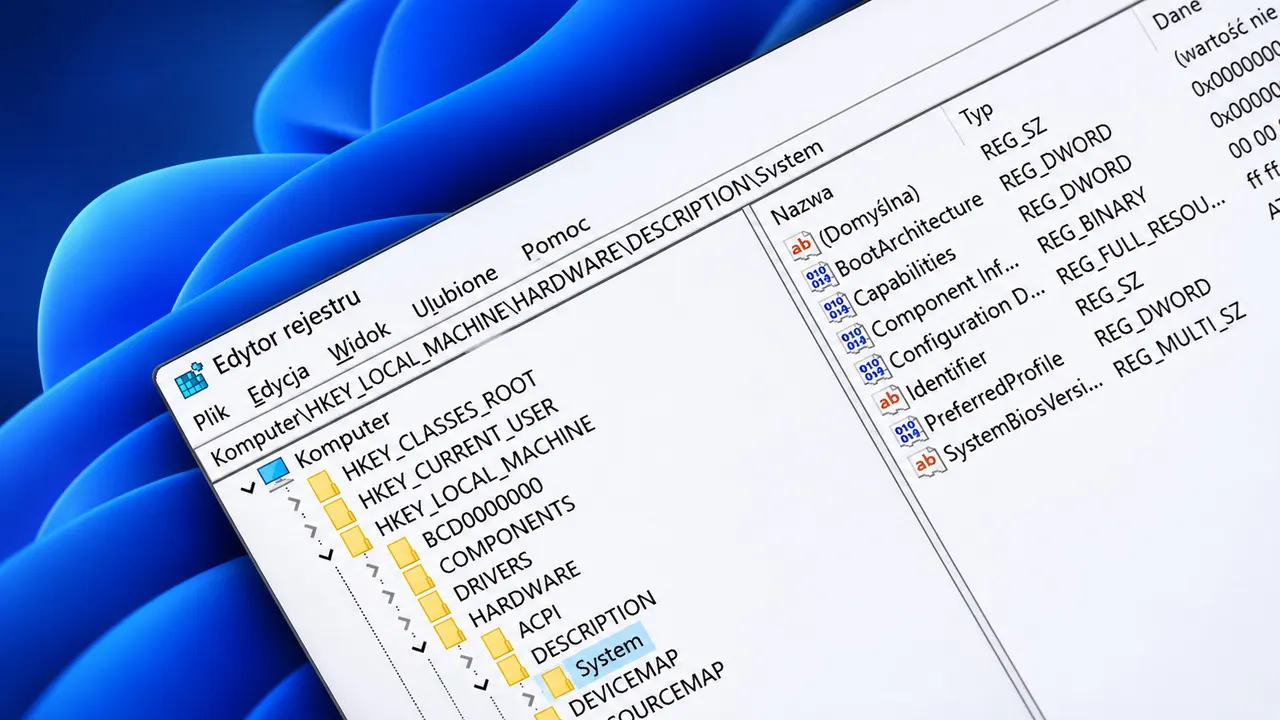
Windows 11 Registry Editor Gets a WinUI 3 Version as a Demo

JRH ASI to Finance Radar System Production for Ukrainian Partner

Budimex Tests Autonomous Rollers as Poland's Labor Shortage Bites