Phone says no service with a SIM card? Seven fixes to try
A phone that says "no service" despite a SIM card is usually fixable. Start with a paper clip, then check your carrier, roaming and your bill.
 SUMO· the number puzzle
 Dialo· learn languages by speaking
 ediviewer· read EDI files like documents
 giftdetect· the right gift in minutes
If your phone says "no service" or "No SIM card installed" even though the card is right there, don't panic. The phone still works. It just can't do its main job, which is calls and texts.
The SIM (Subscriber Identity Module) is the link between you and your mobile carrier. It authorises the connection that lets you call and send messages. When that link breaks, the phone sits there like a very expensive camera.
How to fix a "no service" error on your phone
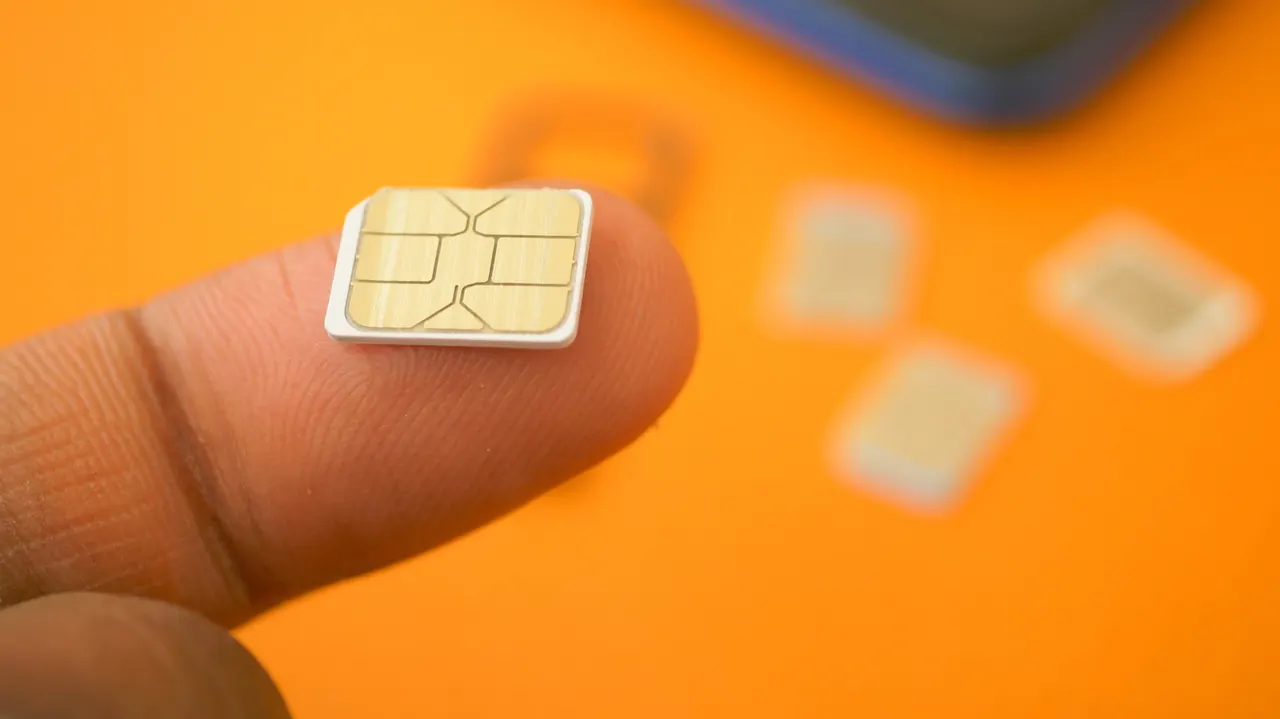
The simplest cause is a badly seated card, often after a drop or a repair. Pop the SIM out with an ejector tool and put it back. No tool? A paper clip or safety pin usually does it.
Next, rule out your carrier. If a phone on another network can get online, or a friend or relative on your carrier has the same problem, you are probably looking at an outage and not a broken phone.
Software can also be the culprit. Toggle airplane mode on and off by swiping down from the top of the screen and tapping the airplane icon. You can also try a network reset. It sounds drastic but leaves your personal files alone. You will have to sign back into Wi-Fi and a few other connections. On an iPhone it lives under Transfer or Reset in Settings, on Android under Reset Options.
What if you use an eSIM abroad?
An eSIM is a digital SIM that replaces the physical card, and it can be fussy when you travel. On an iPhone, find it under Cellular or Mobile Data in Settings. On Android, look for SIM Manager. Turning on data roaming may solve the problem.
The boring explanations
Check whether you missed a payment. If the bill is unpaid or the account was suspended, the SIM will stop connecting. Finally, consider where you are. A dead zone or a blocked cell tower can produce the same error, so walk around and see if a signal appears.
Apps worth a look
SUMO: the number puzzleTap the right tiles, add them up, hit the target. Easy to learn, hard to master. Free, for all ages.
Dialo: learn languages by speakingTalk to an AI conversation partner; every sentence comes back corrected and explained in your language. 9 languages, A1 to C2.
ediviewer: read EDI files like documentsOpen EDIFACT and X12 messages, see every segment explained, convert to JSON/XML, export PDF and Excel. Runs locally, no upload.
giftdetect: the right gift in minutesPick who it is for, the occasion and their personality. The search engine reads product descriptions from local shops and ranks what fits. Free, no sign-up.
More from this day
See all →Hugendubel, Tolino Cloud and eBook.de offline after cyberattack
YouTube app icons: 7 new designs, some retro, are in the works

PC repair job interview: the voltage switch trap he suggested