Nvidia GeForce 621.35 fixes the driver bug writing 30 GB an hour to SSDs
An idle PC with a GeForce driver was hammering its SSD at up to 30 GB an hour. Nvidia's hotfix 621.35 stops it, but you have to install it yourself.

 SUMO· the number puzzle
 Dialo· learn languages by speaking
 ediviewer· read EDI files like documents
 giftdetect· the right gift in minutes
A PC left alone should leave its SSD alone too. With Nvidia's GeForce drivers 621.14 and 621.24 it didn't: one user measured close to 30 GB written per hour on an idle desktop with every game closed. Nvidia has now released the GeForce 621.35 hotfix driver to stop it.
The bug first showed up in Game Ready driver 621.14, released on 4 November, and carried over into 621.24 on 12 November. On Nvidia's forum, a player traced it to NVDisplay.Container.exe, the service behind the Nvidia control panel and app, which kept rewriting a log file called nvlog.nvlgstg in the ProgramData folder. He logged 515 MB written in five minutes of total inactivity, against under 2 MB with the older 621.01 driver.
Nvidia acknowledged the issue (tracked as 7116722) and shipped 621.35 on 20 November. It is built on 621.24 and contains a single fix, for excessive writes that can happen in the background, as Nvidia Customer Care put it.
Does the bug wear out your SSD?
In theory, yes. A 1 TB SSD is typically rated for about 600 TB of total writes (the TBW figure). At 30 GB an hour, eight hours a day for a year, the bug would use up roughly 15% of that. That is an extreme case, though. Windows counters show what is sent to the drive's controller, not what actually lands on the flash chips after the SSD's internal caching.
As a hotfix, 621.35 had lighter quality control and has no WHQL certification, Microsoft's official compatibility label. Nvidia still hasn't said which cards are affected, what the average write volumes were, or why the log ran away. AMD fixed a near identical problem in its Adrenalin 26.11.1 driver just beforehand.
How to check your PC and install the fix
Rolling back to 621.01 is risky: it causes freezes and black screens during video playback on some GeForce RTX 50 cards.
- Press Windows + R and type resmon to open Resource Monitor.
- Open the Disk tab.
- If NVDisplay.Container.exe keeps writing to nvlog.nvlgstg while the PC is idle, you are affected.
- Download 621.35 manually from Nvidia App or Nvidia's support page and choose the clean installation option. Hotfixes are not delivered automatically.
If you see nothing unusual, you can wait for the next WHQL-certified driver, which will include the fix. To see how much endurance your SSD has already used, the free CrystalDiskInfo shows total writes since day one.
Apps worth a look
SUMO: the number puzzleTap the right tiles, add them up, hit the target. Easy to learn, hard to master. Free, for all ages.
Dialo: learn languages by speakingTalk to an AI conversation partner; every sentence comes back corrected and explained in your language. 9 languages, A1 to C2.
ediviewer: read EDI files like documentsOpen EDIFACT and X12 messages, see every segment explained, convert to JSON/XML, export PDF and Excel. Runs locally, no upload.
giftdetect: the right gift in minutesPick who it is for, the occasion and their personality. The search engine reads product descriptions from local shops and ranks what fits. Free, no sign-up.
More from this day
See all →
Samsung Galaxy phone buttons: extra shortcuts you may have missed
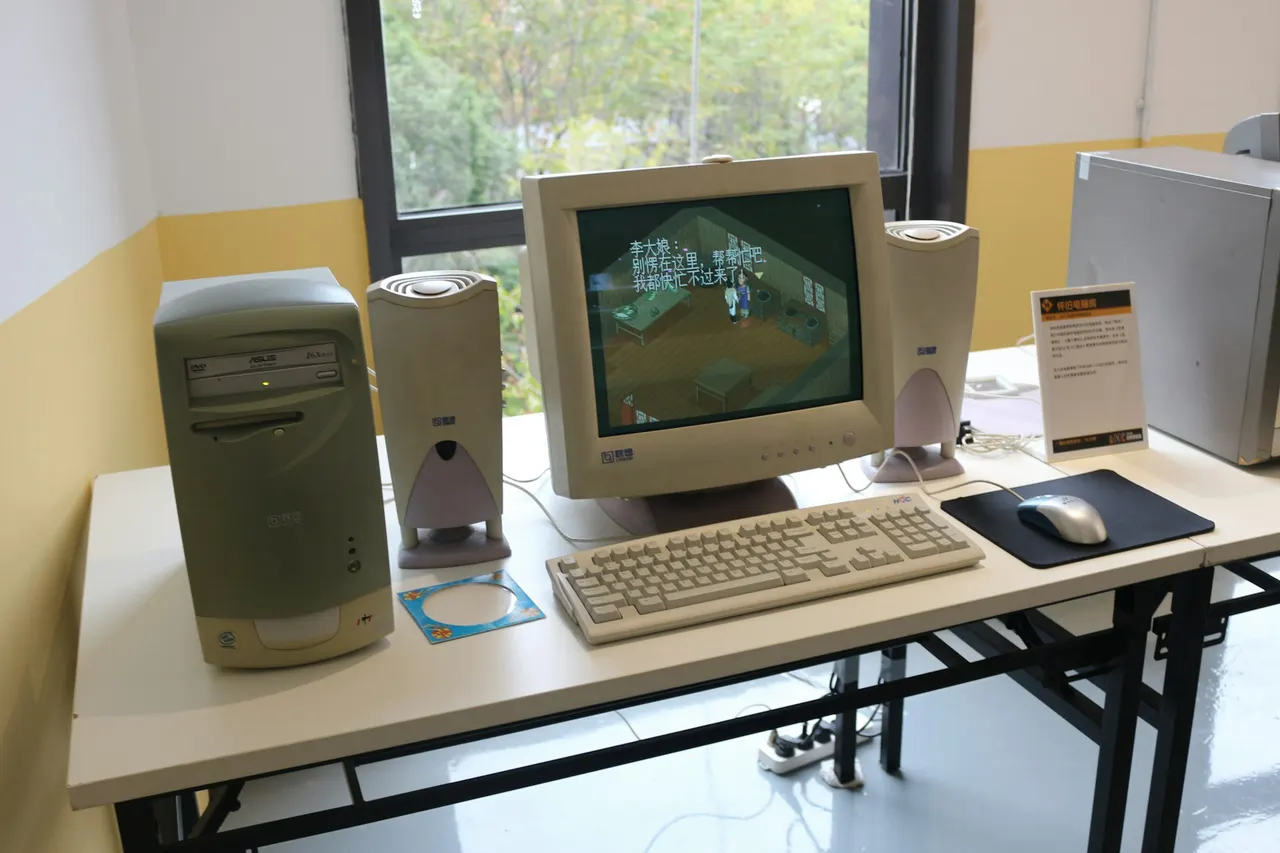
Oldest program running on Windows 11 dates back to 1992

Inkling 2 Mini: a 26B open AI model that runs on a laptop

ARTEX AI hacking tool can take over a network in under 3 hours
More in: Hardware
See all →
Evering smart ring gets a Myaku-Myaku edition that replaces your wallet

BORSLON Finger Gaming Mouse Slips onto Your Index Finger, 36 g

Toshiba Libretto 50 with Windows 95 found in Akihabara for €140