Liquid Glass: Apple tests softer scroll edges in navigation bars
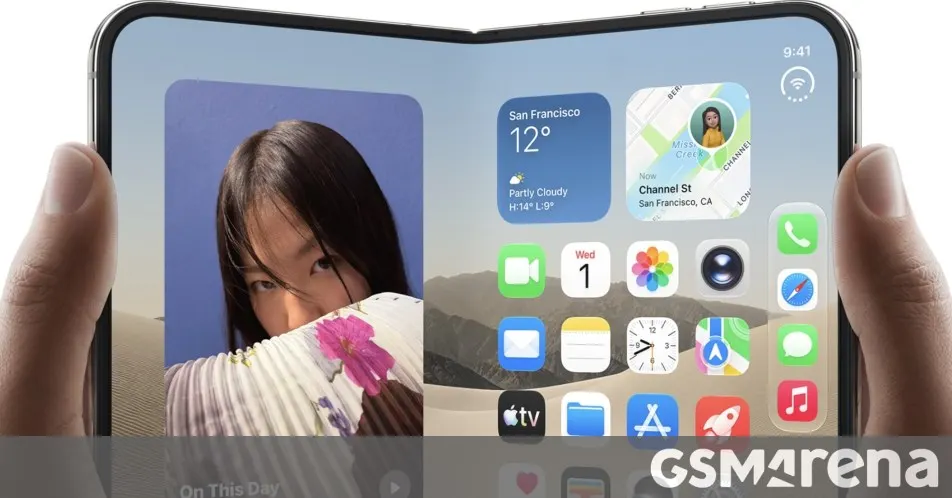
Apple is testing a softer scroll-edge fade for Liquid Glass navigation bars, aimed at people who run the transparency slider near its clearest setting.
 SUMO· the number puzzle
 Dialo· learn languages by speaking
 ediviewer· read EDI files like documents
 giftdetect· the right gift in minutes
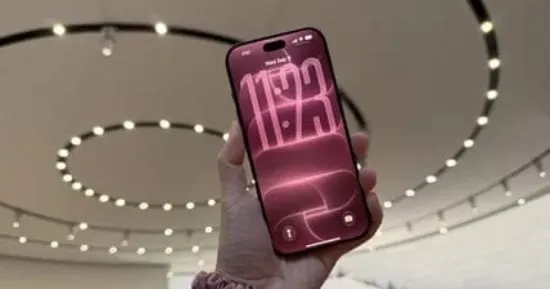
Apple's Liquid Glass design may be getting a small fix for people who like their interface as see-through as possible. Code found in a test build shows Apple is trying out a softer fade at the edge of navigation bars when you scroll.
The find comes from a code sleuth who goes by pdfu. According to the post, the change brings back the softer scroll-edge effect from iOS 26 in navigation bars, but only when the glass tint is set to 25% or lower. It applies to the default, or auto, style. For now it is switched off behind a flag called UIKit/clear_glass_soft_pocket, so Apple has not turned it on for anyone.
What is the Liquid Glass transparency slider?
Liquid Glass was one of the most polarizing interface changes Apple has made in years. Some people called it one of the best updates in a long time. Others called it a usability disaster. The noise faded as people got used to it, though that is not the same as everyone liking it.
Apple responded with a slider that lets you set how transparent the interface looks, from heavily frosted glass to almost fully clear. The new test builds on that. It concerns what happens at the edge of a bar when content scrolls beneath it.
Why the softer edge matters
The difference is subtle, and plenty of people will shrug at it. Ben Lovejoy, who has his own transparency turned all the way up, says he likes the softer fade and would welcome a way to bring it back.
Since the feature is hidden and untested in public, there is no word on whether it will ship, or when. What the flag does show is that Apple is still adjusting Liquid Glass based on feedback, one small detail at a time.
Apps worth a look
SUMO: the number puzzleTap the right tiles, add them up, hit the target. Easy to learn, hard to master. Free, for all ages.
Dialo: learn languages by speakingTalk to an AI conversation partner; every sentence comes back corrected and explained in your language. 9 languages, A1 to C2.
ediviewer: read EDI files like documentsOpen EDIFACT and X12 messages, see every segment explained, convert to JSON/XML, export PDF and Excel. Runs locally, no upload.
giftdetect: the right gift in minutesPick who it is for, the occasion and their personality. The search engine reads product descriptions from local shops and ranks what fits. Free, no sign-up.