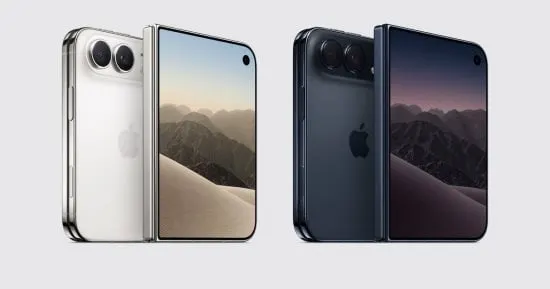
iPhone Duo hands-on: Apple's side controls leave lefties behind
After a short hands-on with Apple's foldable iPhone Duo, one left-handed tester says its right-edge controls make one-handed use awkward and that Apple offers no way to mirror them.
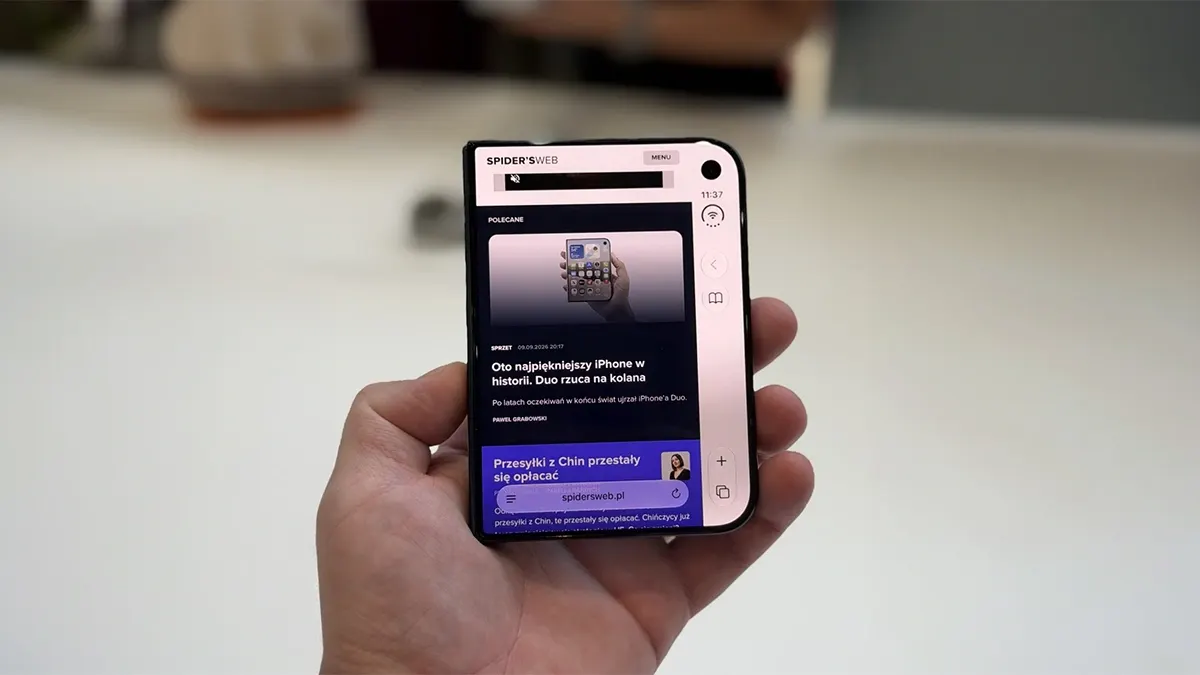
A few dozen minutes with Apple's foldable iPhone Duo were enough to raise a question that has little to do with whether folding screens make sense: why should users adapt their anatomy to the operating system? For left-handed people, the answer is not flattering to Apple.
A wide phone with a right-hand remote
The Duo has a 5.4-inch outer display and a 7.6-inch inner one. Closed, it is still 84.1 mm wide, so it is short and broad rather than small. Apple has moved many elements that normally sit at the top or bottom of an iPhone screen, including toolbars, app tabs and navigation controls, into a vertical strip along the right edge.
The reasoning is sound: a shorter screen has less vertical room, and stacking horizontal bars would squeeze content. The trouble is the side. Held in the left hand, the Duo forces the thumb to reach across a wide front, and the higher the control, the harder it gets without help from the other hand.
This is not one badly designed app. Side controls are the core interface pattern, and apps using standard system components get the layout automatically. Apple's developer guidelines advise against changing the default position of the side bars, and its documentation says they stay on the same side even in right-to-left languages, tied to the hardware's asymmetry and camera placement.
Workarounds are not a fix
Apple did address one case. Control Center can be opened with a single tap on the group of battery, Wi-Fi and cellular indicators, so there is no need to swipe from the top-right corner. With a Live Activity active, that target can sit even lower. It is a sensible improvement, the reviewer concedes, but it does not move app bars to the left or make the phone narrower.
Opening the Duo is not a full answer either, since the larger screen does not shorten a thumb. The outer display matters precisely when a person does not want to set up a mini workstation, such as with a bag in one hand.
The inner screen shows the system can be flexible. In portrait it uses standard horizontal bars, and in Split View each app places its side controls on its outer edge, so the left-hand app gets them on the left. The left edge is therefore not off limits for the software. The reviewer does not claim a left-handed switch would be trivial to build, but argues that the system makes comfort depend on which hand holds the phone, and that left-handed users, an estimated 4 million people in Poland alone, deserve a choice.
More from this day
See all →
South Korean police probe 80 Tesla drivers over FSD lockouts

Popcorn Time: Abandoned update servers put Mac users at risk
Claude Motion: Anthropic's New AI Animation Tool Tested

India E2W Registrations Rise 2.9% to 2.15 Lakh in October
More in: Mobile
See all →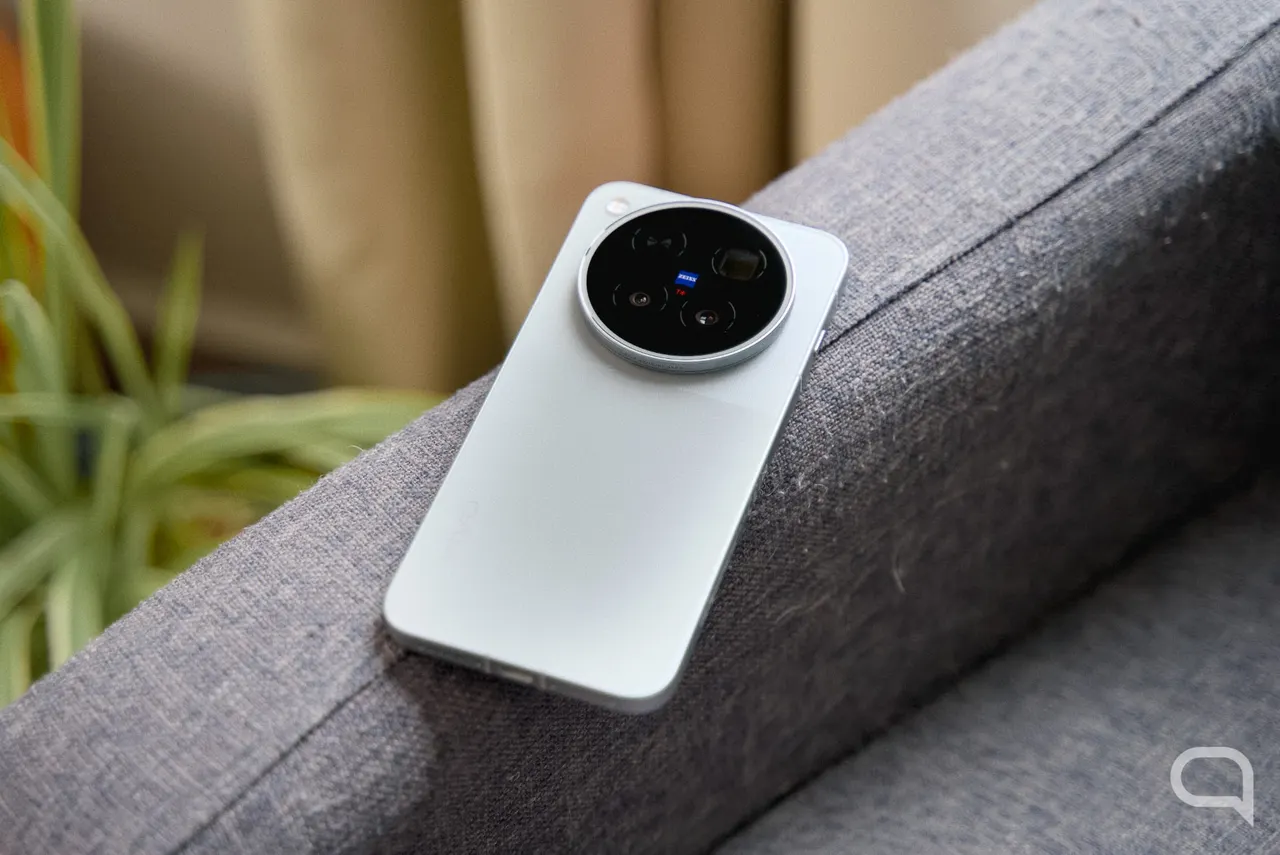
vivo X500 Pro Max Camera Tested: ZEISS Telephoto Sets the Bar
Samsung News app shuts down on December 21 on Galaxy devices
iPhone Duo Screen Failures Traced to a Hinge Part, iFixit Says