How to spot a fake website before you click the link
Scammers copy banks, couriers and online shops down to the logo. A padlock icon won't save you, but a few quick checks on the link itself will.
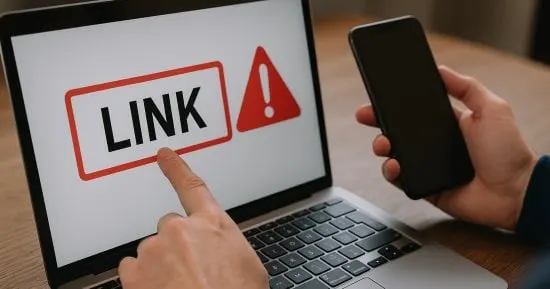
 SUMO· the number puzzle
 Dialo· learn languages by speaking
 ediviewer· read EDI files like documents
 giftdetect· the right gift in minutes
Knowing how to spot a fake website takes less technical skill than you might think. It mostly comes down to slowing down and reading the address before you type anything in.
Fake sites are now one of the most common online scams. Criminals build pages that imitate banks, shipping companies, online shops and social networks, then send links by email, chat apps or social media. The message looks like it comes from a company you trust. The page behind the link exists to grab your passwords, personal details or card numbers the moment you enter them.
What are the signs of a fake website?
The address is slightly off. Scammers swap a letter, add a word or tuck in an odd symbol. A familiar logo proves nothing, so read the domain name carefully.
The padlock is not a guarantee. HTTPS and the lock icon mean the connection is encrypted, not that the site is honest. On the other hand, if your browser throws up a security warning, don't click past it just to see the page.
It asks for too much. Passwords, card numbers or the verification code sent to your phone are red flags when the service doesn't need them. Be especially wary of pages that demand your bank details to "update your information" or "confirm your identity" urgently.
It rushes you. Huge discounts, free prizes and countdown offers are built to make you decide before you think.
It looks sloppy, but not always. Spelling mistakes, clumsy translations, low-quality images, dead links and no clear company details are all warning signs. Some scam sites now look polished, so design alone can't be your test.
How do you check a link safely?
On a phone, press and hold the link to see its real address. On a computer, hover the mouse over it. You can also copy it into VirusTotal, a service that checks links against known malicious sites and activity. For banks and official services, type the address into the browser yourself rather than following a link from an unknown sender.
What if you already entered your details?
Close the page and don't download anything. If you typed a password, change it through the official site or app, change it anywhere else you reused it, and turn on two-factor authentication. If you gave card details, contact your bank through its official channels so it can secure the card and review transactions. If you installed a file or app from the site, run a security scan and check which apps and permissions were granted recently.
Scammers are now using AI tools to copy sites, logos and official-looking messages, which makes the small details more important: the link, the sender, and what the page is asking for.
Apps worth a look
SUMO: the number puzzleTap the right tiles, add them up, hit the target. Easy to learn, hard to master. Free, for all ages.
Dialo: learn languages by speakingTalk to an AI conversation partner; every sentence comes back corrected and explained in your language. 9 languages, A1 to C2.
ediviewer: read EDI files like documentsOpen EDIFACT and X12 messages, see every segment explained, convert to JSON/XML, export PDF and Excel. Runs locally, no upload.
giftdetect: the right gift in minutesPick who it is for, the occasion and their personality. The search engine reads product descriptions from local shops and ranks what fits. Free, no sign-up.
More from this day
See all →
Gmail down? Google says no, and posted it on X to prove it

Apple Intelligence in China now being tested on iPad and Mac
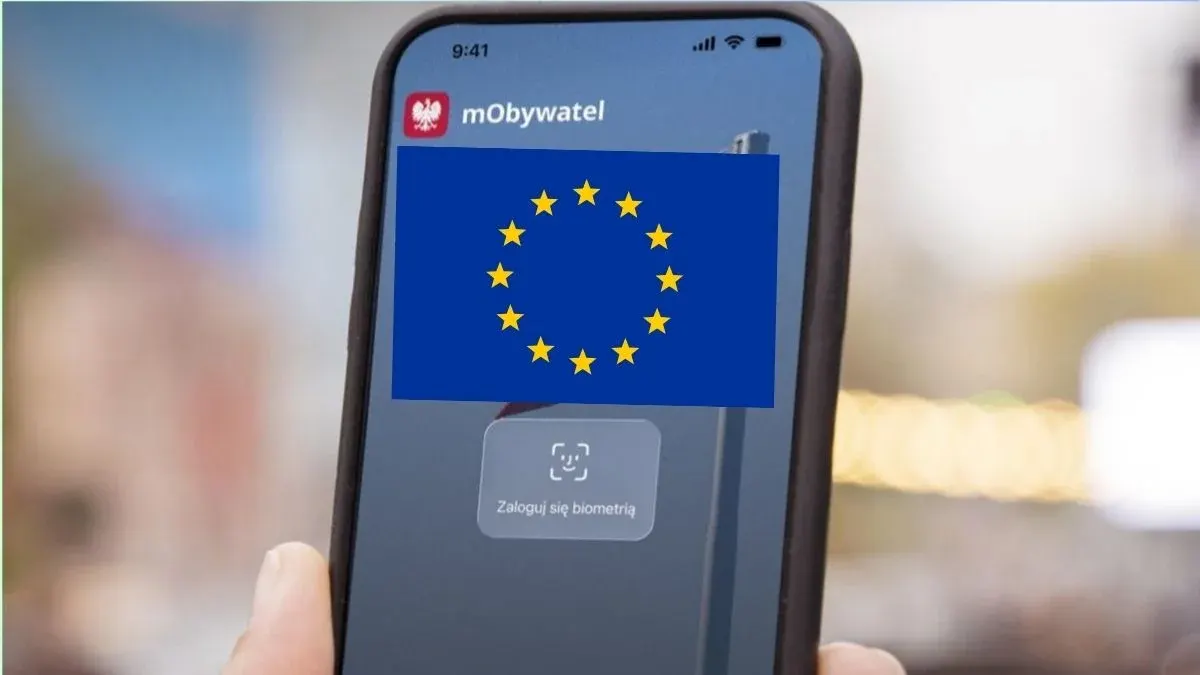
mObywatel Europa: Poland's government backs EU digital ID wallet

Heavy fermions seen at a one-atom-thick layer's edge for the first time
More in: Security
See all →
Metaem hack: Coinone, Bunjang and Mega MGC Coffee data exposed
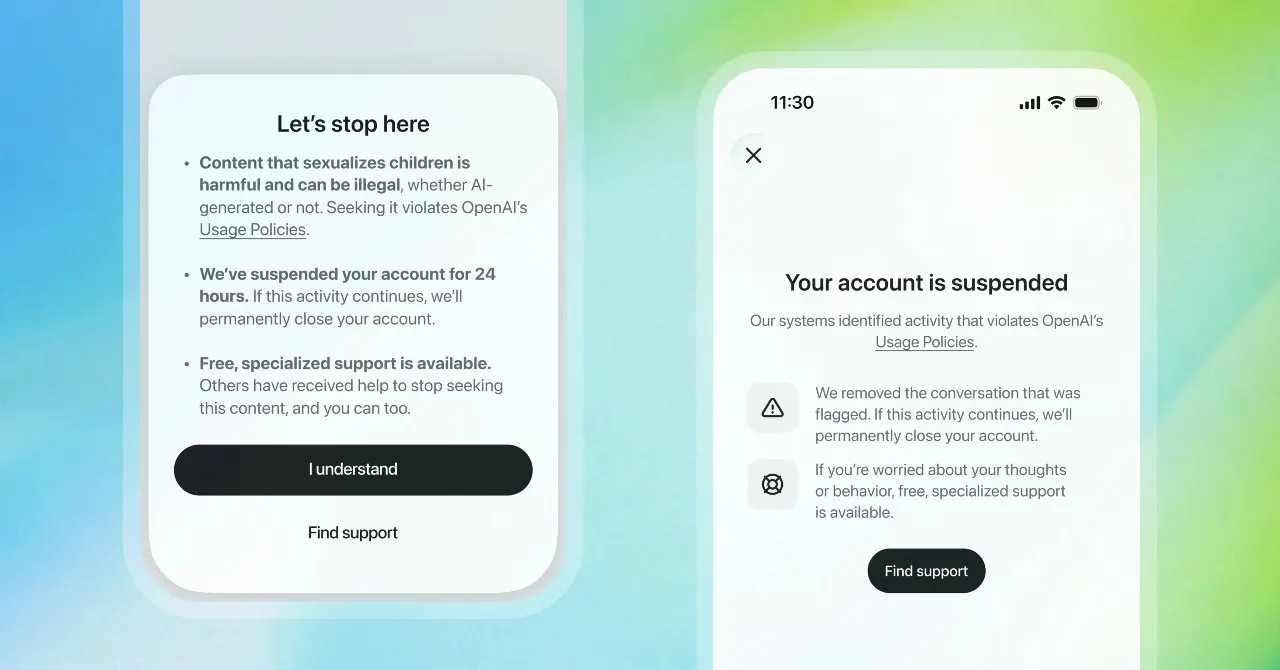
OpenAI CSAM Image Classifier spots AI-made abuse images

Optimizely attack hit IKEA, Zoom and HSBC sites, with iPhone malware