How to cancel Nintendo Switch Online (and the 48-hour catch)
Cancelling Nintendo Switch Online means turning off auto-renewal, and you have to do it at least 48 hours before your plan ends. There is no way back once it's off.
 SUMO· the number puzzle
 Dialo· learn languages by speaking
 ediviewer· read EDI files like documents
 giftdetect· the right gift in minutes
Cancelling Nintendo Switch Online takes a couple of minutes, but the service doesn't have a cancel button as such. You switch off auto-renewal instead, and there is a deadline: at least 48 hours before your membership ends.
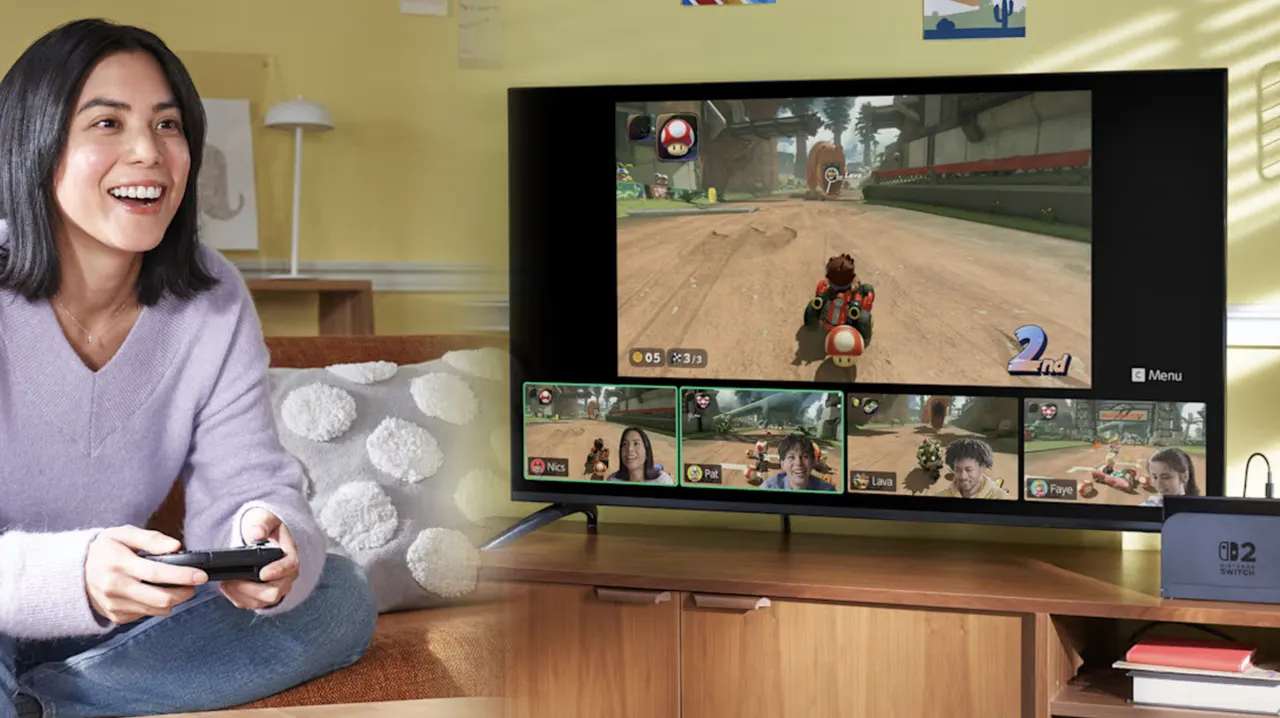
The subscription covers online play in games like Mario Kart World and Animal Crossing: New Horizons, retro libraries from consoles such as the Game Boy and the NES, exclusive games and cloud saves. On Switch 2 it also adds GameChat, and the Expansion Pack tier unlocks GameCube games. If you barely use any of that, or you're trimming subscriptions, it can go.
How do you turn off Nintendo Switch Online auto-renewal?
On a Switch, open the eShop, pick the account that pays for the membership and click the icon in the upper-right corner to reach Account Information. Choose the Nintendo Switch Online section in the left menu, then click Cancel Your Subscription by Turning Off Automatic Renewal. On a Switch 2, that same option sits on the Account Information page.
On a phone or computer, go to the Nintendo accounts portal and sign in with the account that bought the plan. Select Nintendo Switch Online, find Cancel Your Pass by Turning Off Auto-Renewal in the Active Plan section and choose Confirm.
What happens after you cancel?
You keep everything until the term you've already paid for runs out. A notice shows the exact expiry date. There are no refunds for unused time, so if you paid $20 for a year and cancel at six months, you don't get $10 back. Because of that, switching off auto-renewal early costs you nothing.
Two catches. On a family plan, turning off auto-renewal applies to every member of the group. And once it's off, you can't turn it back on. To return, you'll need to buy a new subscription pass.
While you're in your Nintendo account, check your log-in method. Nintendo is ending Google and Apple account sign-ins in early 2027.
Apps worth a look
SUMO: the number puzzleTap the right tiles, add them up, hit the target. Easy to learn, hard to master. Free, for all ages.
Dialo: learn languages by speakingTalk to an AI conversation partner; every sentence comes back corrected and explained in your language. 9 languages, A1 to C2.
ediviewer: read EDI files like documentsOpen EDIFACT and X12 messages, see every segment explained, convert to JSON/XML, export PDF and Excel. Runs locally, no upload.
giftdetect: the right gift in minutesPick who it is for, the occasion and their personality. The search engine reads product descriptions from local shops and ranks what fits. Free, no sign-up.
More from this day
See all →Hugendubel, Tolino Cloud and eBook.de offline after cyberattack
YouTube app icons: 7 new designs, some retro, are in the works

PC repair job interview: the voltage switch trap he suggested
Google's new 3D emoji need 6GB RAM and 10GB storage, now explained
More in: Gaming
See all →
Phantom Blade Zero Denuvo crack: voices38 strikes again

Rockstar Games Launcher down: GTA 5 and RDR2 won't start
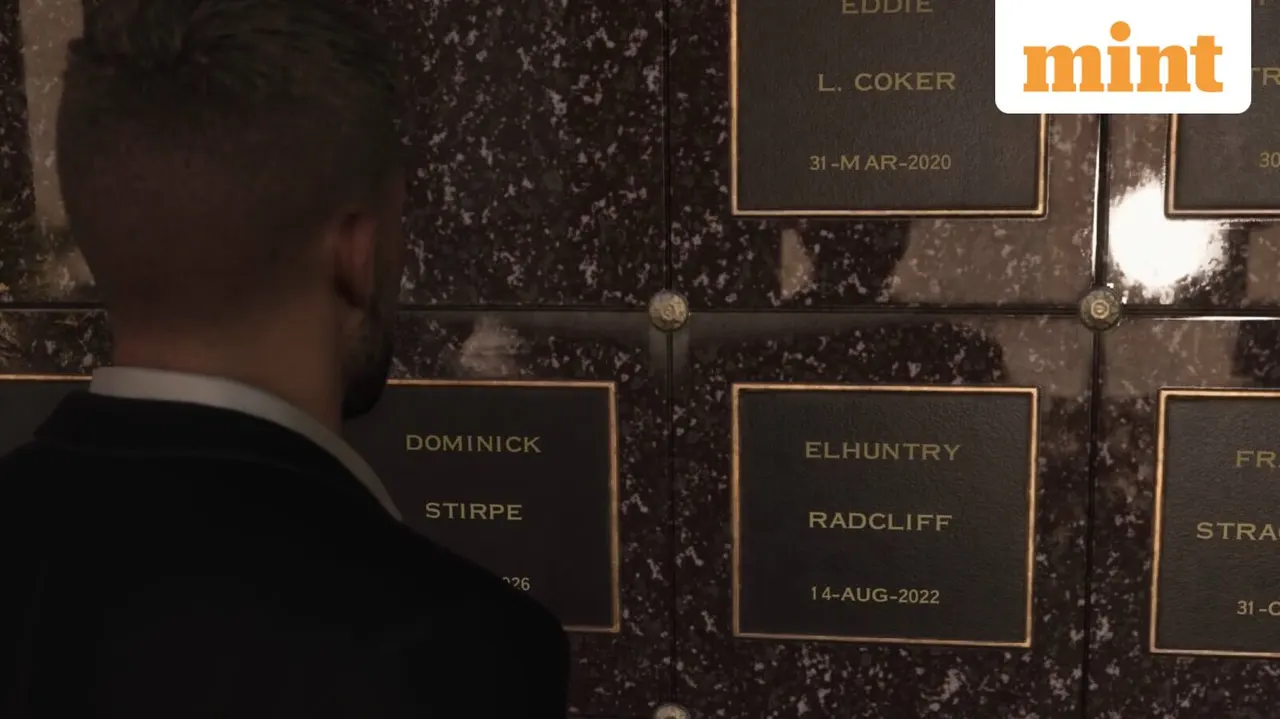
GTA 6 memorial in Leonida honours developers' lost family