Heroic Games Launcher: one free app for Epic, GOG and Amazon games
Heroic Games Launcher is a free, open-source app that gathers your Epic, GOG and Amazon libraries in one place, on Windows, Mac, Linux and Steam Deck.
 SUMO· the number puzzle
 Dialo· learn languages by speaking
 ediviewer· read EDI files like documents
 giftdetect· the right gift in minutes
Heroic Games Launcher is a free, open-source app that pulls your Epic Games, GOG and Amazon Games libraries into one window, so you can stop juggling three official launchers. It runs on Windows 10 and 11, macOS 14 or later, SteamOS (so Steam Deck and Steam Machine) and several Linux distributions, including Ubuntu 22.04, Fedora 37, openSUSE Tumbleweed and Arch Linux. It can even help you play Windows games on Linux or macOS.
The launcher itself is light: 500 MB of disk space, 2 GB of RAM and a 1.8 GHz dual-core processor. The games you install are another matter, and the heavy ones still need a decent machine.
How to set up Heroic Games Launcher
- Download the installer for your system and install Heroic. There are packages for most platforms.
- Open the app and sign in to your stores. Go to Library or Manage Accounts and log in to Epic, GOG and Amazon, depending on where you own games.
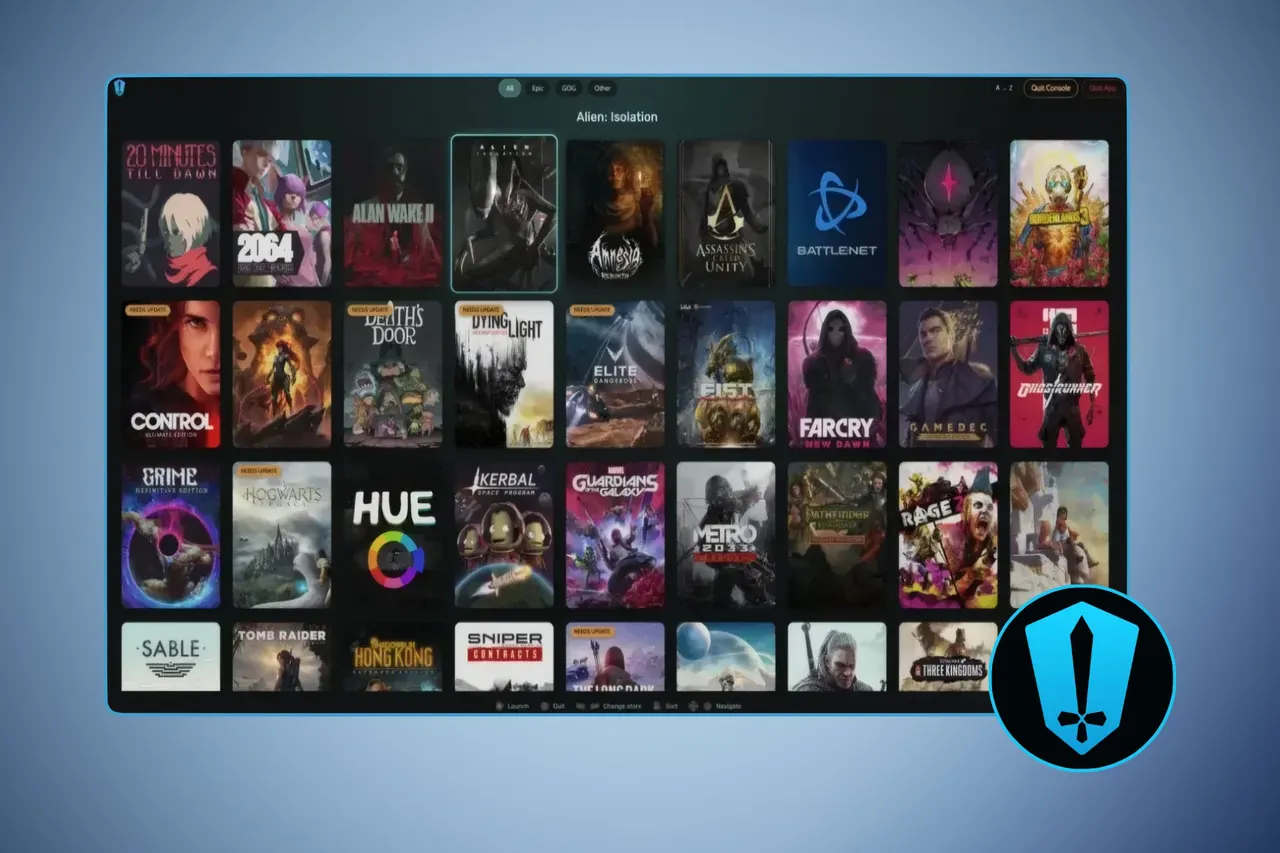
- Look at your Library. Your titles appear there, with covers in black and white until you install them. Installed games turn to colour.
- Double-click a game to open its page, then press Install. If the game is already on your computer, choose Import Game and point Heroic to the folder.
- Check the space the game needs and the space you have, and pick an install path. The default is usually the best choice. The wizard then downloads the installer and any patches the game requires.
- When it finishes, double-click the game to play. In each game's Settings you can choose an alternative EXE, enter launch commands, run it offline or ignore updates.
- To add a game from another store, go to Library and click Add Game. Enter the title, add images and select the executable. If it is not installed yet, click Run installer first and choose the installer.
What else it does and where it stops
Heroic also lets you open the online versions of the three stores to hunt for deals, customise game covers as in Steam, and switch to a console mode similar to Steam's Big Picture. Global changes live in Settings.
For now it replaces the official launchers of Epic, GOG and Amazon only. Games from any other store have to be added by hand through the steps above. Lutris and Playnite are similar alternatives if Heroic does not suit you.
Apps worth a look
SUMO: the number puzzleTap the right tiles, add them up, hit the target. Easy to learn, hard to master. Free, for all ages.
Dialo: learn languages by speakingTalk to an AI conversation partner; every sentence comes back corrected and explained in your language. 9 languages, A1 to C2.
ediviewer: read EDI files like documentsOpen EDIFACT and X12 messages, see every segment explained, convert to JSON/XML, export PDF and Excel. Runs locally, no upload.
giftdetect: the right gift in minutesPick who it is for, the occasion and their personality. The search engine reads product descriptions from local shops and ranks what fits. Free, no sign-up.
More from this day
See all →



More in: Gaming
See all →
AnyPS5: GitHub Praised the PS5-on-PC Tool, Then Deleted the Post

Yooka-Laylee Definitive Edition skips Xbox, and fans are asking why

Rockstar UK staff vote against IWGB union, about 75% say no