GTA 6 autosave doesn't always trigger, so save manually
Players report that GTA 6 doesn't always autosave after missions. Until it's clear whether that's a bug or intended, here's how to protect your progress.

 SUMO· the number puzzle
 Dialo· learn languages by speaking
 ediviewer· read EDI files like documents
 giftdetect· the right gift in minutes
If you've been playing GTA 6 and assuming the game saves every time you finish a mission, you may want to check that assumption. Players are reporting that the autosave doesn't fire consistently, and a sudden power cut could cost you progress you thought was safe.
Rockstar Games' new release is being praised by both players and the specialist press, but the autosave is causing some headaches. In theory, the game saves automatically when you finish a main mission or certain side tasks. In practice, some players say it saves after one mission and then does nothing after the next.
The risk is obvious. If the game shuts down unexpectedly, you could have to replay something you had already completed.
Is the GTA 6 autosave a bug or intended?
That's not clear yet. What is known is that Rockstar has firm rules about when saving is allowed. You can't save, manually or automatically, while you're in a fight or being chased by gangsters or the police. Saving is also blocked in the middle of a mission with Jason or Lucia.
Those limits may explain some of the missed saves, but the source doesn't say so, and the inconsistency itself is still unexplained.
How to save manually in GTA 6
The game is big enough that you can easily sink hours into it, so the safest habit is to save by hand whenever you can. Grand Theft Auto VI has 15 save slots, and one of them is reserved only for the autosave.
To save manually, open the options menu and go to Game > Save Game.
The game is already a commercial hit. According to Sensor Tower, it has sold more than 19 million copies, and that figure is expected to keep climbing.
Apps worth a look
SUMO: the number puzzleTap the right tiles, add them up, hit the target. Easy to learn, hard to master. Free, for all ages.
Dialo: learn languages by speakingTalk to an AI conversation partner; every sentence comes back corrected and explained in your language. 9 languages, A1 to C2.
ediviewer: read EDI files like documentsOpen EDIFACT and X12 messages, see every segment explained, convert to JSON/XML, export PDF and Excel. Runs locally, no upload.
giftdetect: the right gift in minutesPick who it is for, the occasion and their personality. The search engine reads product descriptions from local shops and ranks what fits. Free, no sign-up.
More from this day
See all →
Google AI Mode temporary threads: incognito-style search

Arcom rules YouTubers must give all 2027 candidates equal time

Kerch Bridge strike: Ukraine steered missiles without Starlink

OVHcloud Olala mini: a free AI model that runs in 8 GB of RAM
More in: Gaming
See all →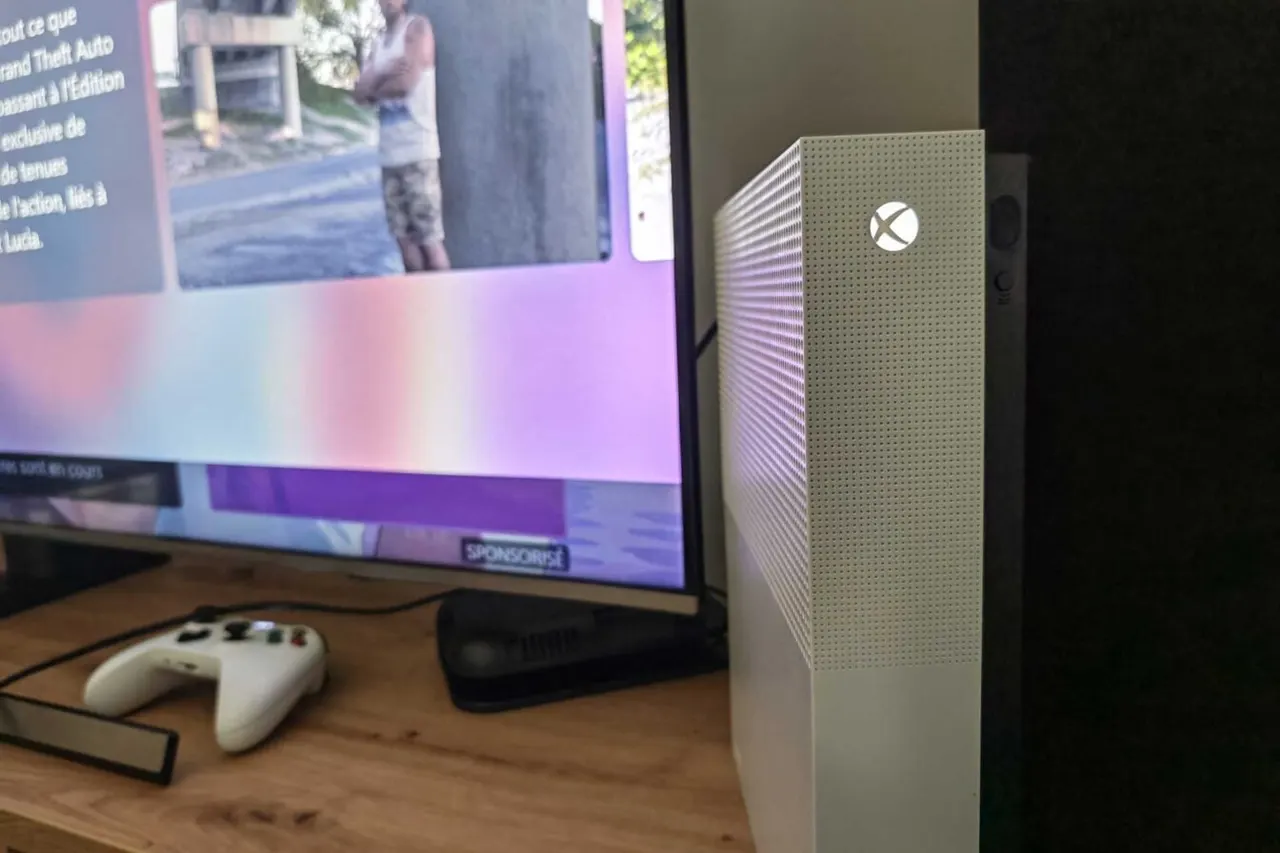
GTA 6 on Xbox One works through the cloud, with a catch

GTA 6 world events: a tiger in a van, a plane crash and a cat
MindsEye studio Build a Rocket Boy may sue to repay £61.7m debt