Google Wallet for iPhone is out now, but without tap-to-pay
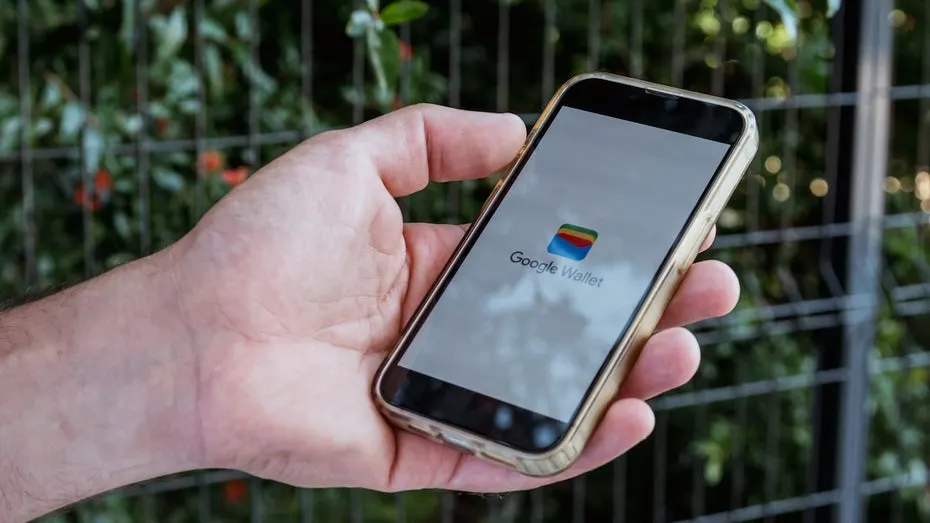
Google Wallet is now on iOS for US users, sitting next to Apple's own Wallet. It can't do tap-to-pay, but Google pitches it as a hub for AI-driven purchases.
 SUMO· the number puzzle
 Dialo· learn languages by speaking
 ediviewer· read EDI files like documents
 giftdetect· the right gift in minutes
Google Wallet has arrived on the iPhone, which means iOS users in the US can now run Google's wallet app right beside Apple's own. It is available starting today.
That is a small surprise. Google and Apple have a long habit of keeping their first-party apps off each other's hardware, so a launch like this counts as the two companies being unusually polite.
What does Google Wallet on iOS do?
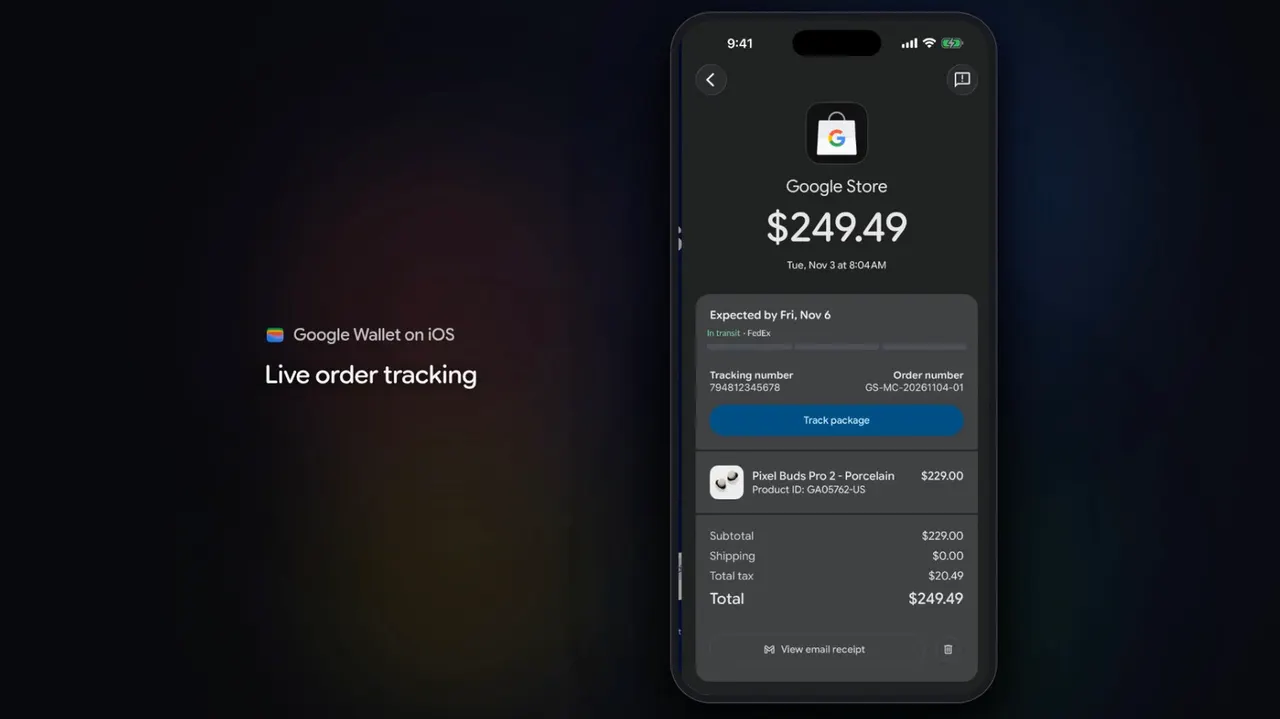
Much of what Apple Wallet already does. It handles digital payment tools, stores tickets and travel information, and keeps IDs and credentials safe. If you have used one, the other will feel familiar, which makes the whole thing a little odd.
The one thing that could set it apart is how Google positions it. In its announcement, the company describes Google Wallet as a hub for agentic purchases made across Google tools. Agentic means an AI acts on your behalf, for example buying something for you, rather than just answering a question.
That looks like the only area where the iOS app could feel markedly different. Apple has been more cautious about agentic AI than its competitors so far.
Does Google Wallet on iPhone support tap-to-pay?
No. The iOS version will not support tap-to-pay, so you still can't hold your iPhone to a terminal and pay with Google's app. Google's blog post did not say whether that feature might be added later.
Where is it available?
For now, only in the US. The company has not said anything in the material about other countries.
So for most iPhone owners the practical question is simple: do you want a second wallet that mostly duplicates the first? If your tickets, cards or AI shopping already live in Google's world, maybe. If not, Apple Wallet still does the job, and it still owns tap-to-pay on the iPhone.
Apps worth a look
SUMO: the number puzzleTap the right tiles, add them up, hit the target. Easy to learn, hard to master. Free, for all ages.
Dialo: learn languages by speakingTalk to an AI conversation partner; every sentence comes back corrected and explained in your language. 9 languages, A1 to C2.
ediviewer: read EDI files like documentsOpen EDIFACT and X12 messages, see every segment explained, convert to JSON/XML, export PDF and Excel. Runs locally, no upload.
giftdetect: the right gift in minutesPick who it is for, the occasion and their personality. The search engine reads product descriptions from local shops and ranks what fits. Free, no sign-up.
More from this day
See all →
Cuts Make, Naver Webtoon's AI app, is Google Play's best app of 2026

War Bear: the Chinese tracked riot robot with a grenade launcher
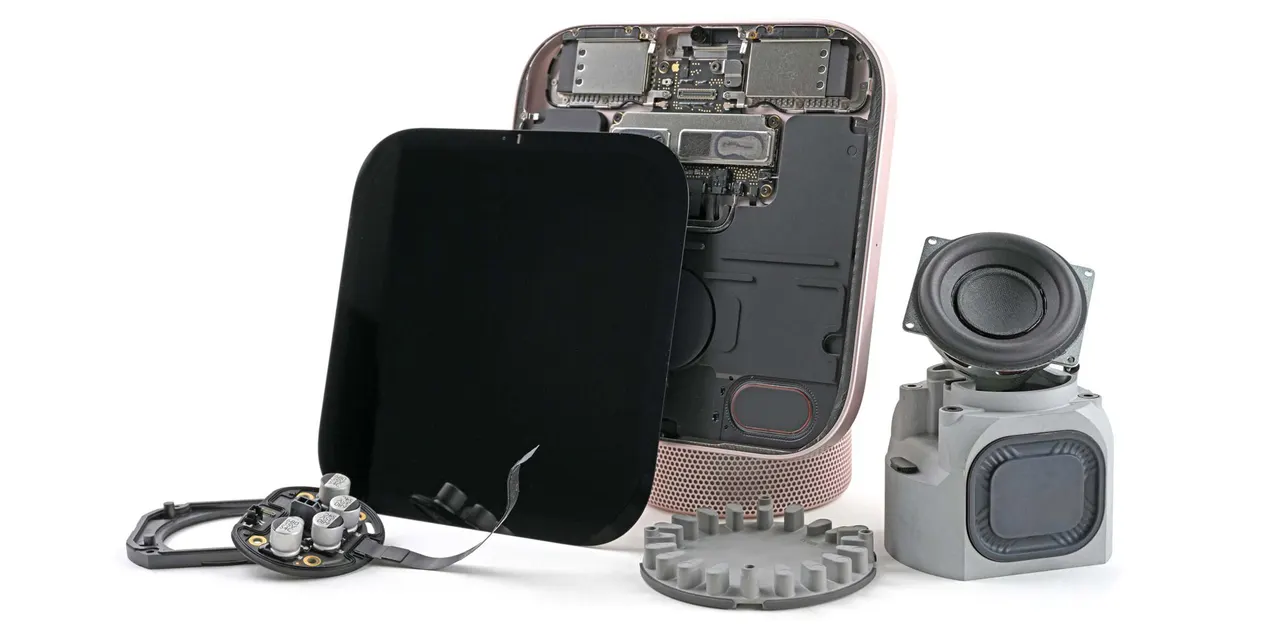
Apple HomeView teardown: iFixit fights glue at every step