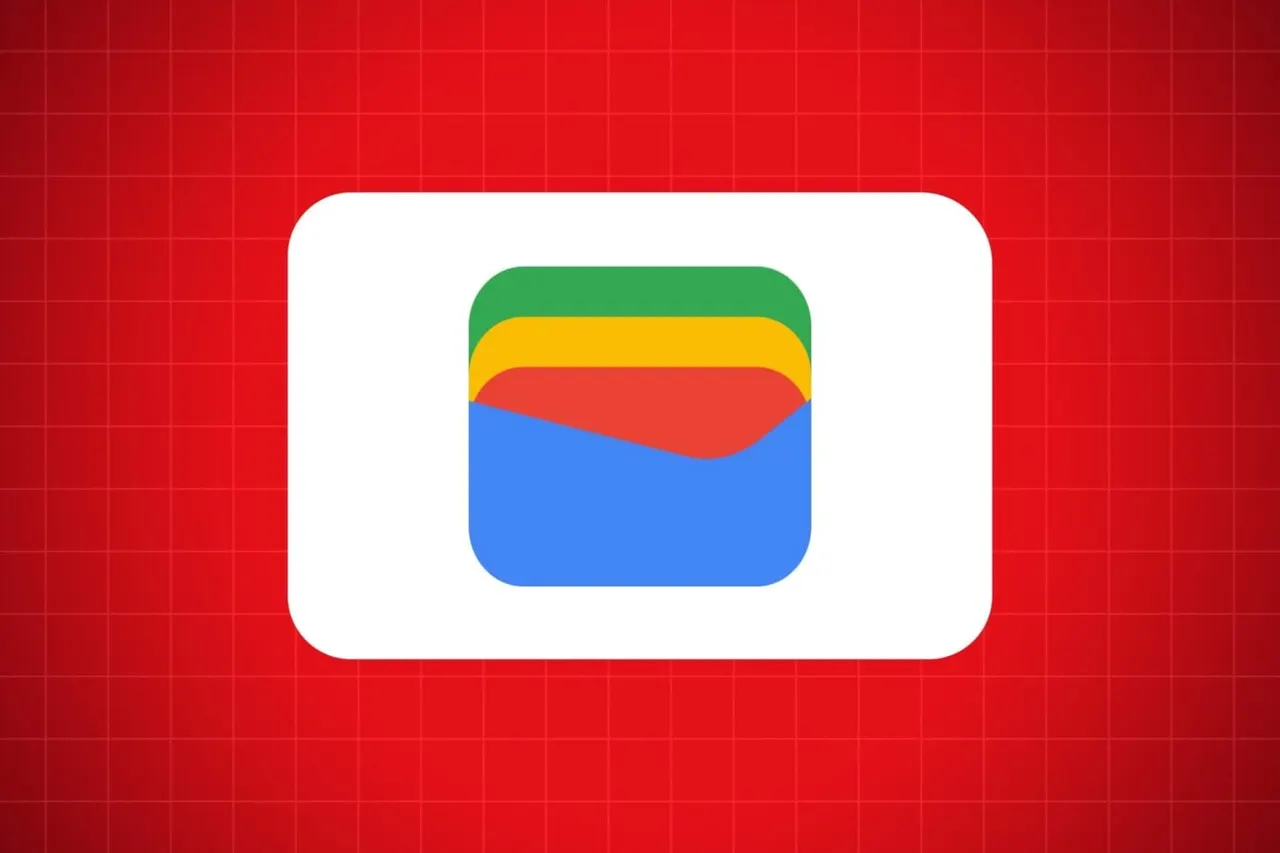
Google Wallet on Android can now autofill your card's CVV
Google Wallet on Android can now fill in the three-digit security code on your card at checkout, once you've unlocked your phone to prove it's you.
 SUMO· the number puzzle
 Dialo· learn languages by speaking
 ediviewer· read EDI files like documents
 giftdetect· the right gift in minutes
Typing the little three-digit code from the back of your bank card is about to get less annoying. Google Wallet on Android can now autofill the CVV, or CVC, during some online payments.
Google listed the change in its release notes on 23 November, for version 26.46 of Google Play services. The company says you can now "autofill saved security codes (CVV/CVC) on card verification screens in Google Wallet after authenticating with your device's screen lock." So when a payment form asks for the code, Wallet can suggest it for you.
What is the CVV or CVC on a card?
It's the short security code on your card, usually three digits. Visa calls it CVV (Card Verification Value), Mastercard calls it CVC (Card Verification Code). Same job: when you buy something remotely, it helps show that you actually have the card in hand, on top of the number and expiry date. Which is why you shouldn't hand it out to just anyone.
Is the autofill safe?
The code isn't sitting openly in the app. Google says the autofill only happens after you authenticate, with a fingerprint, face recognition or PIN, depending on how your phone is locked. The aim is to make sure the person paying is the person who owns the device, and so the card.
It's also a small change. Plenty of apps and sites offer a "Pay with G Pay" button that skips the code entirely. In that case Wallet doesn't pass your full card number to the merchant, but a payment token, a kind of virtual ID tied to your card. The CVV/CVC mostly comes up with a classic card form, when you don't use the Google Pay button.
Where is it available?
For now, only on Android. That's a little odd, since Google Wallet arrived on iPhone just a few days ago, so an iPhone version seems a reasonable guess, though Google hasn't said so in the material available. Google may also be working on letting Android users pay without unlocking their phone first.
Apps worth a look
SUMO: the number puzzleTap the right tiles, add them up, hit the target. Easy to learn, hard to master. Free, for all ages.
Dialo: learn languages by speakingTalk to an AI conversation partner; every sentence comes back corrected and explained in your language. 9 languages, A1 to C2.
ediviewer: read EDI files like documentsOpen EDIFACT and X12 messages, see every segment explained, convert to JSON/XML, export PDF and Excel. Runs locally, no upload.
giftdetect: the right gift in minutesPick who it is for, the occasion and their personality. The search engine reads product descriptions from local shops and ranks what fits. Free, no sign-up.
More from this day
See all →
x-kom radiator PC: a gaming computer built into a heater
Google Play will publish developers' home addresses and phone numbers

GTA 6 PC at 180 fps? The video only shows 30 fps, plus fakery