Google Photos on Android no longer saves edits as extra copies
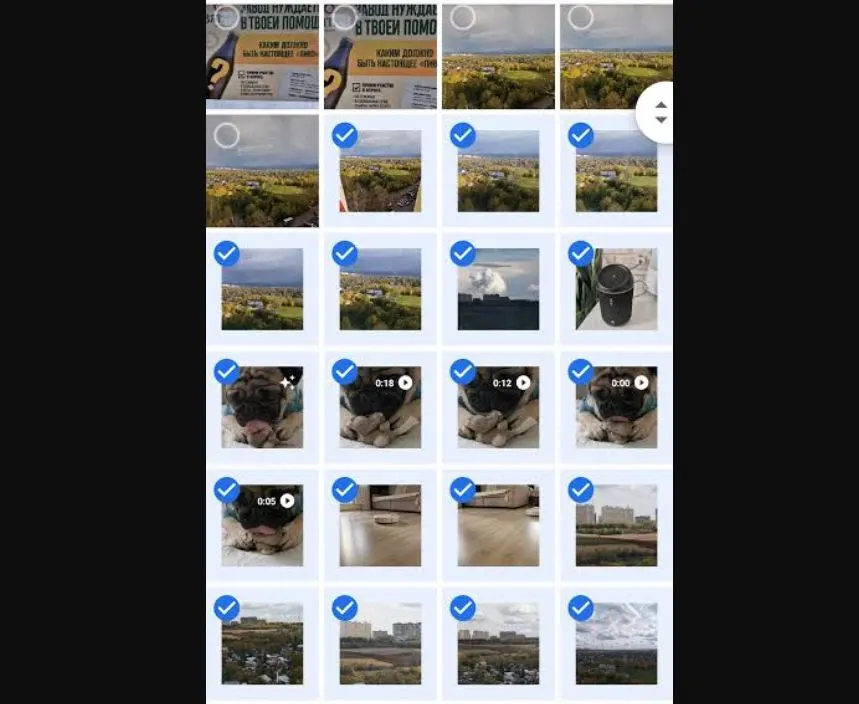
Google Photos on Android now keeps your edit in the original photo instead of cluttering the gallery with a second copy, and you can reopen it to tweak the changes.
 SUMO· the number puzzle
 Dialo· learn languages by speaking
 ediviewer· read EDI files like documents
 giftdetect· the right gift in minutes
If your Google Photos gallery on Android has filled up with near-identical pictures after every edit, that is about to stop. Google has changed how the app saves edits, and an edited photo no longer shows up as a separate copy.
Until now, heavier edits forced the app to save the result as a new file. That applied to tools like Magic Eraser and Unblur, and to editing photos in the UltraHDR and C2PA formats. Every time, you ended up with the original plus a duplicate.
Now the edit stays attached to the photo itself. According to the company, you can reopen the editor even after saving and change your earlier edits.
How do edits work in Google Photos now?
The editing tools remember your most recent settings. Say you applied a filter or changed the brightness. You can come back later and keep adjusting those values, or simply return the picture to its original state.
That makes editing less of a one-way street. Before, a saved copy was a finished object. Now it is closer to a draft you can pick up again.
Which phones get the update?
The update is available on smartphones running Android 11 or newer. The source does not say how quickly it will reach every device.
This follows another change from earlier this year. In spring, Google announced new retouching tools in the Photos editor for fine corrections: removing skin blemishes, improving skin texture, brightening eyes, whitening teeth and more.
Apps worth a look
SUMO: the number puzzleTap the right tiles, add them up, hit the target. Easy to learn, hard to master. Free, for all ages.
Dialo: learn languages by speakingTalk to an AI conversation partner; every sentence comes back corrected and explained in your language. 9 languages, A1 to C2.
ediviewer: read EDI files like documentsOpen EDIFACT and X12 messages, see every segment explained, convert to JSON/XML, export PDF and Excel. Runs locally, no upload.
giftdetect: the right gift in minutesPick who it is for, the occasion and their personality. The search engine reads product descriptions from local shops and ranks what fits. Free, no sign-up.
More from this day
See all →
iPhone Duo delivery dates move up from January to December

12,000 mAh phones are coming, and Xiaomi is already building them
Poland's smartphone tax is now in force: 1% on phones from 32 GB