Google Brings Standalone Gemini App and Gemini Live to CarPlay
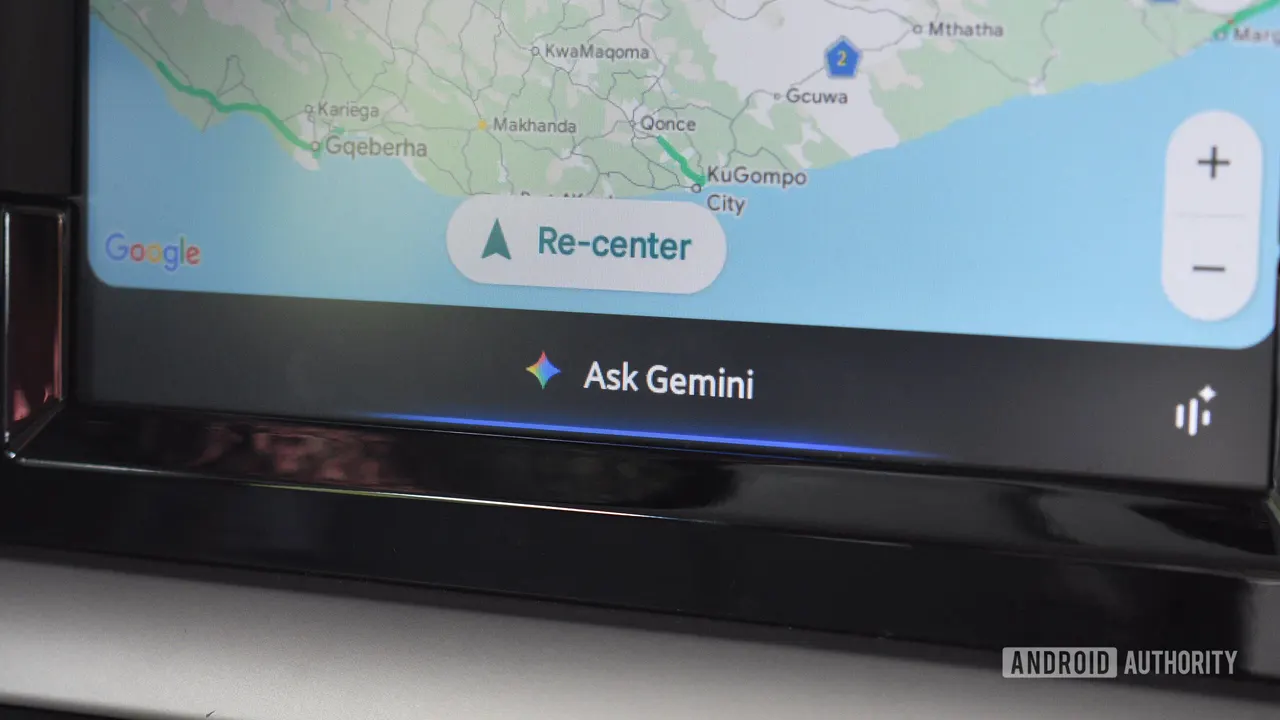
Google is rolling out a standalone Gemini app with Gemini Live to Apple CarPlay worldwide, going beyond the Maps integration with hands-free conversations.
 SUMO· the number puzzle
 Dialo· learn languages by speaking
 ediviewer· read EDI files like documents
 giftdetect· the right gift in minutes
Google is rolling out a standalone Gemini app to Apple CarPlay worldwide, starting today, November 11. The app brings Gemini Live to the car dashboard for hands-free, conversational help while driving. Until now, CarPlay users could only reach Gemini through Google Maps.
The move brings Google level with rivals: ChatGPT, Claude, Grok and Copilot are already available on CarPlay.
What the standalone app adds
Unlike the Maps integration, the new app keeps context. According to Google, tapping the Gemini icon on the CarPlay screen lets you pick up a recent chat where you left off. Conversations also sync between iPhone and car, so you can start a chat while leaving home, continue it on the road and return to it on your phone at your destination.
Workspace integration connects Gemini to services such as Gmail and Google Calendar. That enables a Daily Brief of your day during the morning commute, plus help to catch up on unread emails, summarize long threads and talk through a reply by voice.
As on the phone, Gemini Live can also help you brainstorm, rehearse a presentation or discuss a topic you are curious about. You can interrupt it, ask follow-up questions or change subject without starting a new chat.
Limits and availability
The integration does not give Gemini deep device-level permissions. It will not change music, adjust the climate control or operate other CarPlay apps; the focus is conversation.
The app is arriving for all Gemini users on iOS in every language Gemini Live supports. No separate download is needed: users must update the Gemini app on their iPhone to the latest version and have used Gemini Live at least once. Because the rollout starts today, it may take a few days to appear for everyone. Once it does, tapping the Gemini icon on the CarPlay dashboard opens a conversation directly.
Apps worth a look
SUMO: the number puzzleTap the right tiles, add them up, hit the target. Easy to learn, hard to master. Free, for all ages.
Dialo: learn languages by speakingTalk to an AI conversation partner; every sentence comes back corrected and explained in your language. 9 languages, A1 to C2.
ediviewer: read EDI files like documentsOpen EDIFACT and X12 messages, see every segment explained, convert to JSON/XML, export PDF and Excel. Runs locally, no upload.
giftdetect: the right gift in minutesPick who it is for, the occasion and their personality. The search engine reads product descriptions from local shops and ranks what fits. Free, no sign-up.
More from this day
See all →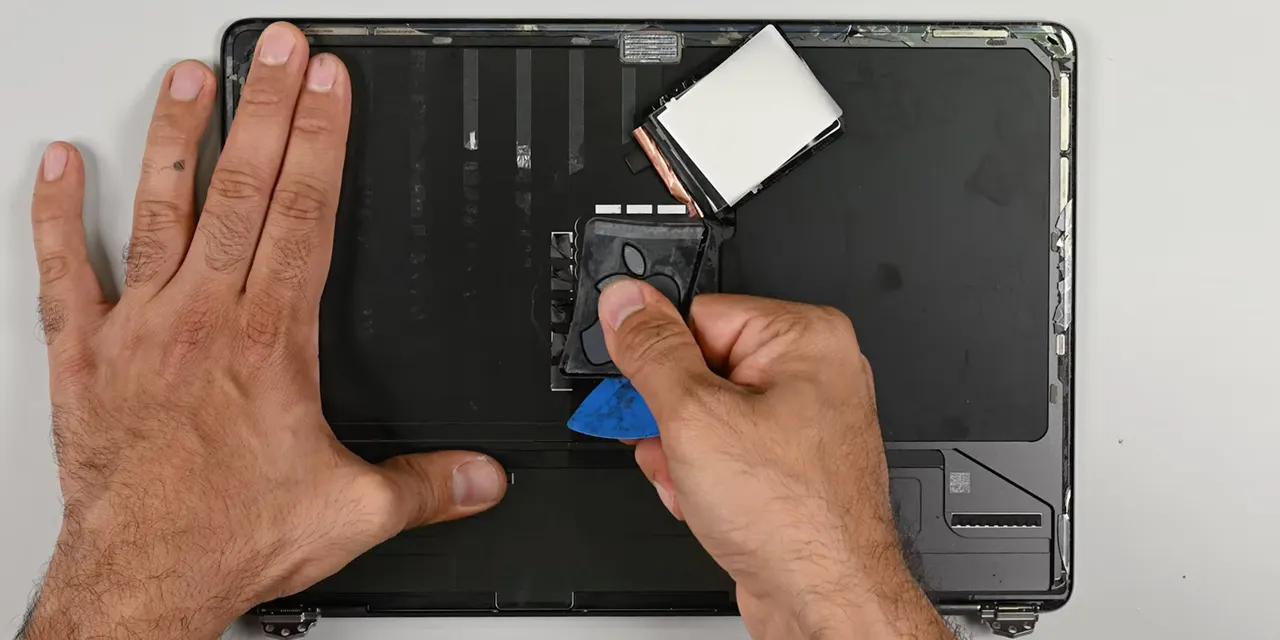
iFixit Tears Down MacBook Pro With Light-Up Apple Logo

Aimer Farming raises NZ$3m to bring its grass data to beef farms

Indosat's Lintasarta relaunches Deka LLM sovereign AI platform
Europe's Chip Startups Mapped: 113 Companies Building AI Hardware
More in: Mobile
See all →
Google November Pixel Drop Brings Gemini Intelligence to Pixel 10
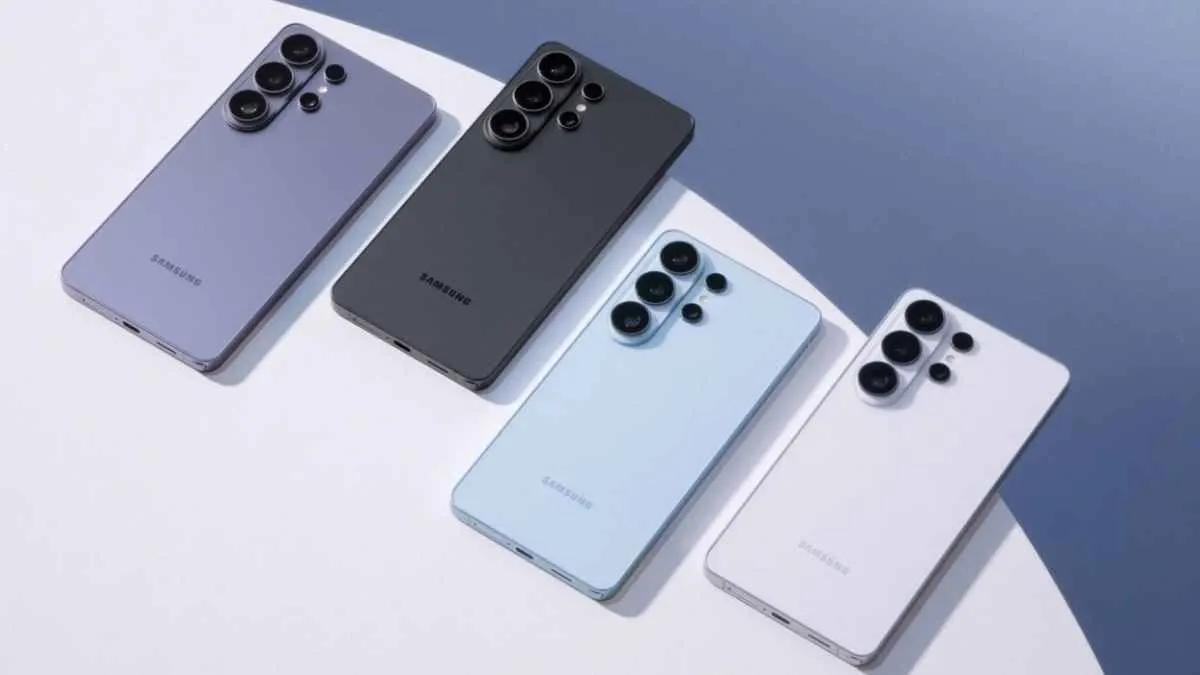
Samsung Rolls Out November 2026 Security Update to Galaxy S26
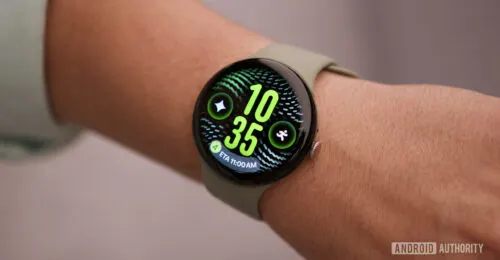
Pixel Watch Step-by-step Workouts: How Google's Feature Works