Gemini for Mac can now use your computer to list items on eBay
Google's Gemini app for Mac can now click, type and scroll for you, so it can list a pile of clothes on eBay while you carry on with other work.
 SUMO· the number puzzle
 Dialo· learn languages by speaking
 ediviewer· read EDI files like documents
 giftdetect· the right gift in minutes
Got a stack of clothes to sell on eBay? Google's Gemini app for Mac can now do the tedious part for you. It has gained "Computer Use", a feature that lets the AI operate your computer like a person would.
PC users have had the capability for a while. Now the Mac app has it too. Gemini can see what's on your screen through screenshots, then click, type, scroll and move around programs and websites. You describe the job in plain language, and it handles the steps that would normally mean hopping between apps.
How does Gemini's Computer Use work on Mac?
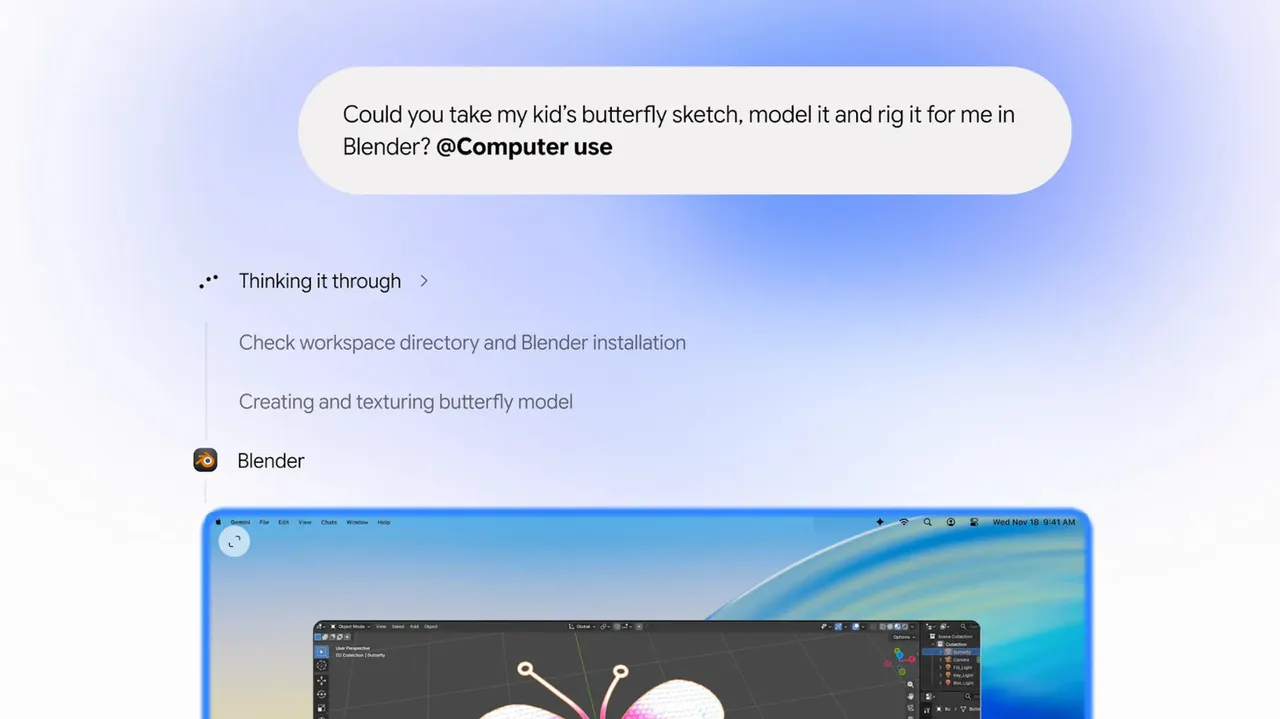
Gemini does its work in a background window and shows you a live preview inside your chat. It does not take over your screen or your cursor, so you can keep using your Mac as usual. It can only use the apps and programs you have given it access to, and it asks for your approval before key actions.
What can you use it for?
Google's announcement gave a few examples. The first is batch listings on sites like eBay. If you photographed a load of clothes and saved the pictures in a local folder, Gemini can go through them, research prices, log the details and stage the listings.
It can also fill out PDFs stored on your machine, such as shipping declaration forms. And it can speed up creative work. One example is turning a pencil sketch into a 3D model automatically.
The pitch is simple: repetitive, multi-step chores that eat an afternoon, handed to an assistant that works in the background. Since it asks before the important steps, you stay the one who presses the final button.
Apps worth a look
SUMO: the number puzzleTap the right tiles, add them up, hit the target. Easy to learn, hard to master. Free, for all ages.
Dialo: learn languages by speakingTalk to an AI conversation partner; every sentence comes back corrected and explained in your language. 9 languages, A1 to C2.
ediviewer: read EDI files like documentsOpen EDIFACT and X12 messages, see every segment explained, convert to JSON/XML, export PDF and Excel. Runs locally, no upload.
giftdetect: the right gift in minutesPick who it is for, the occasion and their personality. The search engine reads product descriptions from local shops and ranks what fits. Free, no sign-up.
More from this day
See all →
Meta Muse Chrome extension: AI agent now lives in a sidebar

Yes Bank API changes are delaying fintech payouts in India

Medical microrobots steered by magnets could replace incisions