Fitbit Air won't sync with Google Health on iPhone: Error 16
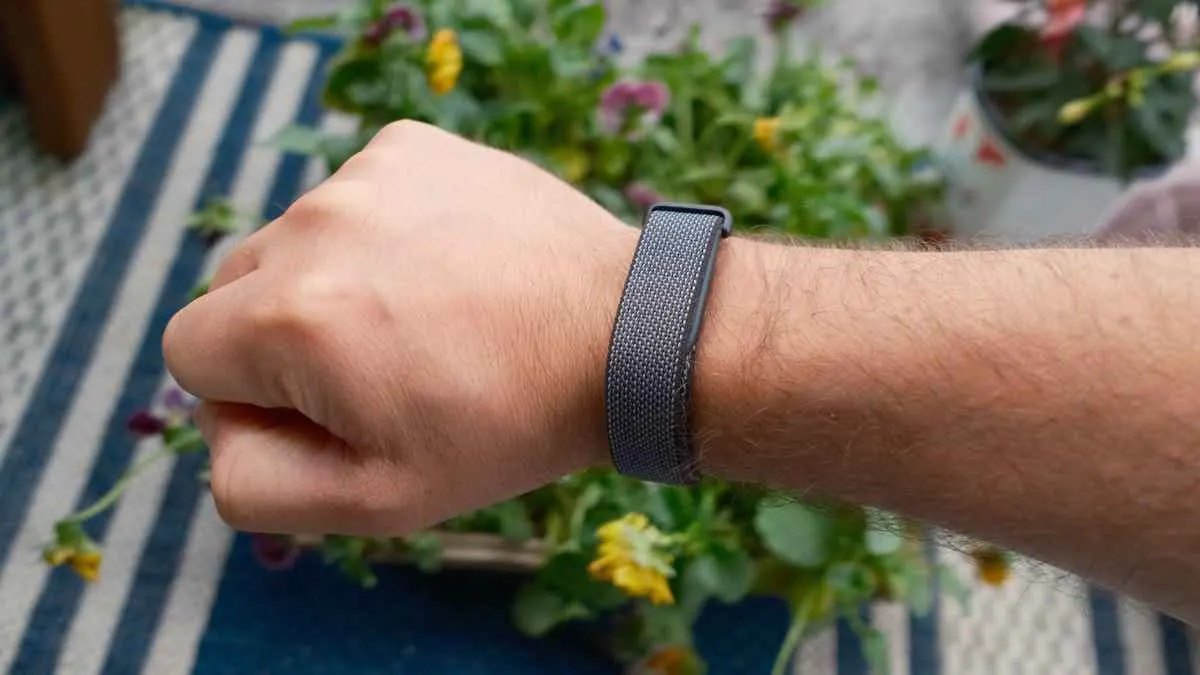
Fitbit Air owners on iPhone report the band stops syncing after working fine, ending in Error 16. Reports date back to early October and continue into November.
 SUMO· the number puzzle
 Dialo· learn languages by speaking
 ediviewer· read EDI files like documents
 giftdetect· the right gift in minutes
If your Fitbit Air suddenly stopped syncing with Google Health on your iPhone, you are not alone. A growing number of owners report the same thing: the band works smoothly for a while, then simply stops talking to the app.
The complaints, posted on Reddit and Google's official support forum, started in early October and are still coming in during November. That suggests this is not a handful of unlucky units. People describe trouble pairing, an "Error 16" message, and a band that refuses to reconnect after being unpaired or paired again.
What happens when Fitbit Air shows Error 16?
When users try to sync, the Google Health app gets stuck on the step that says it is connecting the Fitbit Air. Then Error 16 appears. Some users tried reinstalling the app, forgetting the device and pairing it again, and even a factory reset. None of that helped them.
A few people also say the iPhone experience is worse than on Android. Data comes back slowly or arrives incomplete.
Is there a fix for Fitbit Air sync problems?
Not an official one yet. Some users say Google support told them it is a known issue and that the company is working on it, but no update or fix has been released.
One workaround helped some people: reset the band by holding the button inside the charging cradle for 10 seconds. It did not work for everyone.
For now, iPhone owners are waiting for a Google update that makes syncing between Fitbit Air and Google Health stable on iOS.
Apps worth a look
SUMO: the number puzzleTap the right tiles, add them up, hit the target. Easy to learn, hard to master. Free, for all ages.
Dialo: learn languages by speakingTalk to an AI conversation partner; every sentence comes back corrected and explained in your language. 9 languages, A1 to C2.
ediviewer: read EDI files like documentsOpen EDIFACT and X12 messages, see every segment explained, convert to JSON/XML, export PDF and Excel. Runs locally, no upload.
giftdetect: the right gift in minutesPick who it is for, the occasion and their personality. The search engine reads product descriptions from local shops and ranks what fits. Free, no sign-up.
More from this day
See all →MeitY questions Pronto over filming home workers to train AI

Quantum memory made of vibrations: ETH Zurich's tiny resonators
Remus Stealer malware can keep reading Gmail after a password change
Grok Bot for Mac can now use Mail, Messages, Notes and more
More in: Hardware
See all →
Japan's PM names a tiger-striped LOVOT robot "Hanshin-kun"
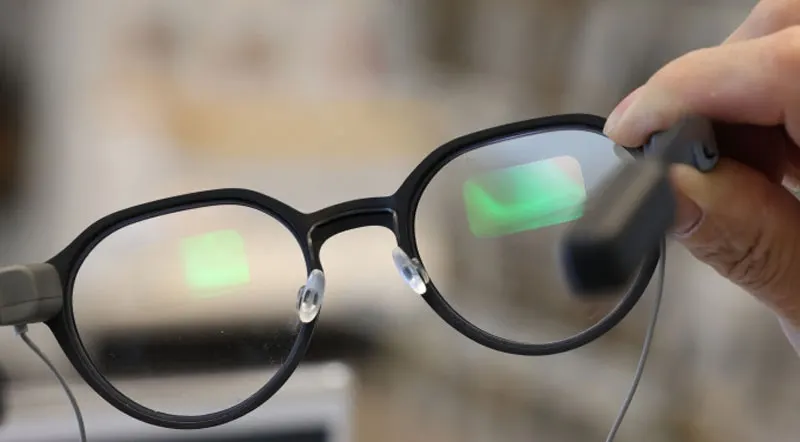
Samsung AR glasses lens is just 1.5 mm thick, a third of today's

Apex Neural Rendering: a DLSS rival that runs on any GPU