ChatGPT API credits: Pro users get up to $500 a month, with a catch
Since late October 2026, ChatGPT subscribers get monthly API credits that vanish if unused. One writer found a way to burn them: remote debugging with Codex App Server.
 SUMO· the number puzzle
 Dialo· learn languages by speaking
 ediviewer· read EDI files like documents
 giftdetect· the right gift in minutes
Paying for ChatGPT Pro now comes with free API credits, but they disappear at the end of each month. One Japanese writer, who was looking for a way to use them up, ended up pointing them at an unusual job: remote debugging his own app.
How do ChatGPT API credits work?
Since the end of October 2026, ChatGPT plans include monthly API credits. The $100 Pro plan gets $100 worth, the $200 plan gets $200 and the $500 plan gets $500. Business plans start at $20.
These are not extra chat or Codex allowance. They only pay for API calls, which mostly means third-party apps and services that use OpenAI models. Unused credit does not roll over, so it resets every month.
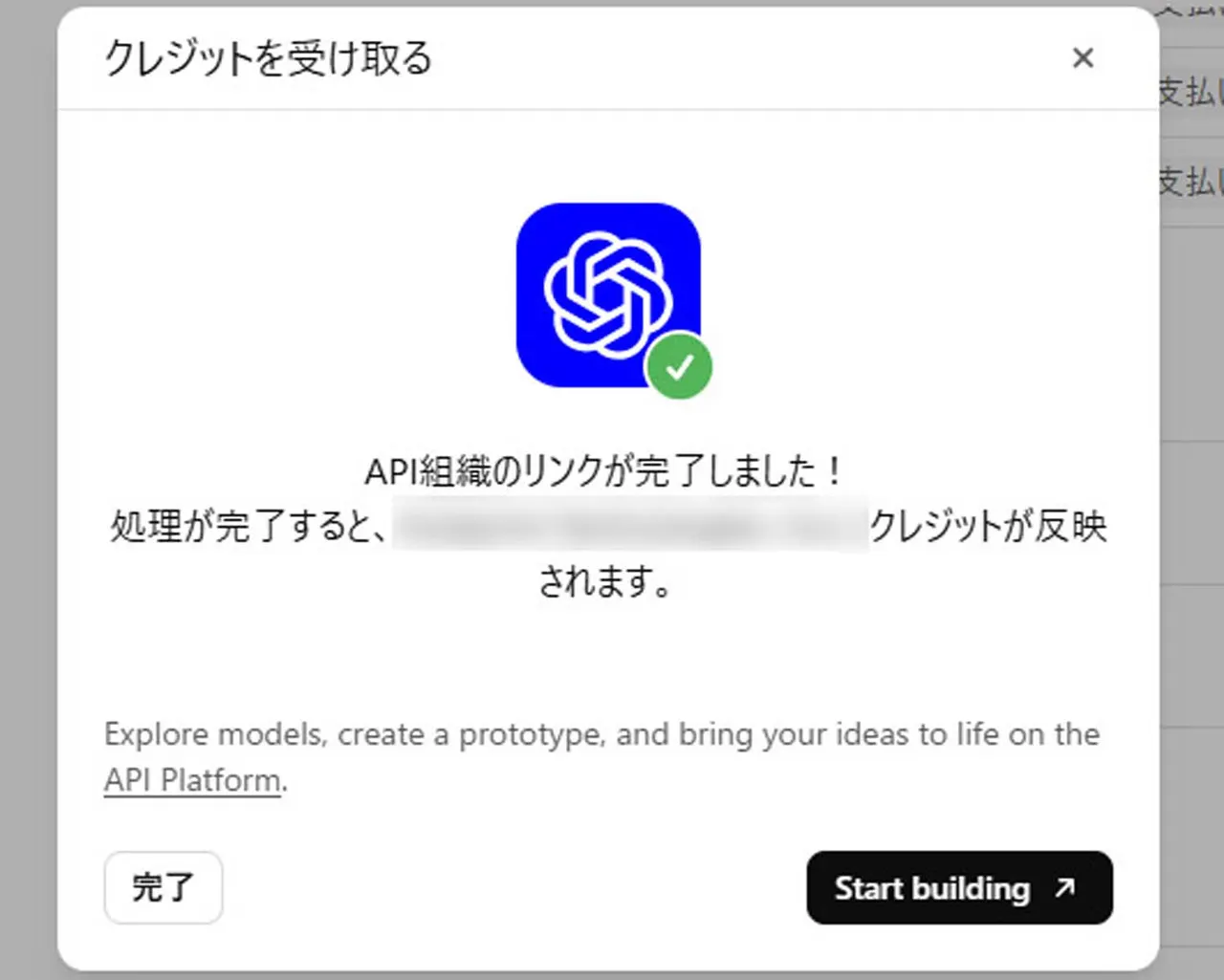
You also have to claim them once. Open the billing page in ChatGPT's web settings, and if your account qualifies you will see a line about earning monthly API credits. Click "Link organization" and choose the organization you registered on OpenAI's API platform. After that, create an API key in the API console and call the API with it. The writer is on the $200 Pro plan (about 30,000 yen a month). Credits are granted on a fixed monthly date and prorated, so he got $144 the first time.
Using the credits with Codex App Server
Coding agents such as Cursor or Cline can use the key, but heavy Pro users usually live in OpenAI's own desktop app or CLI. The writer found that Codex App Server, the layer that Codex itself runs on, calls models through the API when you use it directly. That means it burns credits.
His use case: he develops one app for Windows, macOS and phones alone. Testing the Mac build meant syncing code, building and testing by hand, over and over. Now the Codex desktop app on his main machine connects over SSH to a Windows VM and a Mac. Codex App Server on each one looks at the app's screen and decides what to do. An open-source tool called Cua Driver actually moves the mouse and keyboard, and the app's own MCP feature handles internal actions. The tests cover login, logout, cloud sync and text input.
With GPT-6.1 Terra (Low), several days of debugging cost a little over $7 a day. At that pace $200 would run out, but he estimates the average is under $5 a day, so he still can't use it all. A pricier model or more reasoning effort could close the gap.
Apps worth a look
SUMO: the number puzzleTap the right tiles, add them up, hit the target. Easy to learn, hard to master. Free, for all ages.
Dialo: learn languages by speakingTalk to an AI conversation partner; every sentence comes back corrected and explained in your language. 9 languages, A1 to C2.
ediviewer: read EDI files like documentsOpen EDIFACT and X12 messages, see every segment explained, convert to JSON/XML, export PDF and Excel. Runs locally, no upload.
giftdetect: the right gift in minutesPick who it is for, the occasion and their personality. The search engine reads product descriptions from local shops and ranks what fits. Free, no sign-up.
More from this day
See all →
Kona Card platinum card costs 20 million won in Seoul pop-up

Nuclear blast in low Earth orbit could kill 98% of satellites in a week

PHP security update lands Nov 19 for a 'critical' vulnerability