Charge your phone from a PC that's off: USB "Always On" explained
Some PC USB ports keep powering your phone after shutdown, but only if the hardware supports it and the right BIOS setting is on. Here's how to test it.
 SUMO· the number puzzle
 Dialo· learn languages by speaking
 ediviewer· read EDI files like documents
 giftdetect· the right gift in minutes
Plug your phone into your PC, shut the PC down, and your phone may keep charging. Or it may not. It depends on whether your USB port has a feature usually called "Always On" and whether it's switched on.
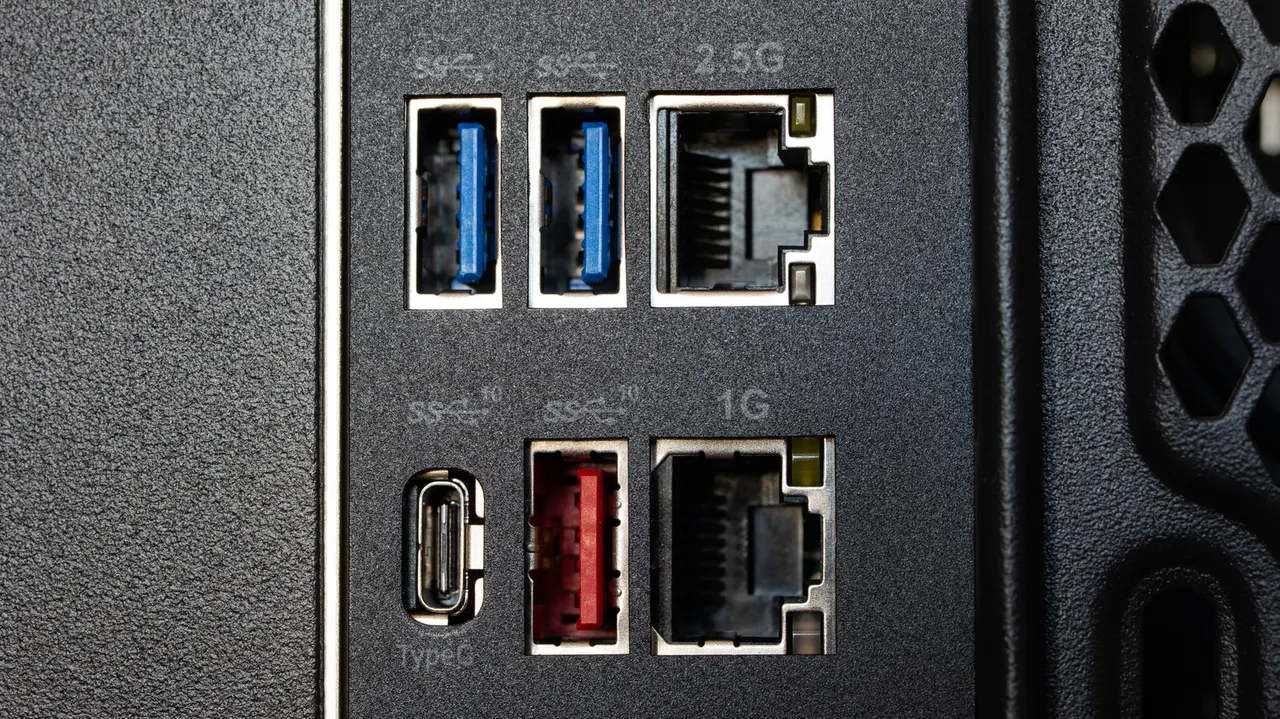
Almost every PC USB port can supply enough current to charge a device. Not all keep doing it once the machine is off. Brands also can't agree on a name: Lenovo says "Always On", Dell says PowerShare, and others just print a battery symbol or a lightning bolt next to the port. Your PC or motherboard manual is the best place to confirm what you have.
How to check if your USB port charges when the PC is off
The test is simple. Plug in your phone, turn the PC off and see if the charging continues. If it stops, the setting is probably disabled.
On most Windows PCs you can fix that in the BIOS or UEFI. Restart and press the key the startup screen shows, usually F2, Del or F10. Look under Advanced, Power or Chipset for a USB power delivery or Always On charging option and enable it. If you see ErP (Energy-related Products) or Deep Sleep settings, make sure they're disabled. Then save and exit. If your PC never supported the feature, no setting will add it.
Why USB charging stops after shutdown
Energy-saving firmware is the usual culprit, because it cuts power to reduce consumption. On select ASUS NUC PCs, for example, enabling ErP Ready disables USB standby power during shutdown or hibernation. You may not need to turn off every energy-saving option just to charge a phone, so check your manual first.
Laptops are a different case. Charging may stop once the battery hits a reserve threshold, or may depend on the AC adapter being connected after shutdown. A badly seated plug or an old, unreliable cable can also be to blame.
What does "Always On" USB actually mean?
It means power is available, nothing more. Charging a phone this way doesn't let you copy photos or files, because power and data are separate capabilities. The behaviour can also differ between ports on the same machine, and "Always On" might cover shutdown, hibernation, sleep, or any combination of the three.
Apps worth a look
SUMO: the number puzzleTap the right tiles, add them up, hit the target. Easy to learn, hard to master. Free, for all ages.
Dialo: learn languages by speakingTalk to an AI conversation partner; every sentence comes back corrected and explained in your language. 9 languages, A1 to C2.
ediviewer: read EDI files like documentsOpen EDIFACT and X12 messages, see every segment explained, convert to JSON/XML, export PDF and Excel. Runs locally, no upload.
giftdetect: the right gift in minutesPick who it is for, the occasion and their personality. The search engine reads product descriptions from local shops and ranks what fits. Free, no sign-up.
More from this day
See all →Hugendubel, Tolino Cloud and eBook.de offline after cyberattack
YouTube app icons: 7 new designs, some retro, are in the works

PC repair job interview: the voltage switch trap he suggested
Google's new 3D emoji need 6GB RAM and 10GB storage, now explained
More in: Hardware
See all →
BataSla: The Machine That Slices 25 kg Blocks of Frozen Butter

ZOOM NEURIG Lets You Describe a Guitar Tone and AI Builds It
Kodak SlideTag: a $34.99 keychain photo frame that tracks