Can you use a 140W charger on an iPhone? Yes, here's why
A 140W charger won't fry your iPhone, because the phone only takes what it needs. Even the iPhone 18 Pro tops out at 52W. The real risk is a cheap charger.
 SUMO· the number puzzle
 Dialo· learn languages by speaking
 ediviewer· read EDI files like documents
 giftdetect· the right gift in minutes
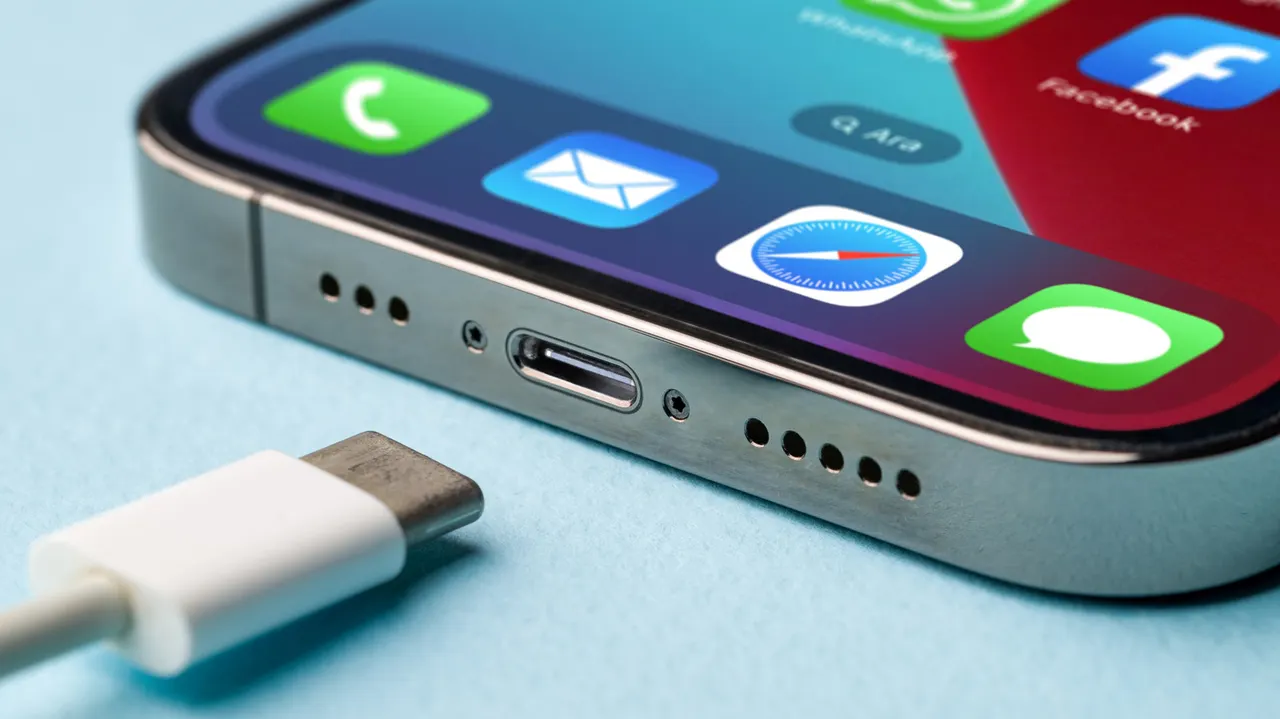
Plugging an iPhone into a 140-watt charger sounds like asking for trouble. It isn't. The phone decides how much power it takes, and it takes nowhere near 140W.
Even the latest iPhone 18 Pro hits its cap at 52W. A 140W charger is a ceiling the phone never gets near. USB Power Delivery (USB PD) used to stop at 100W. The newer Extended Power Range (EPR) goes from 100W up to 240W and adds 28V, 36V and 48V options. A device in EPR mode has to send a "keep-alive" message every half second, or the charger drops back to 5V. An iPhone's needs sit well below all of that.
Is a 140W charger safe for an iPhone?
The danger is on the charger's side, not the phone's. Apple is blunt about third-party chargers that fail safety standards, saying they could cause injury and even death. So buy from reputable brands. Apple's own adapters and cables are priced like they contain 24k gold, but plenty of certified options cost much less.
How many watts does your iPhone actually want?
The iPhone 17, 17 Pro and 17 Pro Max reach 50 percent in about 20 minutes with a 40W or stronger adapter. The iPhone Air and iPhone 17e need only 20W to hit 50 percent in roughly half an hour. For an iPhone 15 or 16, or an older Lightning model like the iPhone 14 with a USB-C to Lightning cable, an 18W USB PD adapter or better gives fast charging.
The iPhone 18 Pro series and the iPhone Duo step it up. Their best match is a 60W adapter with Adjustable Voltage Supply (AVS) and USB PD 3.2, plus a cable rated for 60W or more. A 140W charger really makes sense for a high-performance laptop or for charging several devices at once.
How do you check your charging speed?
Apple doesn't include adapters with iPhones, but if you own one, the wattage is printed on the top or bottom. On iOS 18 or later, a Slow Charger message appears on the Lock Screen and under Settings > Battery. iOS 26 also warns you when an incompatible charger isn't charging the phone.
Ports matter too. A USB 2.0 port gives 2.5W, USB 3.0 and 3.1 give 4.5W, and Battery Charging 1.2 ports reach 7.5W. The iPhone 15 and later are capped at 7.5W on USB-A. USB-C gives 15W without Power Delivery. Standard USB-C cables are rated for 3A and top out at 60W, while 100W cables are 5A e-marked cables with a tiny chip telling the charger what they can handle.
Apps worth a look
SUMO: the number puzzleTap the right tiles, add them up, hit the target. Easy to learn, hard to master. Free, for all ages.
Dialo: learn languages by speakingTalk to an AI conversation partner; every sentence comes back corrected and explained in your language. 9 languages, A1 to C2.
ediviewer: read EDI files like documentsOpen EDIFACT and X12 messages, see every segment explained, convert to JSON/XML, export PDF and Excel. Runs locally, no upload.
giftdetect: the right gift in minutesPick who it is for, the occasion and their personality. The search engine reads product descriptions from local shops and ranks what fits. Free, no sign-up.
More from this day
See all →
MoldyRoost ad campaign can hack iPhones with one tap, Confiant says

VMware vCenter bug CVE-2026-123890 was exploited in September

South Korea's Suneung exam alert caught 49 students with phones

Kh-101 missiles found at three crash sites in Poland, prosecutors say
More in: Mobile
See all →
iOS 27 Connectivity Assist: Your iPhone Can Now Pair Wi-Fi With Mobile Data
iPhone Duo Lock Screen Widgets: Apple Tested a Second Column
Clicks Communicator delayed to 2027 by a circuit board shortage