Blender 5.3 Imports and Edits Gaussian Splats From Video
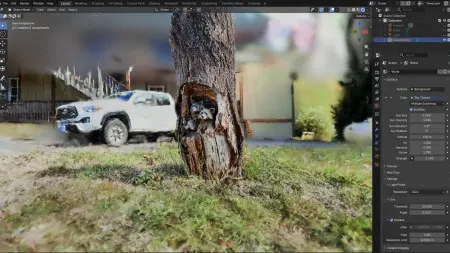
Blender 5.3 can now read and display Gaussian splats, scenes reconstructed from video footage, and adds new tools for video editing and image effects.
 SUMO· the number puzzle
 Dialo· learn languages by speaking
 ediviewer· read EDI files like documents
 giftdetect· the right gift in minutes
Blender 5.3 can import and display Gaussian splats, a format that stores scenes reconstructed from video footage. The update to the free 3D suite also brings new tools for video editing and image effects.
Gaussian splats arrive in Blender
Gaussian splatting has become a popular way to capture real-world places and objects. Instead of building a classic polygon mesh, the technique represents a scene as a cloud of semi-transparent points that is calculated from footage. Until now, users who wanted to work with such captures usually needed extra tools or add-ons. With version 5.3, Blender reads the data directly and shows it in the viewport.
For 3D artists, this shortens the path from a filmed location to a scene they can work with. Reconstructed environments can serve as a reference or backdrop alongside conventional models, without leaving the application.
Better tools for video and effects
Beyond the splat support, the release adds tools that make video cutting and image effects easier. Blender has long included a video sequencer and a compositor, and many creators use them for small projects instead of a separate editing program. The new functions are meant to smooth out that everyday work.
The announcement gives no further details in the material available so far, so specifics such as supported file formats, performance requirements or the exact list of editing features remain to be confirmed in the official release notes.
Why it matters
Blender keeps expanding into areas that were once the domain of specialised software. Native splat handling signals that the project is following current trends in 3D capture rather than leaving them to third-party tools. Anyone working with scanned or video-based scenes should check the release notes for supported formats and workflows before upgrading.
Apps worth a look
SUMO: the number puzzleTap the right tiles, add them up, hit the target. Easy to learn, hard to master. Free, for all ages.
Dialo: learn languages by speakingTalk to an AI conversation partner; every sentence comes back corrected and explained in your language. 9 languages, A1 to C2.
ediviewer: read EDI files like documentsOpen EDIFACT and X12 messages, see every segment explained, convert to JSON/XML, export PDF and Excel. Runs locally, no upload.
giftdetect: the right gift in minutesPick who it is for, the occasion and their personality. The search engine reads product descriptions from local shops and ranks what fits. Free, no sign-up.
More from this day
See all →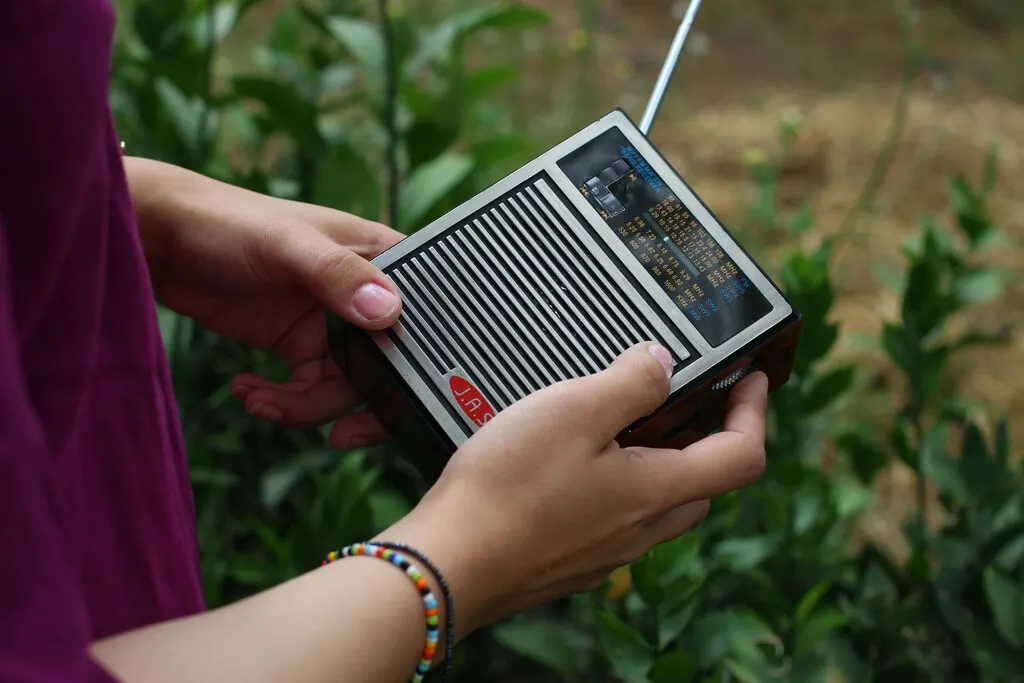
Spain Launches DAB+ Digital Radio Rollout With New Decree
AMD Zen 6 Epyc Processors Arrive, Aimed at Agentic AI Workloads
Meta Muse Ember: Small AI Model Aims to Make Agents Cheaper

Google Pixel Tag Goes on Sale for $29.99 as an AirTag Rival
More in: Software
See all →
Ubuntu 26.04 Kernel Update Breaks Containers via AppArmor Change
Dezhurka: Telegram On-Call Tool as Opsgenie Shuts Down in 2027

Windows 11 26H2 Cuts RAM Use Sharply on 8 GB PCs