Android Auto not working in your car? One error may be behind it
You get in the car, plug in the phone and Android Auto refuses to start again. A new troubleshooting guide says a single error is behind many of these failures.
 SUMO· the number puzzle
 Dialo· learn languages by speaking
 ediviewer· read EDI files like documents
 giftdetect· the right gift in minutes
You get in the car, connect your phone and Android Auto does nothing. Again. If that sounds familiar, a new troubleshooting guide says one specific error is why the system often does not work the way it should.
The guide's pitch is simple: the problem is fixable, and you do not necessarily need a new cable, a new phone or a trip to the garage. It walks through how to get Android Auto running properly again.
Why is Android Auto not working?
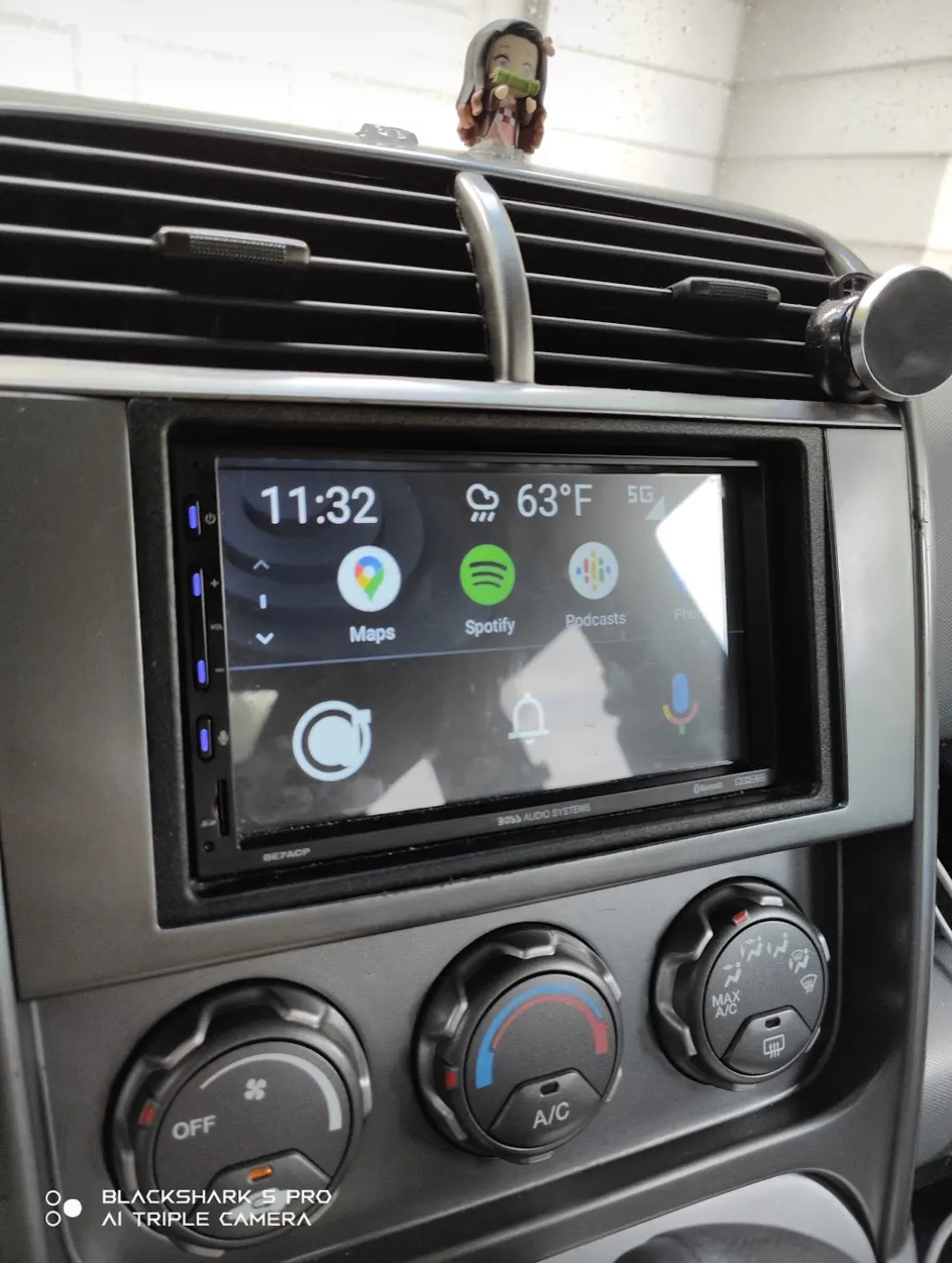
Android Auto is Google's system that shows a simplified version of your phone, with maps, music and messages, on the car's built-in screen. When it fails, the usual symptoms are a connection that never starts or an app that behaves oddly once it does.
The guide points to a single error as the cause of such failures. The material available to us does not spell out the technical details of that error, so we are not going to guess at settings or menu names here.
What to do if Android Auto keeps failing
If Android Auto fails every time you start the car, it is worth looking for a fix aimed at this specific error before replacing hardware. A recurring fault with the same behaviour usually points to a setting or a software issue rather than a one-off glitch.
Apps worth a look
SUMO: the number puzzleTap the right tiles, add them up, hit the target. Easy to learn, hard to master. Free, for all ages.
Dialo: learn languages by speakingTalk to an AI conversation partner; every sentence comes back corrected and explained in your language. 9 languages, A1 to C2.
ediviewer: read EDI files like documentsOpen EDIFACT and X12 messages, see every segment explained, convert to JSON/XML, export PDF and Excel. Runs locally, no upload.
giftdetect: the right gift in minutesPick who it is for, the occasion and their personality. The search engine reads product descriptions from local shops and ranks what fits. Free, no sign-up.
More from this day
See all →
ChatGPT cancel button sued in Germany over hidden exit

AI hallucinations in UK courts: 25 cases hit by fake rulings
Open databases expose up to 3.5 billion passwords and IDs

Ariane 6 drone threat: Kourou has no lasers, but a huge no-fly zone
More in: Mobile
See all →
iPhone 5G in Russia still blocked as Apple talks fail, MAX app stays out

TRIMUI Brick Hammer Pro U: Android handheld for $250

Apple Store down before Black Friday? It's not new products