Samsung Gallery Drops OneDrive and Switches to Google Photos
Samsung has made Google's cloud the default backup for its Gallery app on One UI 9, replacing OneDrive. The catch: no extra storage, and old photos may not show up.
 SUMO· the number puzzle
 Dialo· learn languages by speaking
 ediviewer· read EDI files like documents
 giftdetect· the right gift in minutes
Samsung has officially made Google's ecosystem the default home for backups from the Gallery app on Galaxy phones, replacing Microsoft OneDrive. Sync is now built straight into the stock interface, so users no longer need to juggle separate apps.
Until now, Galaxy owners had to deal with two parallel systems: the system Gallery paired with OneDrive, and the preinstalled Google Photos, which quietly backed up files on its own. The direct OneDrive integration officially ended at the end of September.
How it works
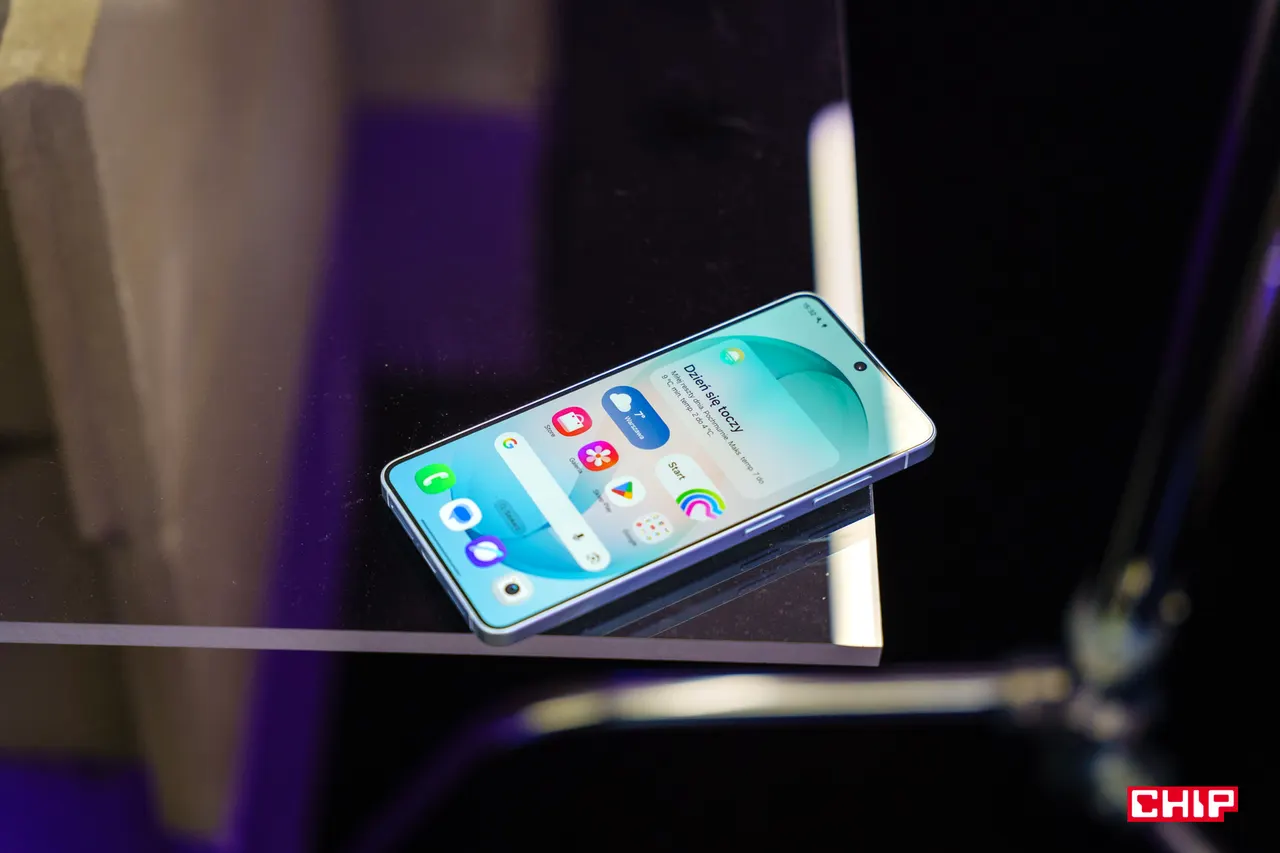
If you are signed in to both a Samsung account and a Google account, setup comes down to tapping the cloud icon in Gallery or switching on a toggle in settings. Photos and videos then upload in the background, without opening Google Photos.
Gallery also gains a "Free up space" option, modelled on the one in Google's own service. It removes heavy photo and video files from the phone once they are safely stored online, leaving thumbnails behind. Tapping a thumbnail downloads the original. On a new Galaxy phone, signing in with the same accounts gives a preview of the whole library without copying everything over at once.
The limitations
Samsung adds no extra storage. Sync uses the free 15 GB tied to the Google account, shared with Gmail and Google Drive. The cheapest upgrade mentioned is Google AI Plus, which offers 400 GB for 23.99 zł in Poland.
Gallery also shows only items synced through the new service since it was activated. Photos previously uploaded through the Google Photos app will not appear automatically, although the wording of Samsung's announcement hints this could change in future updates. Files already in OneDrive remain safe on Microsoft's servers, but reaching them requires a separate app or the website.
The feature is starting to reach selected Galaxy devices running One UI 9 and will roll out gradually across markets, so availability will vary. For most Android users, Google Drive is the more familiar option than OneDrive, but the convenience may come with a subscription bill once the free space runs out.
Apps worth a look
SUMO: the number puzzleTap the right tiles, add them up, hit the target. Easy to learn, hard to master. Free, for all ages.
Dialo: learn languages by speakingTalk to an AI conversation partner; every sentence comes back corrected and explained in your language. 9 languages, A1 to C2.
ediviewer: read EDI files like documentsOpen EDIFACT and X12 messages, see every segment explained, convert to JSON/XML, export PDF and Excel. Runs locally, no upload.
giftdetect: the right gift in minutesPick who it is for, the occasion and their personality. The search engine reads product descriptions from local shops and ranks what fits. Free, no sign-up.
More from this day
See all →
Instagram Expands AI Age Detection to Spot Teens Worldwide
Google Wallet Adds Feature to Keep Receipts From Getting Lost
Notion AI chats stolen in breach at vendor Fireworks AI