Reinstall delisted App Store apps on iPhone without a cable
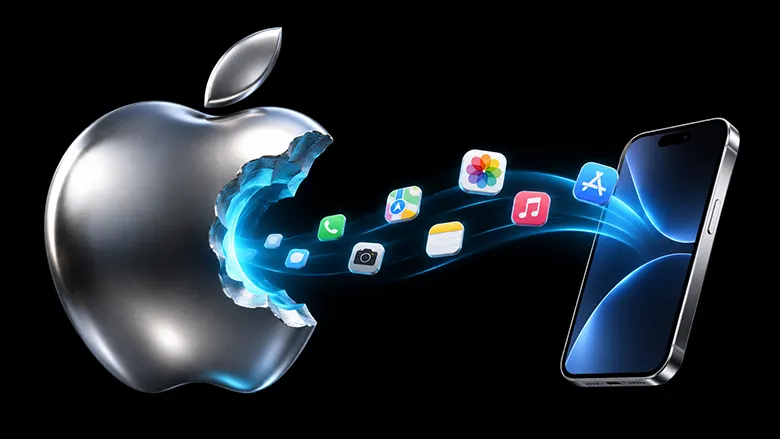
Moved to a new iPhone and an app has vanished from the App Store? A researcher reverse-engineered Apple's code to bring such apps back with no cable and no PC.
 SUMO· the number puzzle
 Dialo· learn languages by speaking
 ediviewer· read EDI files like documents
 giftdetect· the right gift in minutes
You switch to a new iPhone, and a favourite app won't come over. It has been pulled from the App Store, so the download button is gone. The usual advice is to find a computer and a cable. A Russian developer has now described a way to reinstall delisted App Store apps straight on the iPhone or iPad, with no cable at all.
Why is it hard to get removed apps back?
The known tools take effort. Past solutions typically need drivers, heavy Apple software, and signing the apps with a developer certificate, a step that has to be repeated from time to time. Open projects such as ipatool start from the account's purchase history, which Apple also fills with first downloads of free apps. Delisted apps still show up there, along with the data needed to request the .ipa file, which is just a zip archive of the app. Some versions can even be picked.
The catch is the cryptography. According to the author, existing tools rely on Apple's own binaries: modules from Apple Music loaded through a compatibility layer, or machine code from iTunes and macOS run in the Unicorn emulator, often in outdated versions.
How does the cable-free method work?
The author wanted a small native Go utility with no closed Apple libraries, no drivers and support for Windows, macOS, Linux, Android and iOS or iPadOS. So he rebuilt those calculations himself. He captured the TLS session secrets of Apple's clients with Frida, read the decrypted traffic in Wireshark, and compared it with Apple code for macOS, Android and Windows.
That code is heavily obfuscated. Ghidra's decompiler could barely find where the cryptographic steps began and ended, so fragments were run in Unicorn while recording inputs, outputs and memory access. The traces let him separate real calculations from the scrambling around them.
The result, he says, works without a cable or preparation, and even without a second device: every step can be done on one iPhone or iPad. He tested each stage on iOS 17.3.1, 26.5.2 and 27.2.1, and on iPadOS 26.7.1. Section 10 of his write-up explains how to use the finished solution, aimed at people without technical skills.
Apps worth a look
SUMO: the number puzzleTap the right tiles, add them up, hit the target. Easy to learn, hard to master. Free, for all ages.
Dialo: learn languages by speakingTalk to an AI conversation partner; every sentence comes back corrected and explained in your language. 9 languages, A1 to C2.
ediviewer: read EDI files like documentsOpen EDIFACT and X12 messages, see every segment explained, convert to JSON/XML, export PDF and Excel. Runs locally, no upload.
giftdetect: the right gift in minutesPick who it is for, the occasion and their personality. The search engine reads product descriptions from local shops and ranks what fits. Free, no sign-up.