Nvidia driver 621.40 stops SSD wear but users report black screens
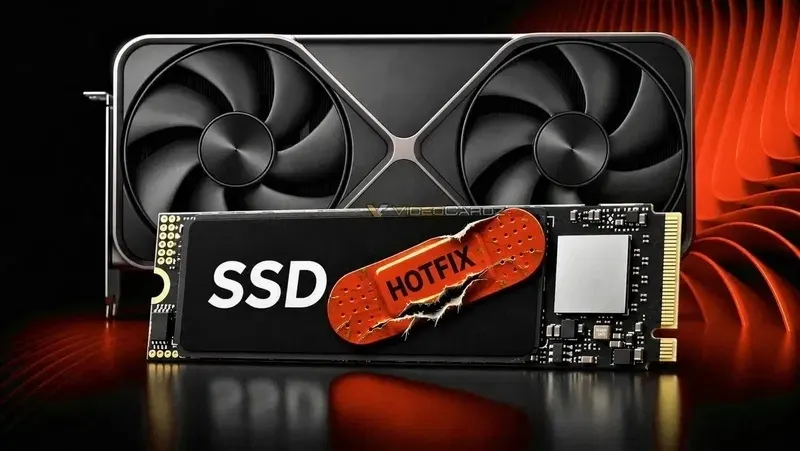
Nvidia's GeForce 621.40 driver finally stops hammering SSDs with log writes, but some users now report black screens, flicker and sudden signal loss.
 SUMO· the number puzzle
 Dialo· learn languages by speaking
 ediviewer· read EDI files like documents
 giftdetect· the right gift in minutes
Nvidia's latest GeForce driver fixed the bug that was chewing through people's SSDs. Now some of those same people are staring at black screens.
The SSD problem first showed up in GeForce drivers 621.14 and 621.24. A process called Nvidia Display Container kept writing data to a log file named nvlog.nvlgstg, and it never really stopped. That is a steady stream of writes to the system drive, which is exactly what you don't want on an SSD, since flash storage wears out with the amount of data written to it.
Two earlier driver updates tried to fix it and didn't. The newest one, GeForce Game Ready 621.40 WHQL (Microsoft-certified), finally got rid of the excessive SSD use.
What is the new problem with driver 621.40?
Users who installed 621.40 have started reporting black screens, flickering images and sudden loss of video signal. The reports come from users rather than from Nvidia, and the available material doesn't say how many people are affected or what causes it.
What should you do?
The source doesn't include an official fix or workaround for the black screens. If you are on 621.14 or 621.24, the SSD logging issue is the reason an update matters. If your screen is behaving fine on 621.40, there's nothing in the reports suggesting you need to do anything. If it isn't, the practical choice is between wear on your drive and an unstable display, which is a lousy choice to have to make.
Apps worth a look
SUMO: the number puzzleTap the right tiles, add them up, hit the target. Easy to learn, hard to master. Free, for all ages.
Dialo: learn languages by speakingTalk to an AI conversation partner; every sentence comes back corrected and explained in your language. 9 languages, A1 to C2.
ediviewer: read EDI files like documentsOpen EDIFACT and X12 messages, see every segment explained, convert to JSON/XML, export PDF and Excel. Runs locally, no upload.
giftdetect: the right gift in minutesPick who it is for, the occasion and their personality. The search engine reads product descriptions from local shops and ranks what fits. Free, no sign-up.
More from this day
See all →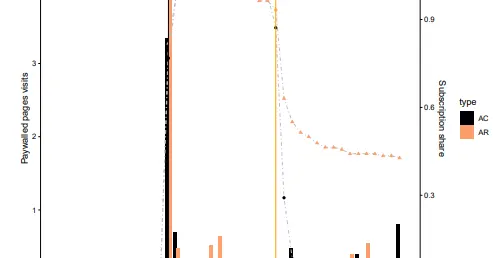
Free trial auto-renewal cost a news site 23% of subscribers

GTA VI multiplayer mod adds voice chat to a pirated PC build

Spotify to be blocked in Belarus from 1 December over unpaid VAT

GTA 6 spoiler: how Rockstar kept Lucia's son Tommy a secret
More in: Hardware
See all →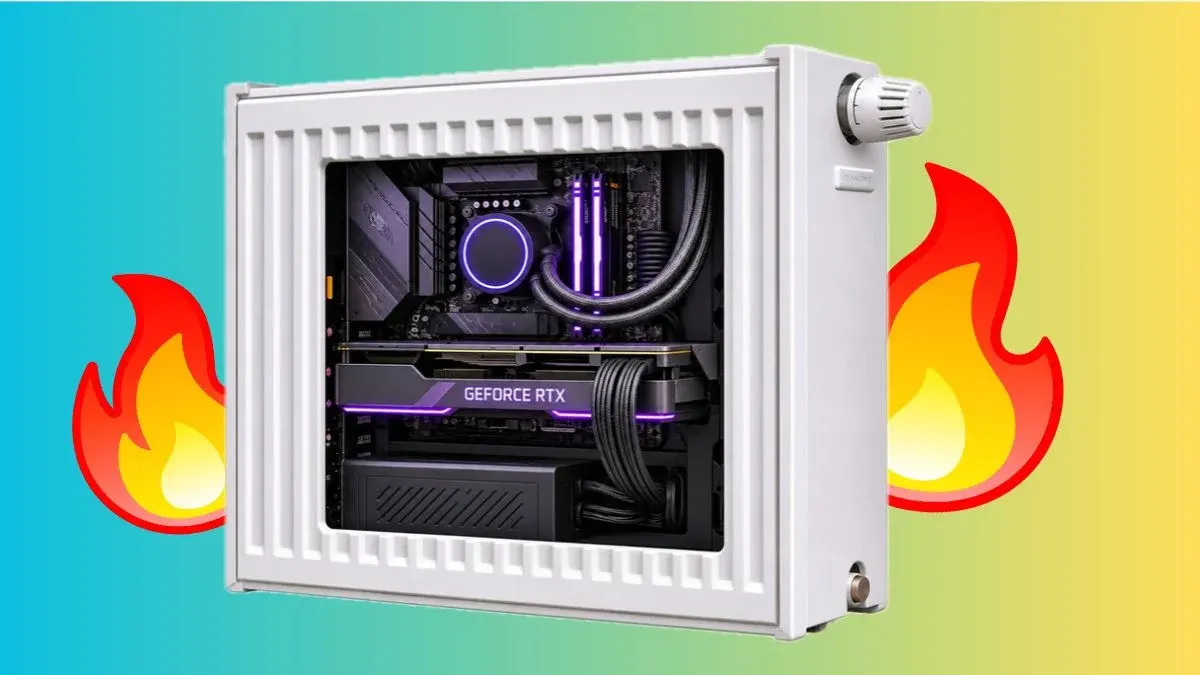
x-kom radiator PC: a gaming computer built into a heater

Kodak SlideTag: a key fob that shows a photo and can be tracked
Nvidia GeForce supply cut of up to 30% could push GPU prices up