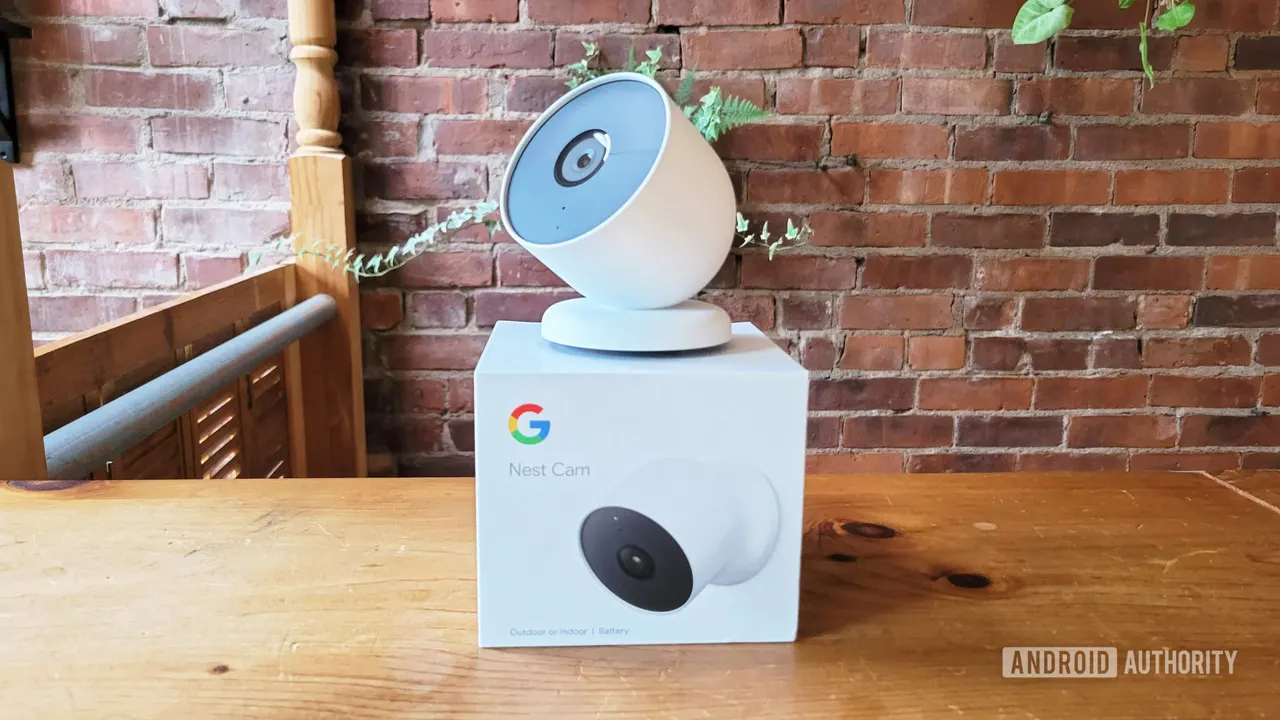
Nest app shutdown: Google sets January 2027 end date
Google is retiring the Nest app in January 2027. Saved video clips won't move over on their own, and accounts need migrating by March 25, 2027.
 SUMO· the number puzzle
 Dialo· learn languages by speaking
 ediviewer· read EDI files like documents
 giftdetect· the right gift in minutes
The Nest app has an end date. Google says it will shut down in January 2027, and if you still use it, you have a few things to do before then.
Google bought Nest in 2014 and folded it into its smart home business in 2018. Even so, people have kept juggling two apps, Google Home and Nest. The company has spent years nudging users toward Home, and it is now calling the finish line its "One App Experience". The announcement came on Google's Home and Nest support community, at the same time as plans to retire Google Assistant on smart home hardware in August 2027.
What happens to my Nest account and data?
Once the Nest app stops working, you must move your Nest account to a Google account before March 25, 2027. Miss that date and Google warns your data could be deleted.
Video is the one catch. Your regular video history should simply show up in Google Home. But custom clips you saved by hand will not transfer by default. Google advises downloading them from home.nest.com before the switch.
Why are some Nest users unhappy?
The move away from the Nest app has not been popular with everyone. Plenty of people pointed to features that Home lacked. That gap has narrowed over time, but holdouts may still grumble now that the choice is being taken away.
Google says the transition covers all devices it still actively supports. Some older gear, such as early Nest Thermostats, has already been dropped. If you have concerns about moving, Google has a Nest transition support page with answers to specific questions.
The practical to-do list is short: download any saved clips, then migrate your account well before March 25, 2027.
Apps worth a look
SUMO: the number puzzleTap the right tiles, add them up, hit the target. Easy to learn, hard to master. Free, for all ages.
Dialo: learn languages by speakingTalk to an AI conversation partner; every sentence comes back corrected and explained in your language. 9 languages, A1 to C2.
ediviewer: read EDI files like documentsOpen EDIFACT and X12 messages, see every segment explained, convert to JSON/XML, export PDF and Excel. Runs locally, no upload.
giftdetect: the right gift in minutesPick who it is for, the occasion and their personality. The search engine reads product descriptions from local shops and ranks what fits. Free, no sign-up.
More from this day
See all →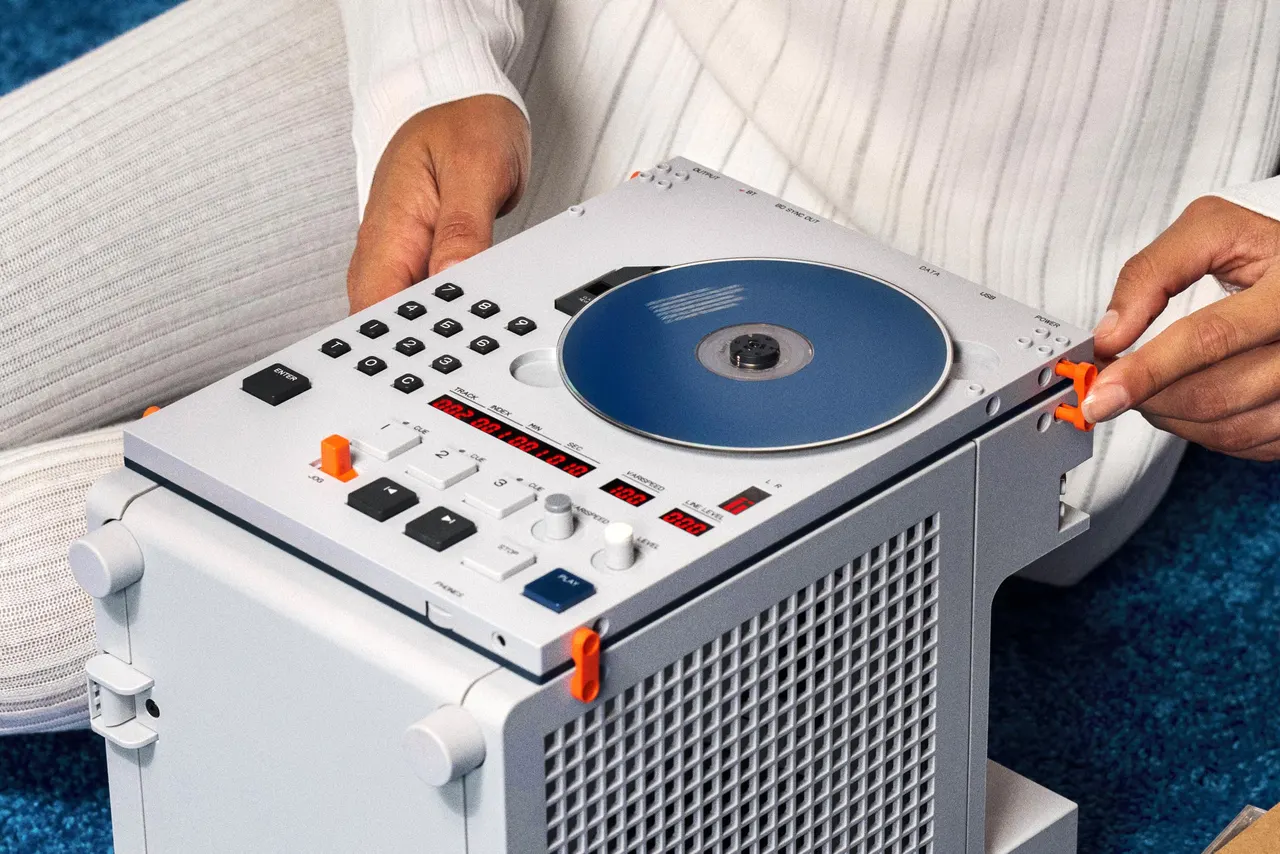
Teenage Engineering EP/BC-1 CD player leaves the spinning disc exposed

Nothing's AI device arrives December 8, and it has no screen

YouTube settlement: $3 billion to school districts over addiction claims