Microsoft agent-framework on PyPI hacked to steal developer logins
Two versions of Microsoft's Python agent-framework were poisoned on PyPI. Just installing them was enough to start stealing cloud and developer credentials.
 SUMO· the number puzzle
 Dialo· learn languages by speaking
 ediviewer· read EDI files like documents
 giftdetect· the right gift in minutes
If you installed Microsoft's Python package agent-framework at version 1.26.1 or 1.26.2, treat that machine as compromised. Security researchers found both versions carried malware built to steal credentials, corporate secrets and cloud access tokens.
The package is a framework for building AI agents, and it is published on PyPI, the main repository for Python software. The bad versions went out from the official account tied to the Microsoft project. Researchers suspect the attacker got hold of the login of someone with permission to publish.
What made it nasty: you did not have to import the library in your code. According to OX Security and OpenSourceMalware, the malicious code ran automatically whenever Python started on an infected machine. Installing the package was enough, and it worked quietly in the background.
What does the agent-framework malware steal?
It gathered environment variables, configuration files and locally stored credentials. Because developers were the target, it went after secrets for Azure, GitHub, Docker, Hugging Face, npm, PyPI and similar services. The data was compressed and sent to a server controlled by the attackers.
It also asked for fresh authentication tokens on GitHub Actions, Azure DevOps and several Azure services, which gave the attackers temporary access to resources and APIs before those tokens expired. The malware loaded the tool's legitimate components too, so developers kept working without noticing anything.
Microsoft removed some repositories and PyPI put the publishing account in quarantine. OX Security says the project had more than 190,000 monthly downloads before the attack came to light. That is not the number of infected installs, but some share of users were hit.
How do you remove it?
OpenSourceMalware recommends removing the affected versions and replacing them with a verified one, then deleting these files from the Python environment: agent_framework_meta.pth, agent_framework_meta/_telemetry.py, af_runtime_diag.pth and af_runtime_diag.py. Rebuild the environment from known, verified dependencies, rotate every credential that may have been exposed, and revoke temporary tokens and active sessions from GitHub Actions, Azure DevOps or other federated identities. Then check Azure and other cloud activity logs for suspicious access, and look for outbound connections to the attackers' webhook.
One piece of good news: the malware does not persist at the operating system level. It installs no services or scheduled tasks and only ran while its files sat in Python's site-packages folder.
Apps worth a look
SUMO: the number puzzleTap the right tiles, add them up, hit the target. Easy to learn, hard to master. Free, for all ages.
Dialo: learn languages by speakingTalk to an AI conversation partner; every sentence comes back corrected and explained in your language. 9 languages, A1 to C2.
ediviewer: read EDI files like documentsOpen EDIFACT and X12 messages, see every segment explained, convert to JSON/XML, export PDF and Excel. Runs locally, no upload.
giftdetect: the right gift in minutesPick who it is for, the occasion and their personality. The search engine reads product descriptions from local shops and ranks what fits. Free, no sign-up.
More from this day
See all →
Russia's Mir and SBP payments move to domestic security certificates
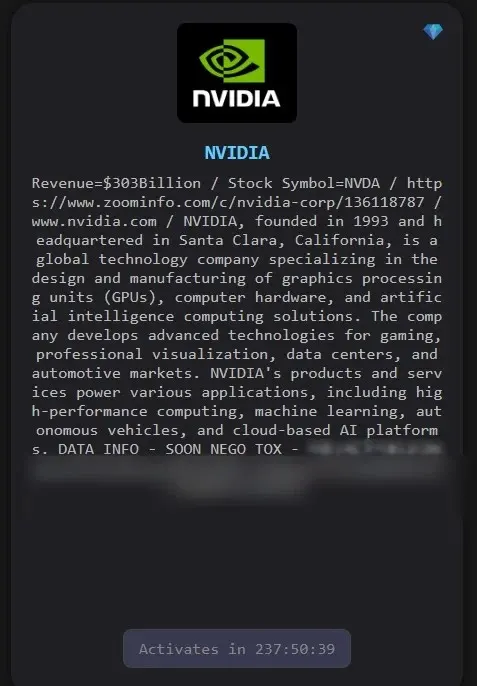
Nvidia hack claim: The Gentlemen gang sets a 10-day countdown
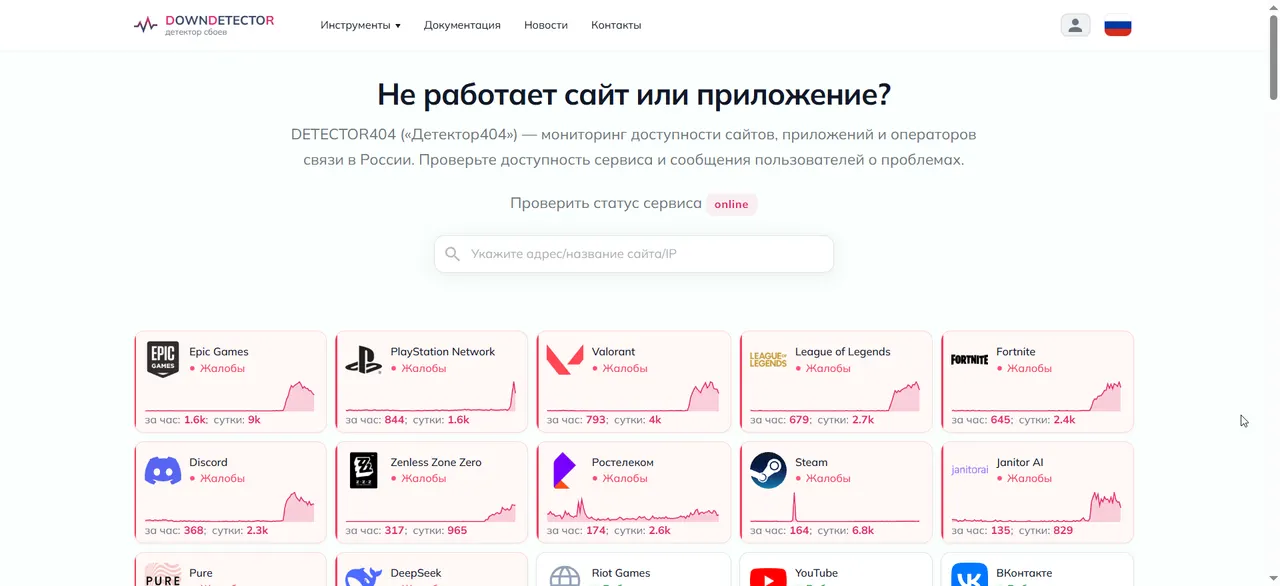
Epic Games, Fortnite, League of Legends and GitLab down in Russia