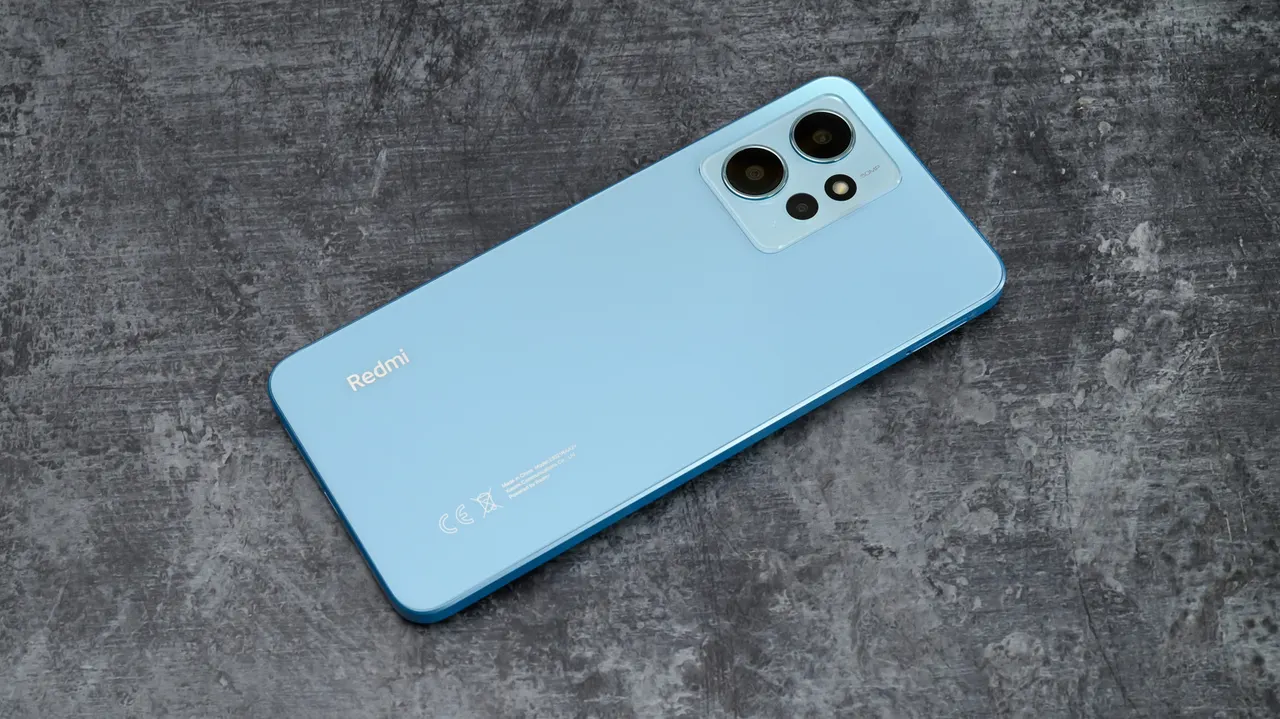
Google Wallet Adds Digital Home Keys for NFC and UWB Smart Locks
Google Wallet now lets Android users unlock Aliro-compatible smart locks with an NFC tap or hands-free via UWB, starting with Google Home Public Preview users.
 SUMO· the number puzzle
 Dialo· learn languages by speaking
 ediviewer· read EDI files like documents
 giftdetect· the right gift in minutes
Google Wallet is getting digital home keys. Android users can now unlock compatible smart locks by tapping their phone against the lock (NFC) or, on supported hardware, simply by walking up to the door (UWB). The feature starts rolling out today, November 11, to users in the Google Home Public Preview, with wider availability promised over the coming weeks.
Phone-based unlocking itself isn't new: Google Home already offers one-tap unlock, and manufacturers have their own apps. Samsung also added digital keys to Samsung Wallet earlier this year. Google's move brings similar functionality to its own wallet.
Which locks and phones work
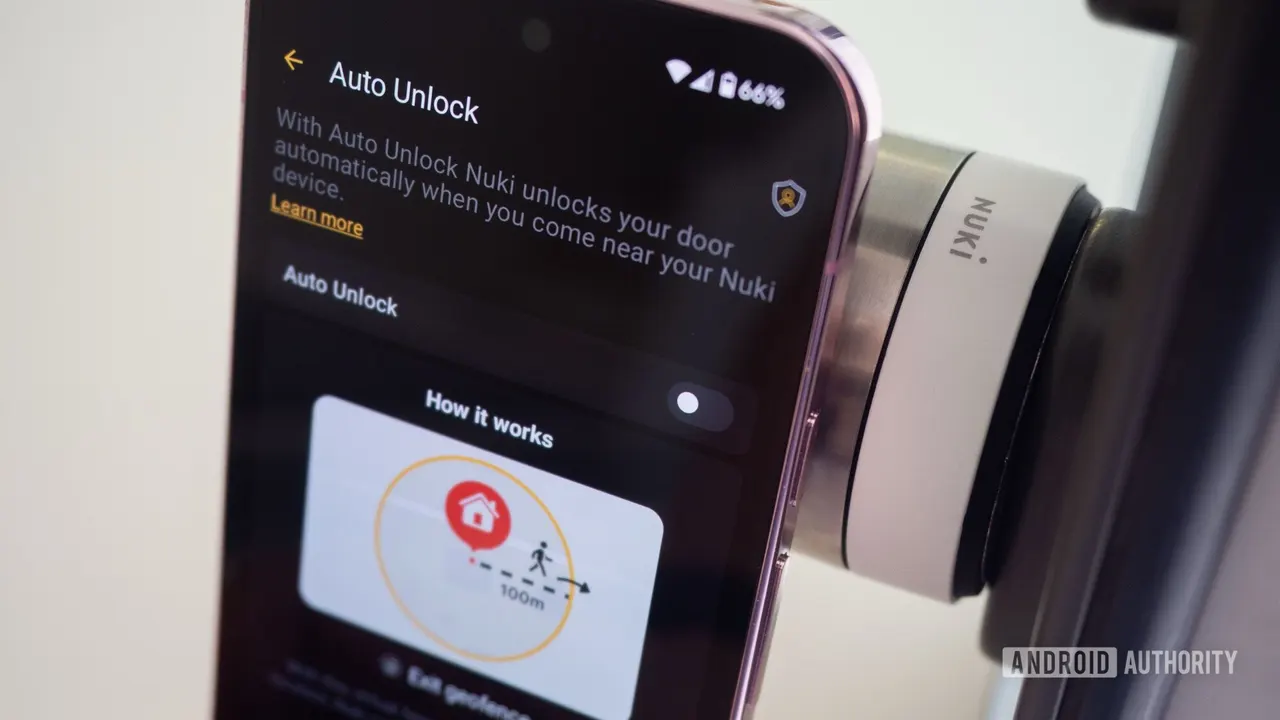
The feature requires a Matter-certified lock that supports Aliro, the open access standard from the Connectivity Standards Alliance. Google confirmed three locks at launch: the Aqara U400 (NFC and UWB), the Schlage Sense Pro (NFC now, UWB later) and the Nuki Keypad 2 NFC (NFC only).
For NFC, you need an NFC-enabled phone running Android 9 or later. UWB requires an Aliro UWB-compatible phone, which Google says includes the Pixel 10 Pro series and above, including Fold and XL models, plus select UWB-enabled Samsung Galaxy phones. You also need a Matter-enabled Google hub with a Thread Border Router, such as the Nest Hub (2nd gen), Nest Hub Max, Nest Wifi Pro or Google TV Streamer.
Because the key is tied to your home in Google Home rather than to a single lock, one key in Google Wallet works with all compatible Aliro locks in that home.
Security and setup
NFC and UWB unlocking work without unlocking the phone, provided it was unlocked within the previous few hours. You can disable that and require screen lock or biometric verification on every tap. UWB-based Unlock on Approach is off by default, so your door won't open as you walk past.
With the latest Google Wallet and Google Home builds, a new compatible lock prompts you to add the key automatically. For an existing lock, go to Google Home > Home settings > Google Wallet key.
Apps worth a look
SUMO: the number puzzleTap the right tiles, add them up, hit the target. Easy to learn, hard to master. Free, for all ages.
Dialo: learn languages by speakingTalk to an AI conversation partner; every sentence comes back corrected and explained in your language. 9 languages, A1 to C2.
ediviewer: read EDI files like documentsOpen EDIFACT and X12 messages, see every segment explained, convert to JSON/XML, export PDF and Excel. Runs locally, no upload.
giftdetect: the right gift in minutesPick who it is for, the occasion and their personality. The search engine reads product descriptions from local shops and ranks what fits. Free, no sign-up.
More from this day
See all →
TSMC plans up to $1 billion investment in Anthropic and OpenAI

Acecore, Supplya and Navidyn Take Top Spots at TC Battlefield

Airwallex to invest more than $1.6 billion in Singapore over five years
AMD expands EPYC server chip lineup for AI infrastructure
More in: Mobile
See all →
NTT Docomo 5G SA Outage Mostly Restored, Cause Still Unknown
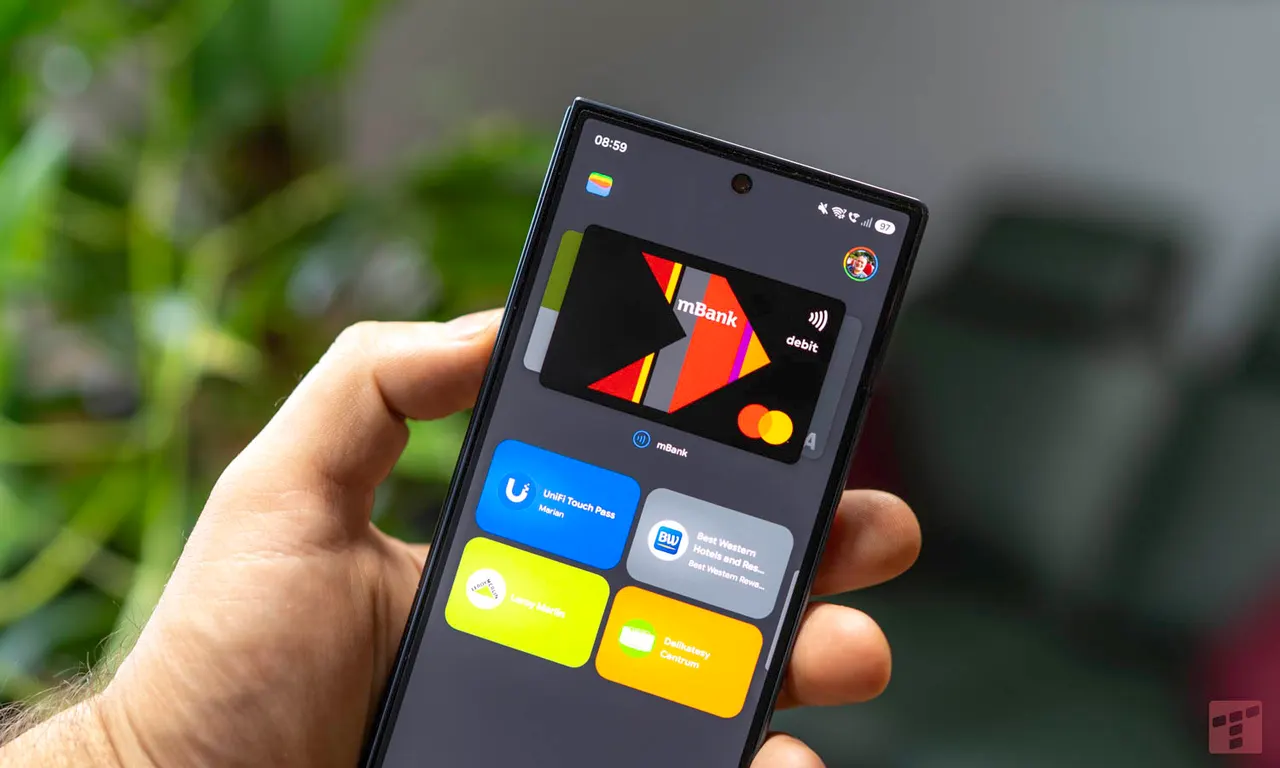
Google Wallet adds QR code payments for travelers abroad
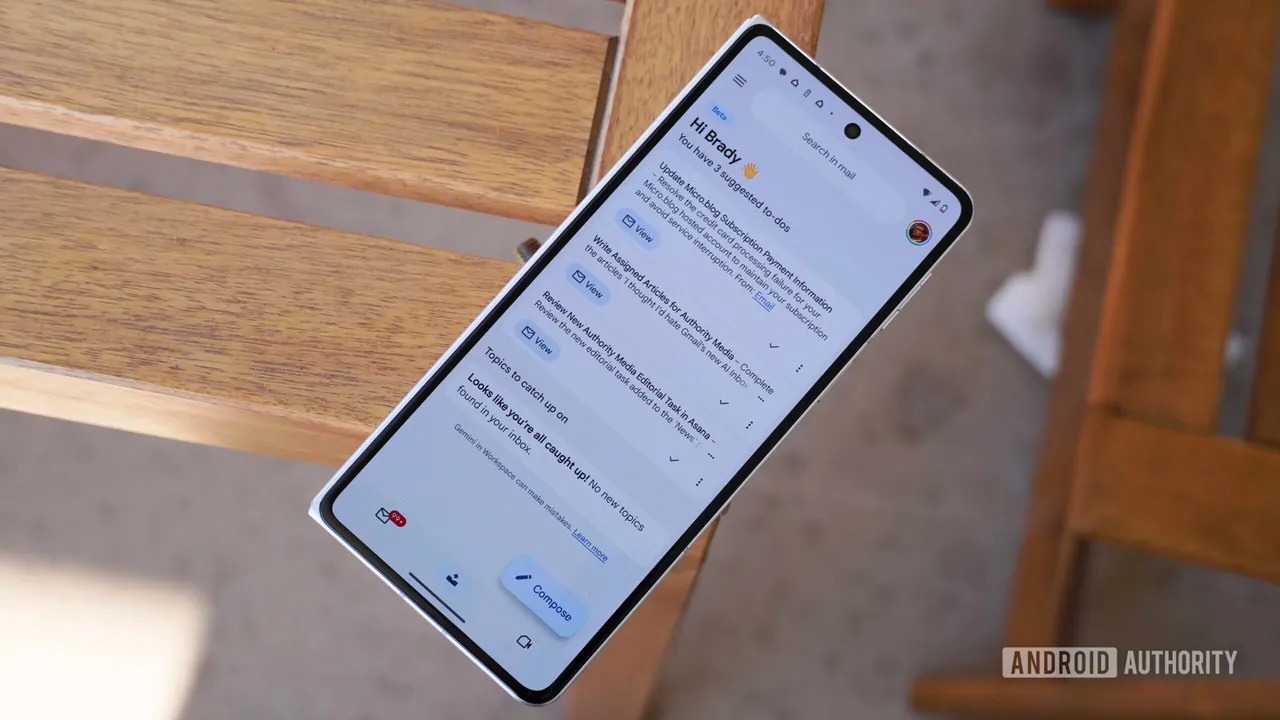
Gmail expands Gemini thread summaries and Help me write