Google Vids avatar: make a free video double of yourself
Google Vids now lets anyone with a personal Google account build a video avatar of themselves from a face scan, no paid plan needed.

 SUMO· the number puzzle
 Dialo· learn languages by speaking
 ediviewer· read EDI files like documents
 giftdetect· the right gift in minutes
You can now make a digital copy of yourself in Google Vids without paying a cent. The avatar feature, which used to sit behind a paywall, is open to anyone with a personal Google account.
Google introduced it in July, built on Gemini Omni. Until now you needed a Google AI Pro or Ultra subscription, or a Google Workspace business account. That restriction is gone.
How does the Google Vids avatar work?
Open the Google Vids web page and you will find a new section for digital avatars. There are two routes. You can describe your avatar by picking a series of characteristics, or you can upload a photo of yourself so the avatar looks like you.
Once the look is settled, you give it a voice. Here Google does not offer to clone yours. You choose from several preset voices instead.
Then you name the avatar. It lands in a section called "My avatars", and you can reuse it across different video projects.
Is the Google Vids avatar free?
Yes, for anyone with a personal Google account. The paid tiers were the only way in before, so this is a real change for casual users who just want a talking presenter in a short video without filming themselves each time.
The limit worth knowing about is the voice. Your avatar will look like you, but it will not sound like you, at least for now. It will speak with one of Google's ready-made voices.
Apps worth a look
SUMO: the number puzzleTap the right tiles, add them up, hit the target. Easy to learn, hard to master. Free, for all ages.
Dialo: learn languages by speakingTalk to an AI conversation partner; every sentence comes back corrected and explained in your language. 9 languages, A1 to C2.
ediviewer: read EDI files like documentsOpen EDIFACT and X12 messages, see every segment explained, convert to JSON/XML, export PDF and Excel. Runs locally, no upload.
giftdetect: the right gift in minutesPick who it is for, the occasion and their personality. The search engine reads product descriptions from local shops and ranks what fits. Free, no sign-up.
More from this day
See all →
Project Ares electric motorcycle: $20,000 and no fast charging
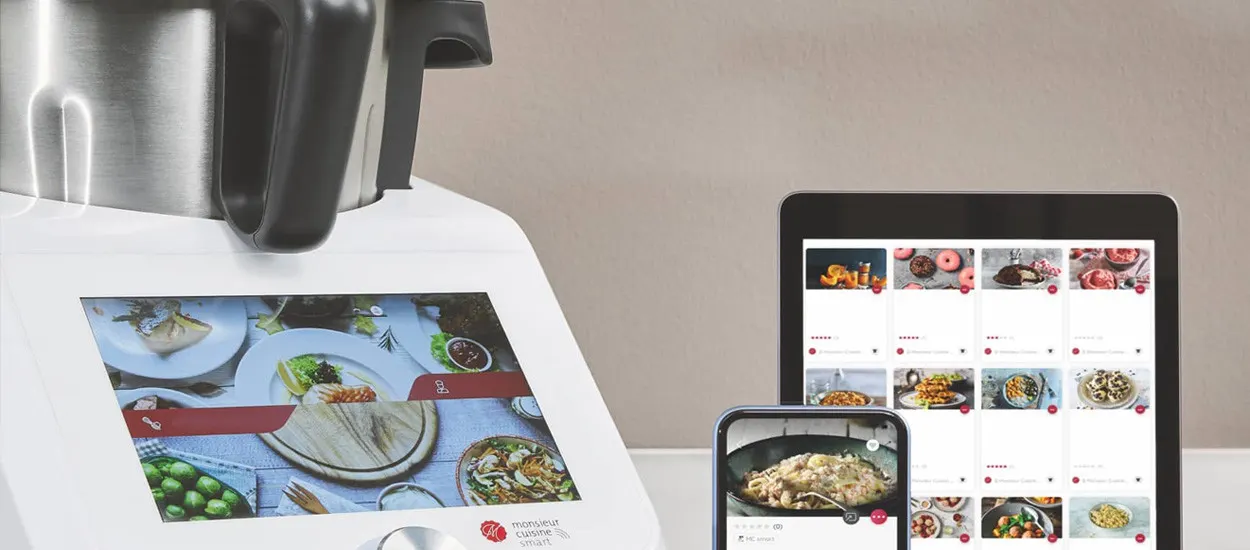
Lidlomix running slow? A light app called Toque may fix it

WoW Forever gold bug: Blizzard suspends accounts over 100 gold an hour