Europol seizes 6 million stolen logins: how to check yours
Europol took down Gootloader, CastleRAT and StealC and found over 6 million stolen credentials on the servers. Here is how to check if yours are among them.

 SUMO· the number puzzle
 Dialo· learn languages by speaking
 ediviewer· read EDI files like documents
 giftdetect· the right gift in minutes
Police have found more than 6 million stolen logins on servers belonging to cybercriminals, and you can check whether yours are among them for free. Europol announced on Thursday 12 November that it had dismantled the infrastructure behind three pieces of malware: Gootloader, CastleRAT and StealC.
Law enforcement from nine countries, including Germany, the Netherlands, the United Kingdom and the United States, worked with cybersecurity companies on the operation. They seized 235 servers and 257 domain names. It is part of Operation Endgame, which Europol calls the largest international effort ever against the enablers of ransomware.
What did the three malware strains do?
All three were rented out to other criminals for a subscription paid in cryptocurrency. Gootloader hid mostly in fake legal documents posted on compromised websites, often WordPress sites. Download one and your computer was quickly infected, which could end with a ransomware installation. Investigators neutralised more than 650 websites used to spread it.
CastleRAT, which appeared last year, gave attackers full remote control of a machine. Europol says it led to encrypted data, paralysed systems and ransom payments from companies and organisations. StealC was built to grab passwords, logins and stored "digital identities" from infected computers.
The haul on the servers was the 6 million credentials. According to the authorities, the suspects sold them, and buyers then used them in further attacks.
How can you check if your data was stolen?
Data taken by CastleRAT will be passed to several cybersecurity platforms, including Have I Been Pwned, the free site run by researcher Troy Hunt. Enter your email address on its home page. A green message means it appears in no known leak. A red warning lists the breaches and the data exposed, such as your name, address or IBAN.
If you are listed, change the affected password immediately and turn on two-factor authentication wherever it is offered.
Apps worth a look
SUMO: the number puzzleTap the right tiles, add them up, hit the target. Easy to learn, hard to master. Free, for all ages.
Dialo: learn languages by speakingTalk to an AI conversation partner; every sentence comes back corrected and explained in your language. 9 languages, A1 to C2.
ediviewer: read EDI files like documentsOpen EDIFACT and X12 messages, see every segment explained, convert to JSON/XML, export PDF and Excel. Runs locally, no upload.
giftdetect: the right gift in minutesPick who it is for, the occasion and their personality. The search engine reads product descriptions from local shops and ranks what fits. Free, no sign-up.
More from this day
See all →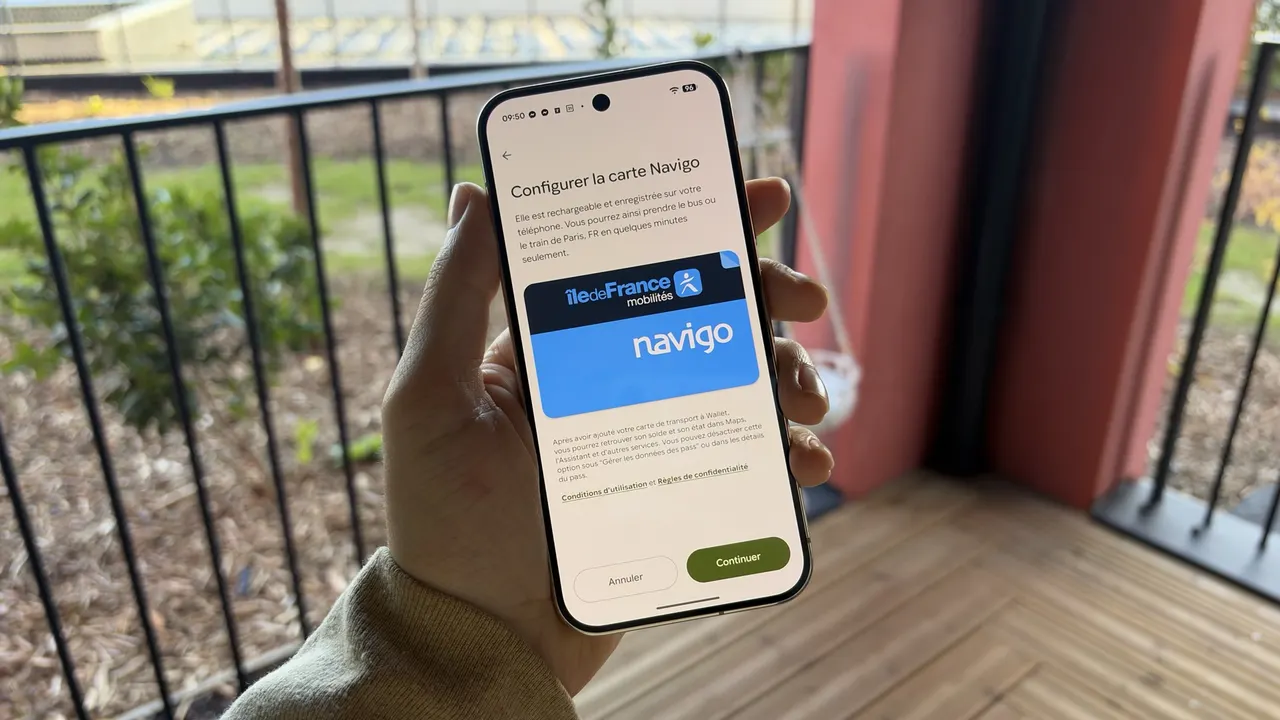
Navigo on Android moves to Google Wallet, up to 20 cards per phone
Samsung, Google and Gentle Monster AI glasses sell out preorders

Samsung Electronics union count hits seven as a new one files