Canva AI off switch: how to turn off generative AI in Canva
Canva now lets Free and Pro users switch off generative AI features and reduce AI-made images in search results. A few AI-assisted tools stay on, though.
 SUMO· the number puzzle
 Dialo· learn languages by speaking
 ediviewer· read EDI files like documents
 giftdetect· the right gift in minutes
If you have been getting tired of AI everything in Canva, there is now a way out. The design platform has added a setting that turns its generative AI features off, plus a second one that cuts down on AI-made images in your library. Both are available to Free and Pro users.
The first control switches all generative AI features off or on in one go. The second is more modest: it "reduces" the odds that an AI-generated image from Canva shows up when you search the library. Canva does not claim it will block them completely.
How to turn off generative AI in Canva
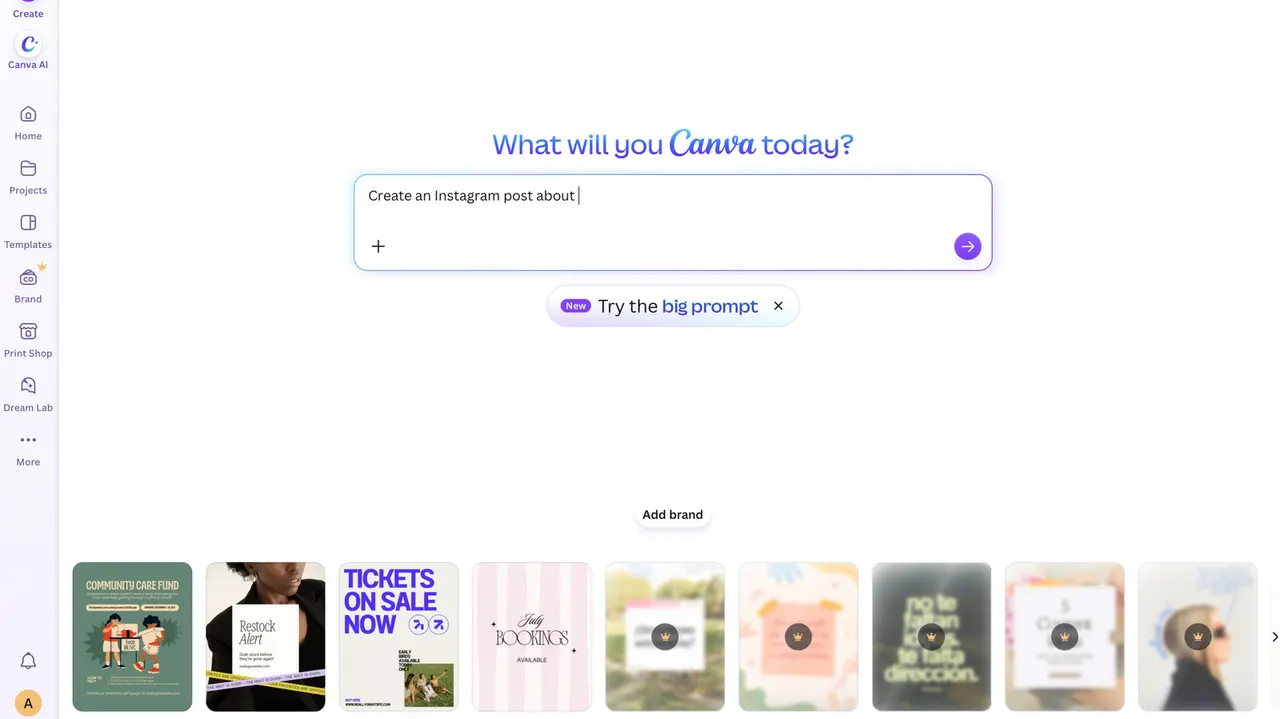
Both settings live under the profile tab. For the platform-wide switch, open the settings menu, go to the "permissions" section and look for "Enable generative AI features." For the library setting, go to "Your Account" and then the AI personalization section.
Which AI tools stay on?
Some tools that sound like AI will still be there after you flip the switch. Background Remover and Magic Grab keep working, because they do not use generative AI. They work with what is already in an existing image rather than creating new content. Using them also does not add an AI tag to the image's metadata, the hidden information stored inside the file.
Canva, like most platforms, has stacked up AI tools and integrations over the past year. This is the first time it has offered users a way to strip most of that out. If you want a cleaner, AI-free workspace, the settings are a couple of clicks away. If you want zero AI-made images in search, the wording suggests you may still see the odd one.
Apps worth a look
SUMO: the number puzzleTap the right tiles, add them up, hit the target. Easy to learn, hard to master. Free, for all ages.
Dialo: learn languages by speakingTalk to an AI conversation partner; every sentence comes back corrected and explained in your language. 9 languages, A1 to C2.
ediviewer: read EDI files like documentsOpen EDIFACT and X12 messages, see every segment explained, convert to JSON/XML, export PDF and Excel. Runs locally, no upload.
giftdetect: the right gift in minutesPick who it is for, the occasion and their personality. The search engine reads product descriptions from local shops and ranks what fits. Free, no sign-up.
More from this day
See all →
GPT-6.2 complaints: users call OpenAI's model lazy and forgetful

Google AI Mode temporary threads: incognito-style search

Arcom rules YouTubers must give all 2027 candidates equal time